Optical zoom
Smooth Full HD
Plug and play
Presets
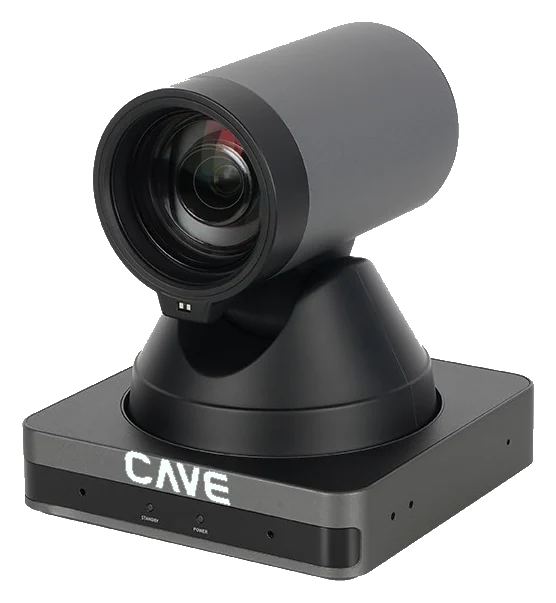
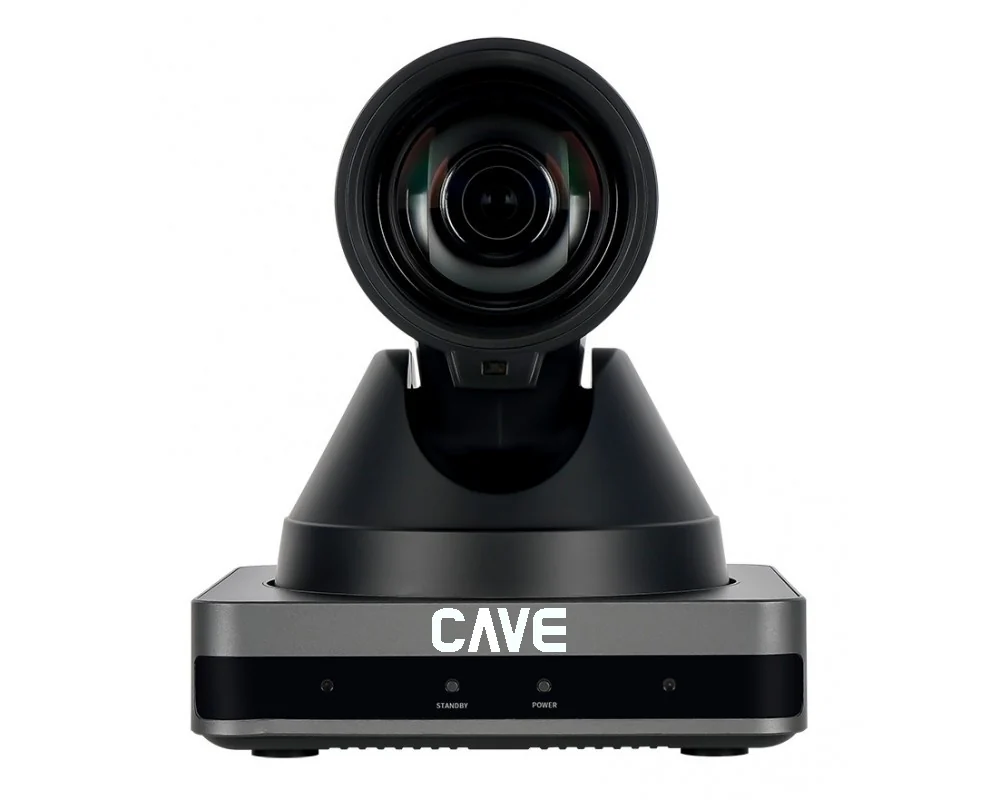
A12 is an entry-level 1080p PTZ camera with 12× optical zoom. The connections are simple: USB to the computer, HDMI to a display. It suits a room moving up from a webcam to PTZ for the first time, and it is the camera used in the UCB video bundles.
0112× optical zoom
What a webcam can't do: move in close.
A 72.5° to 6.9° horizontal view at 1080p 60fps. People at the back stay sharp when you zoom in optically, where digital zoom would blur.
02USB plug and play
One USB cable and the meeting starts.
USB 3.0 connects to a computer with no driver to install, and works directly in Teams, Google Meet and Zoom. HDMI output can feed a display at the same time.
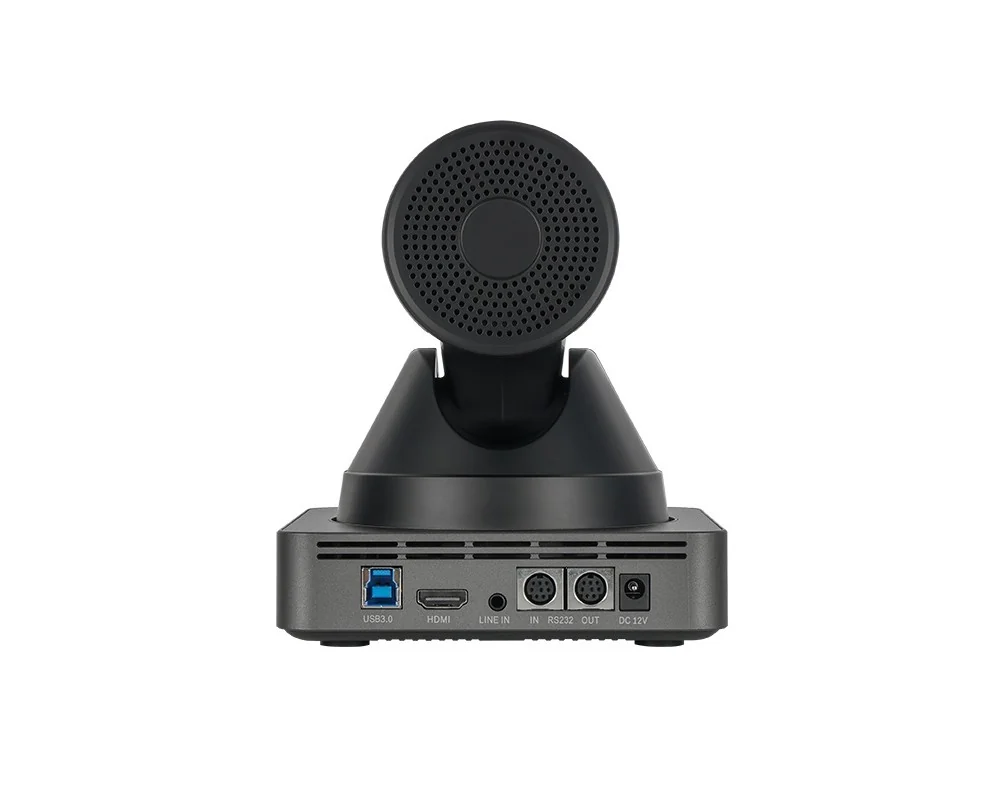
03Presets
Save the positions you use most.
Up to 255 preset positions can be stored, and the included remote switches between the wide shot and close-ups.
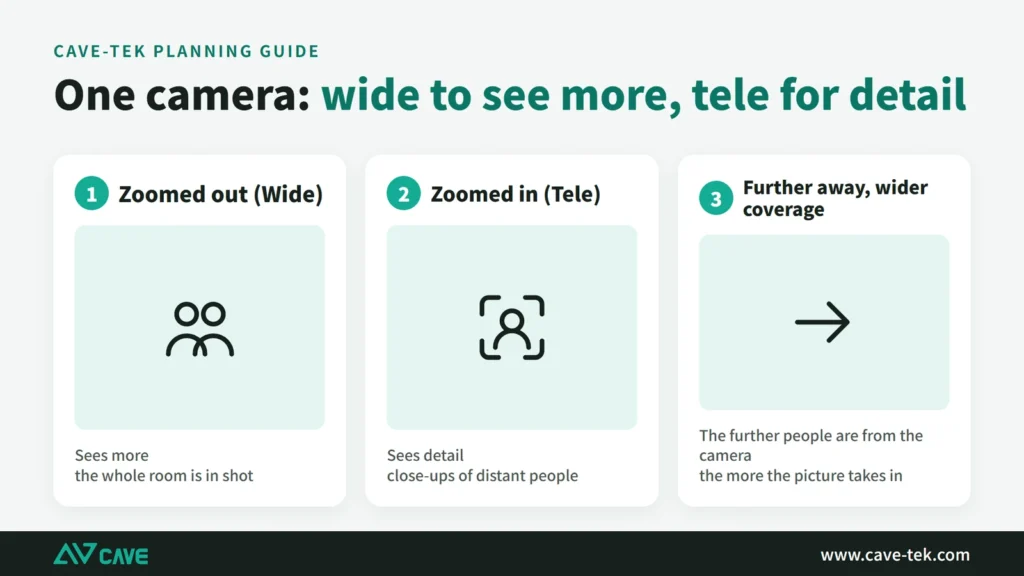
04A basic PTZ
Simple to use, nothing extra to set up.
A12 is designed to be simple: connect USB and operate it with the included remote. If the room needs control-system integration, network streaming or PoE power, choose S12+ or a model above it.
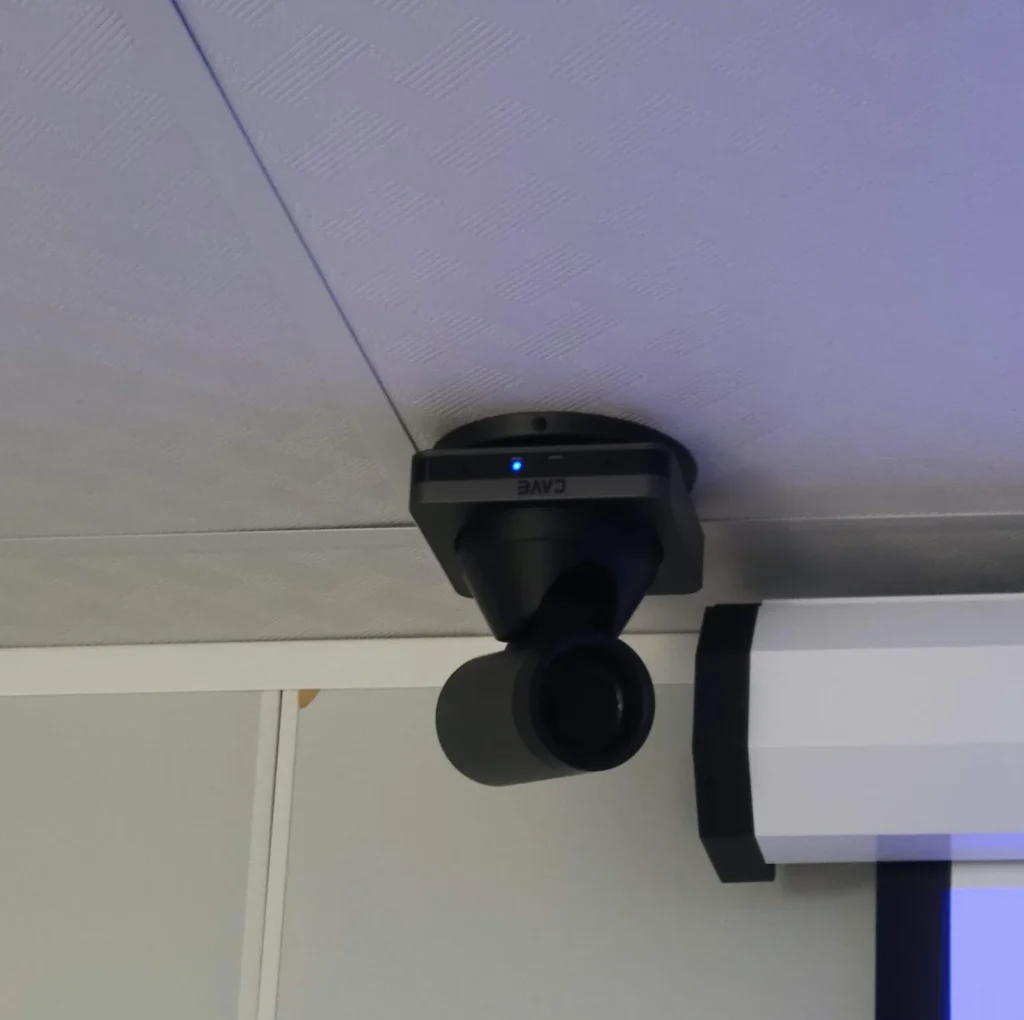
05UCB video bundles
With SM-500 it makes a complete meeting set.
A12 is the camera in the UCB video bundles. Paired with one to four SM-500 wireless speakerphones according to room size, it covers both picture and sound.
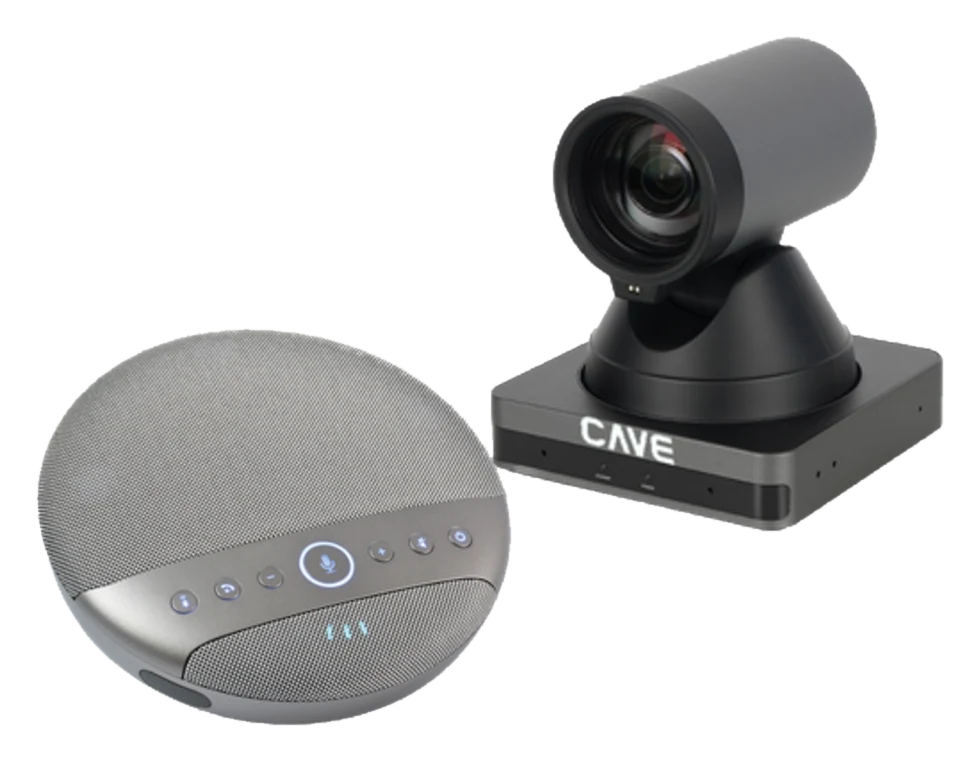
Design
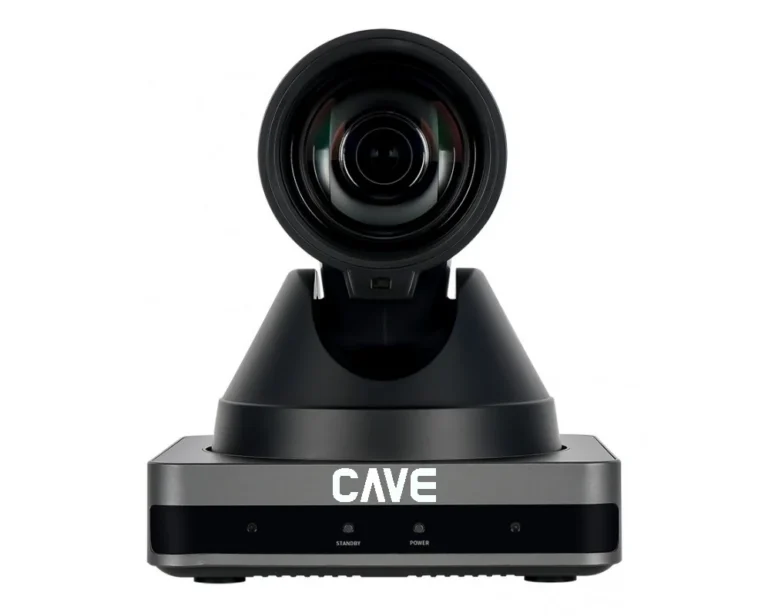
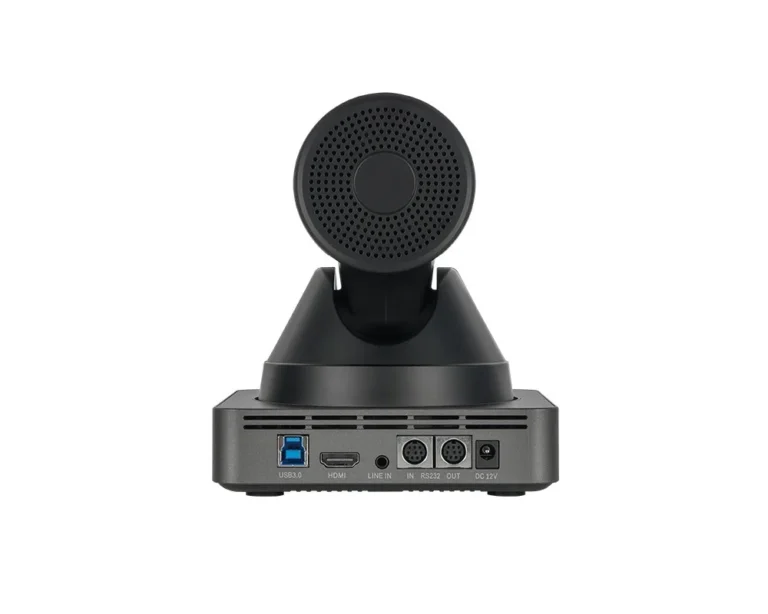
Tech SpecsTranslated from the Chinese spec sheet — pending review
Camera
- Video System
- 1080P@60/50/30/25fps, 720P@60/50fps
- Image Sensor
- 1/2.8'' CMOS
- Lens characteristics
- 12x optical zoom, f=3.5 mm to 42.3 mm, F1.8 to F2.8; Horizontal FOV: 72.5° to 6.9°, Vertical FOV: 44.8° to 3.9°, Shutter 1/30s ~ 1/10000s
- Video S/N, Minimal Illumination
- ≥55dB, 0.5 Lux @ (F1.8, AGC ON)
- Advanced camera processing
- Autofocus, White Balance (Auto, Indoor, Outdoor, One Push, Manual), Backlight Compensation, 2D & 3D Digital Noise Reduction
- Pan / Tilt Angle and Speed
- Pan: ±170°, speed: 1.7° to 75°/sec Tilt: ±30°, speed: 0.5° to 15°/sec
- Presets and Accuracy
- 255, 0.1°
- Camera Control Protocol
- VISCA/Pelco-D/Pelco-P (RS-232), UVC (USB)
USB Feature
- Operation System
- Windows® 7 (1080P or lower resolution), Windows 8.1, Windows 10 or higher macOS™ 10.10 or higher Google™ Chromebook™ 29.0.1547.70 or higher
- Color System / Compression
- YUY2, MJPEG
- USB Video Communication Protocol
- UVC 1.0, PTZ Control.
Interface
- Video Output
- 1xHDMI (Version 1.4)
- Audio Input
- 1x Line In (3.5mm audio jack)
- USB Interface
- 1xUSB 3.0 (Type B)
- Communication Interface
- 2xRS232 In/Out (8pin Mini DIN)
- Power Jack
- JEITA Type (DC IN 12V)
General specification
- Input Voltage
- DC 12V
- Power Consumption
- 12W (max)
- Temperature Range
- Operating: -10°C ~ 40°C Storage: -40°C ~ 60°C
- Dimension (WxDxH)
- 128.5mm x 118mm x 156.2mm
- Weight
- 1.17Kg
Inside the box
- Package
- Camera, Power Adaptor, Remote Control, Quick Start Guide, Warranty Card
Specifications are subject to change without notice.
Downloads
FAQ
How is A12 different from S12+?
Both are 1080P with 12× optical zoom. A12 is the basic model: USB to the computer, HDMI to a display, operated with the remote, for rooms that simply hold video meetings. S12+ adds a network port for streaming and for VISCA over IP or ONVIF control, plus RS-485 and PoE. If the room needs control-system integration, choose S12+ or a model above it.
Does A12 need a driver?
No. A12 connects by USB 3.0 using the UVC standard and works directly in Teams, Google Meet and Zoom.
Does A12 support PoE?
No. A12 is powered by the supplied DC 12V adaptor. If you need PoE, choose S12+.
Related guides
What Is a PTZ Camera? Pan, Tilt and Zoom Explained in Plain Words
You hear "PTZ camera" in meeting rooms, classrooms and halls. How does it differ from an ordinary webcam? This guide takes it apart: how it turns, how it zooms, what presets are, how to control it and how the picture gets out.
What equipment does a video meeting room need? Cameras, speakers and microphones explained
Three things ruin a video meeting: you can't hear them, they can't hear you, and the picture is a blur. Here is a plain-English walk through what a meeting room needs and how the pieces fit together.
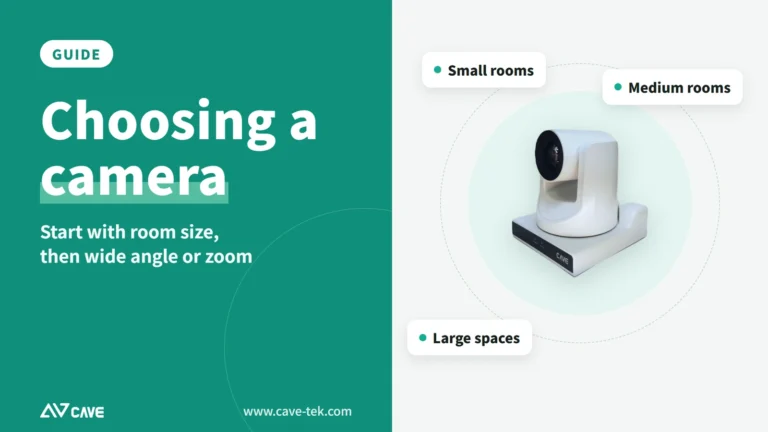
How to choose a meeting-room camera: 8 things to check, starting with room size
The camera is the most visible part of a video meeting. Whether remote people can see everyone, and see them clearly, depends on it. Work through these 8 points before you choose.