Optical zoom
Plug and play
Presets
Control integration
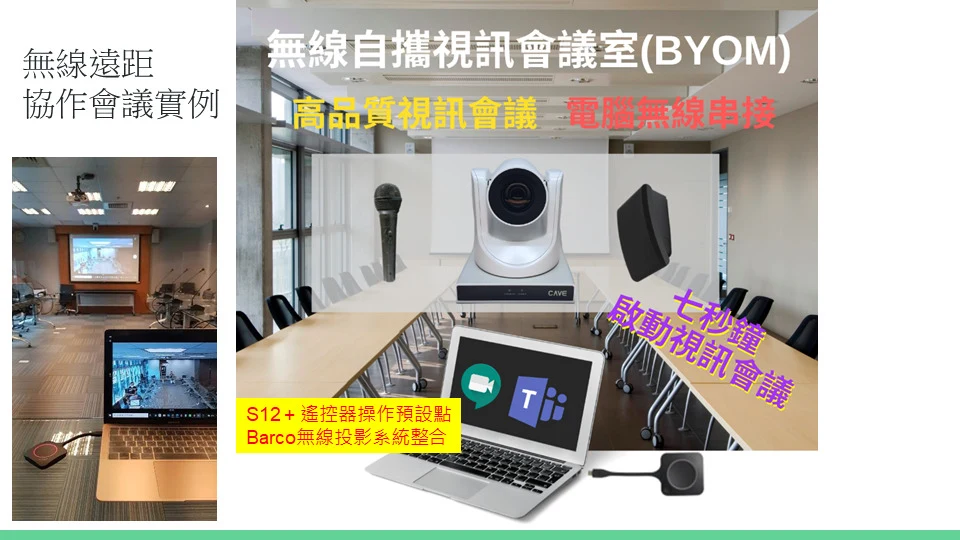
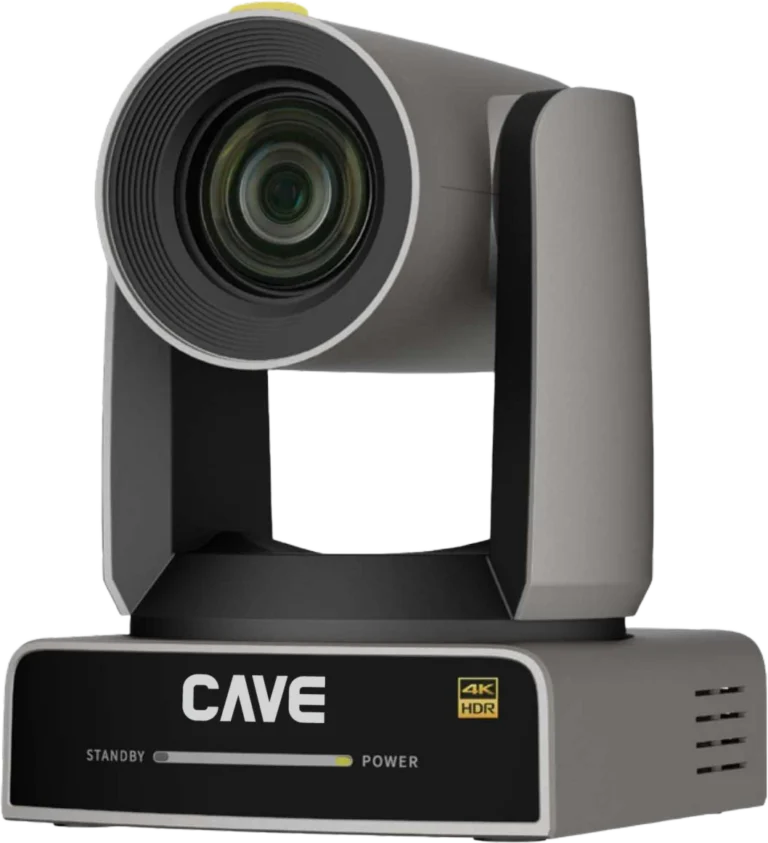
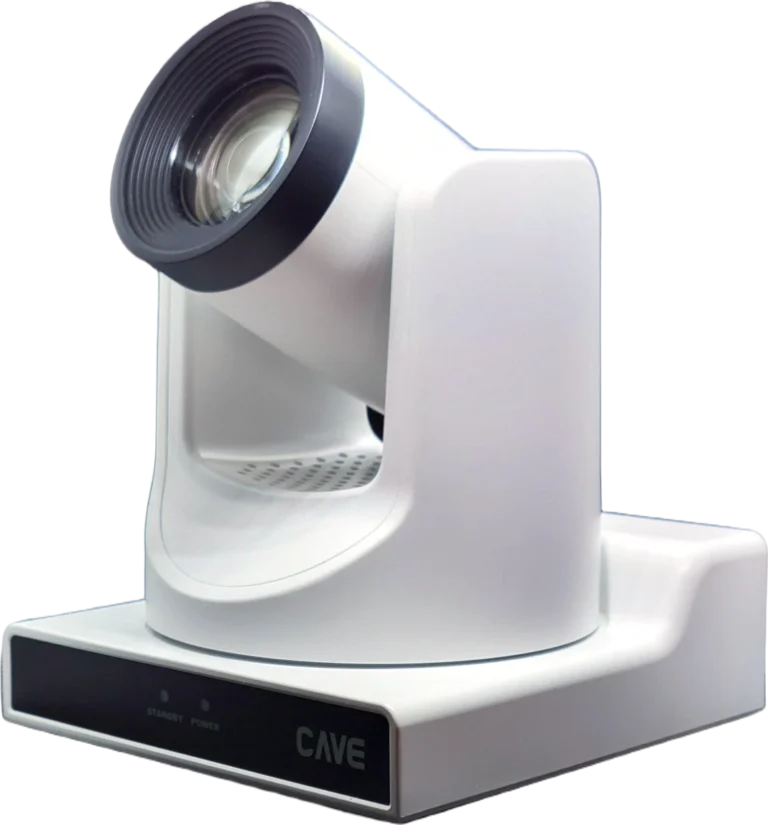
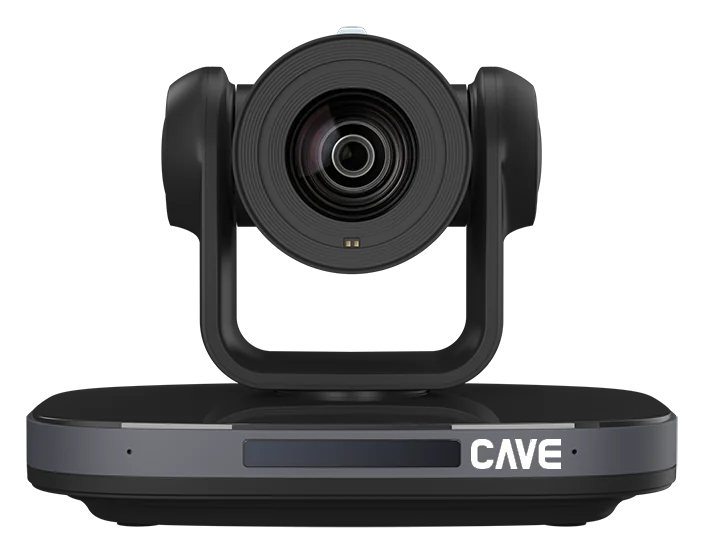
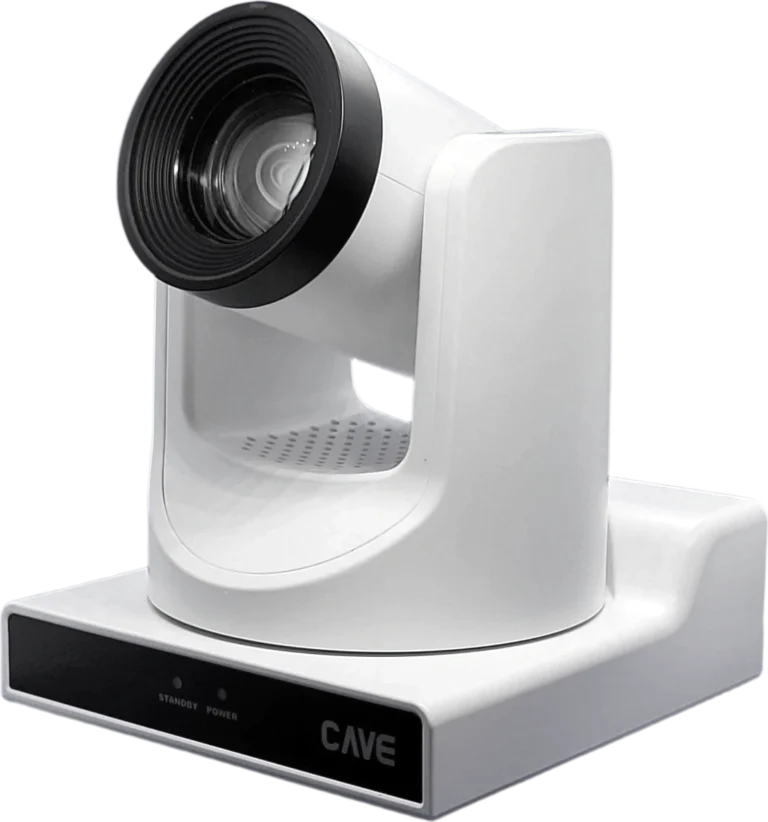
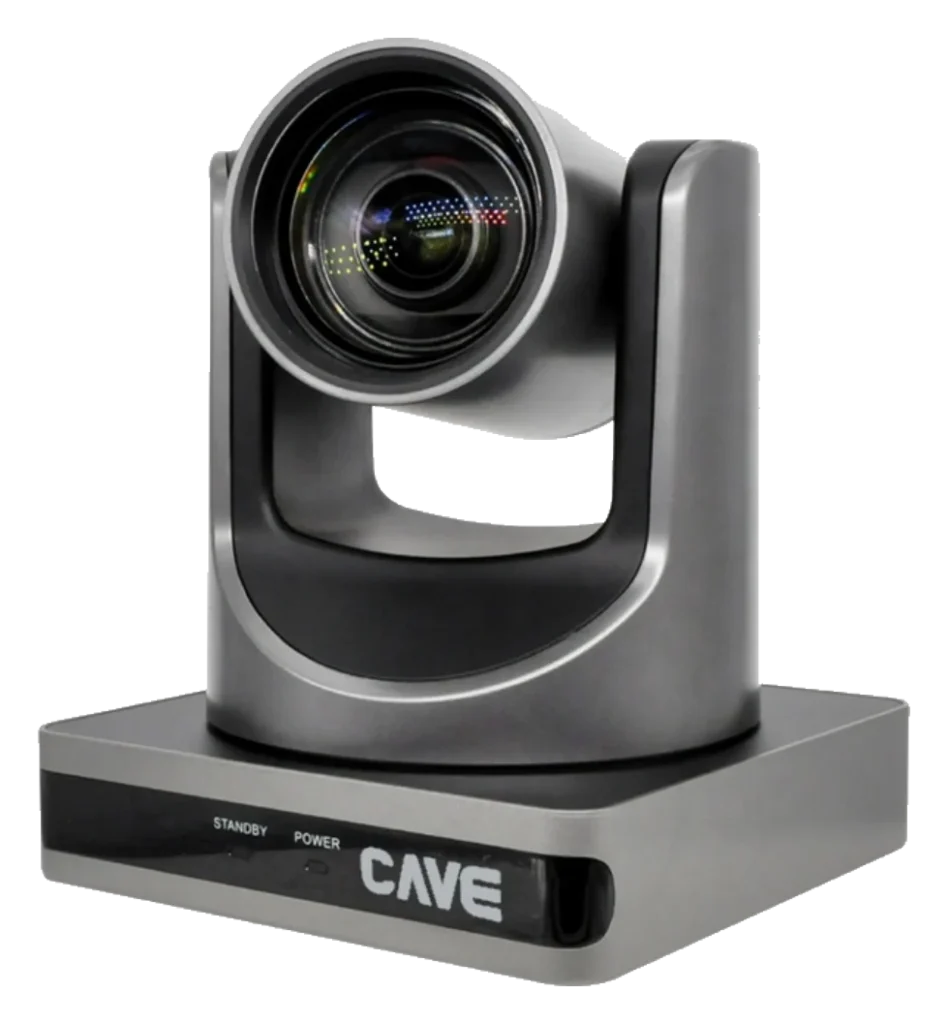
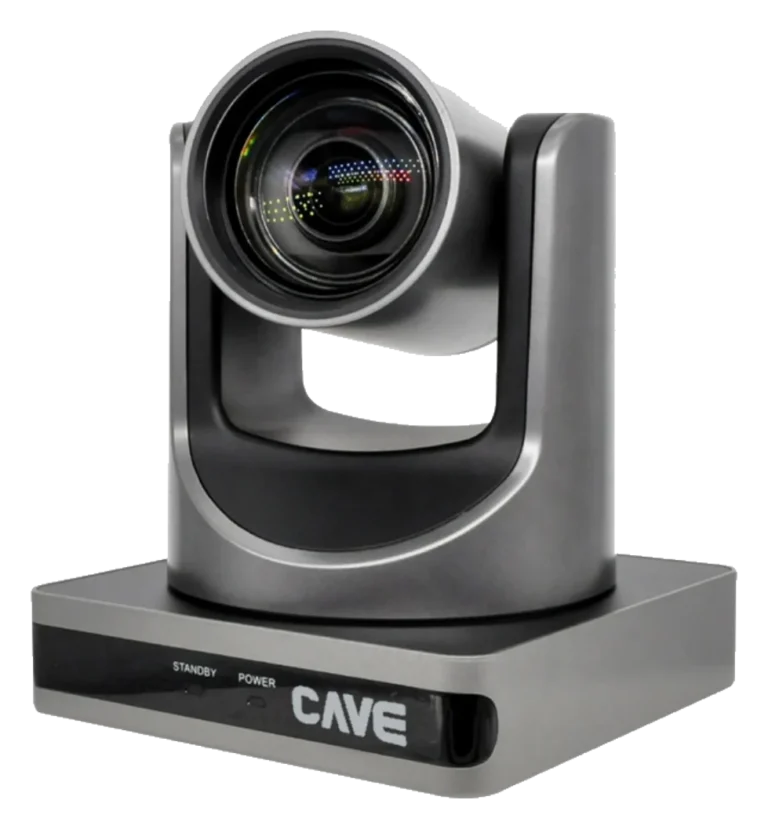
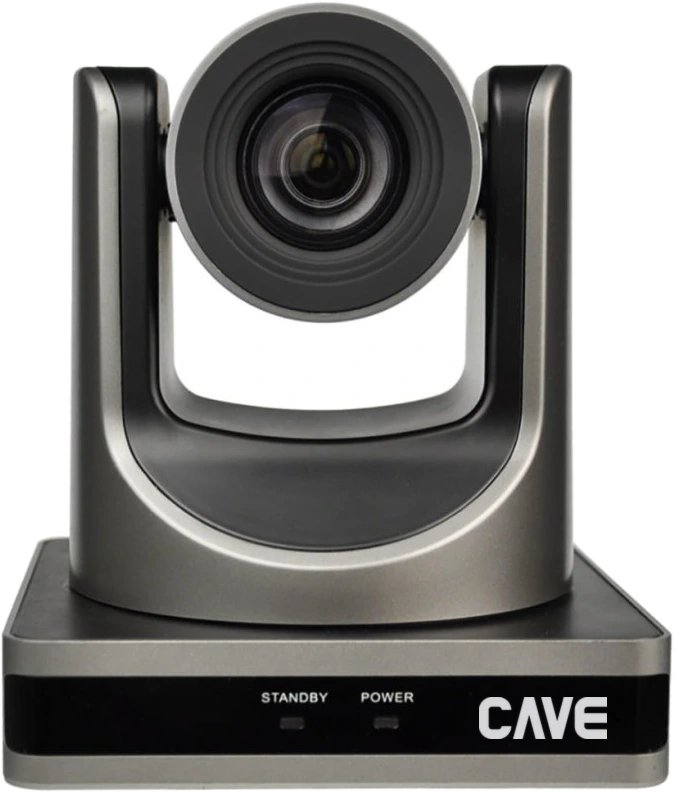
S12+ is a 1080p PTZ conference camera with 12× optical zoom, and the most common choice for medium meeting rooms. Plug USB into a computer for Teams, Google Meet and Zoom, and switch between preset camera positions from the remote or a room control system. The older S12 has been discontinued and S12+ replaces it; the S12 brochure and manuals are still in the downloads section below.
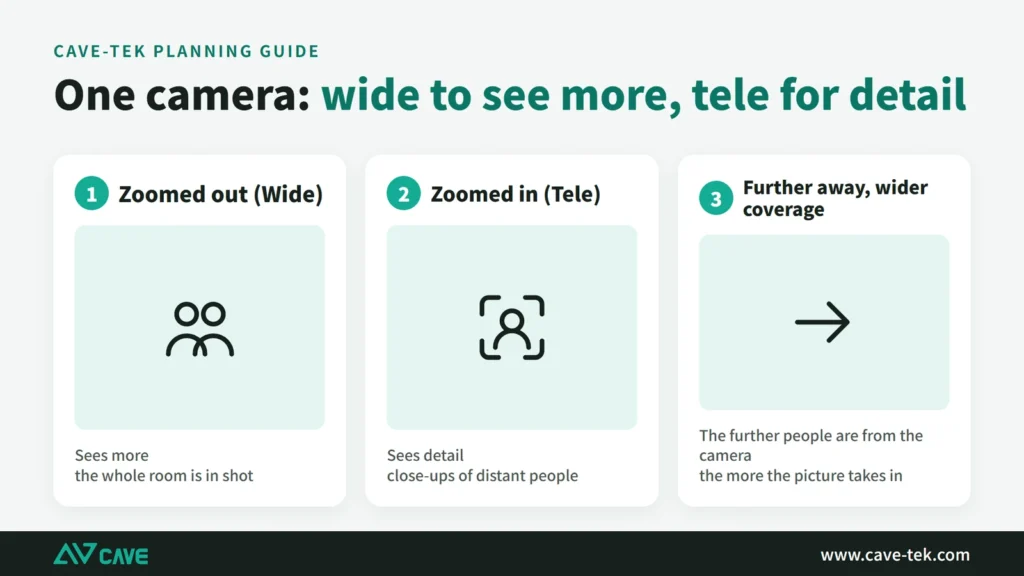
0112× optical zoom
People at the back, just as clear up close.
The horizontal view runs from 72.5° to 6.9°. Wide, it takes in the whole table; zoomed in, it reaches whoever is speaking in the last row, and because the zoom is optical the picture doesn't degrade.
02USB plug and play
Connect to a computer and start the meeting.
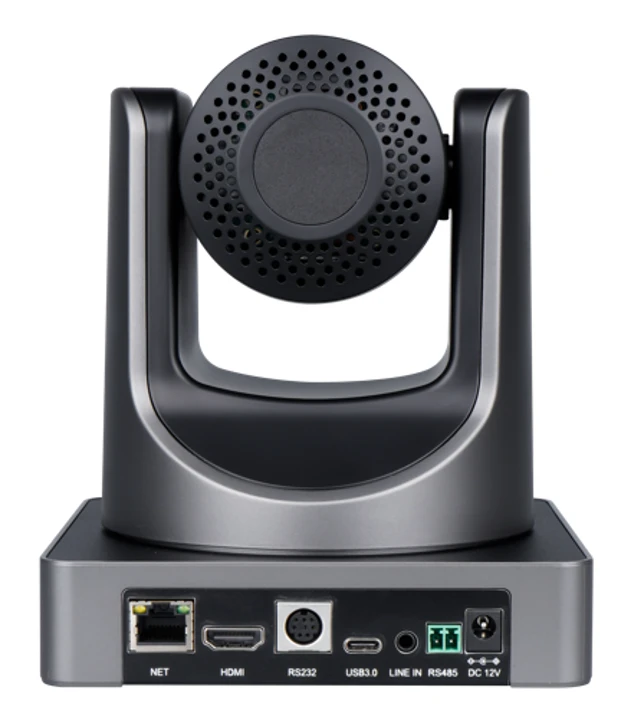
USB 3.0 Type-C connects to a computer with no driver to install, on Windows, macOS and ChromeOS. There is also HDMI output and network streaming (RTSP, RTMP), so you can feed a display or record during the meeting.
03255 presets
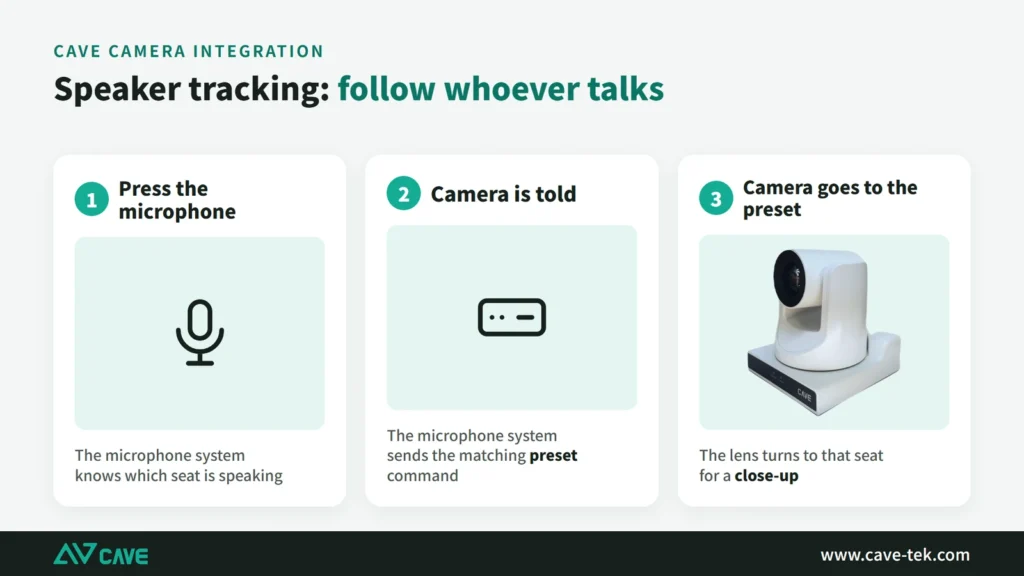
One press takes you to whoever is speaking.
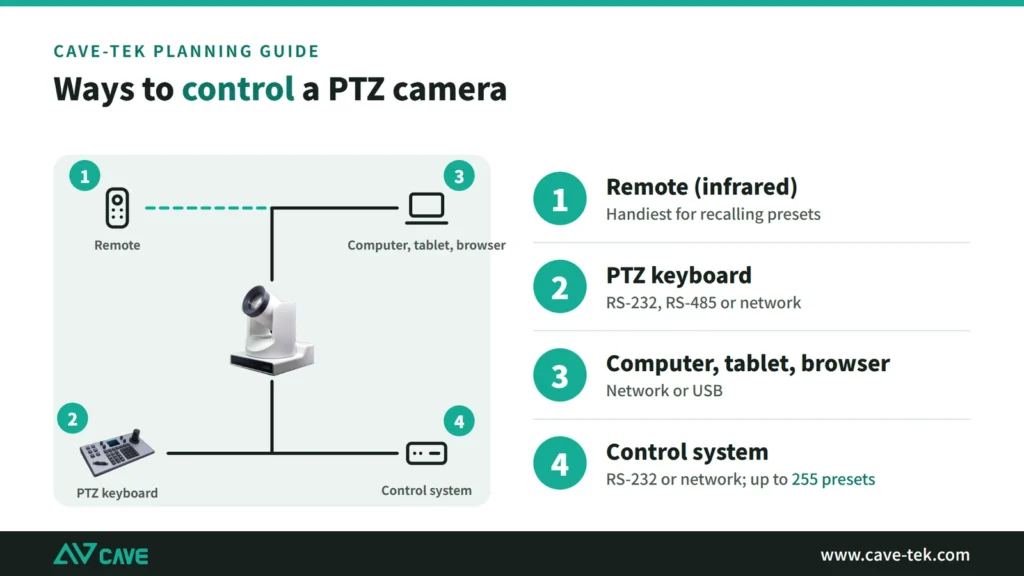
Save positions such as the chair, the whiteboard and the whole room. The remote recalls 10; a keyboard or control command recalls up to 255. The pan-tilt head moves quietly and doesn't disturb the meeting.
04Easy to integrate
Works with room control and with a keyboard.
It supports RS-232 and RS-485 (VISCA, Pelco-D, Pelco-P), VISCA over IP and ONVIF, for use with a room control system or a CAVE K10 or K20 keyboard. PoE (802.3af) is supported.
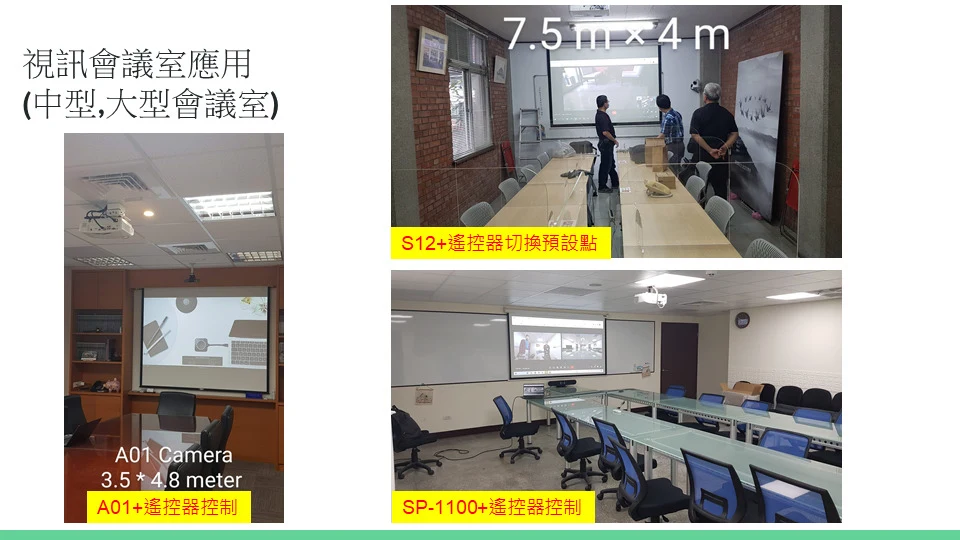
05A real installation
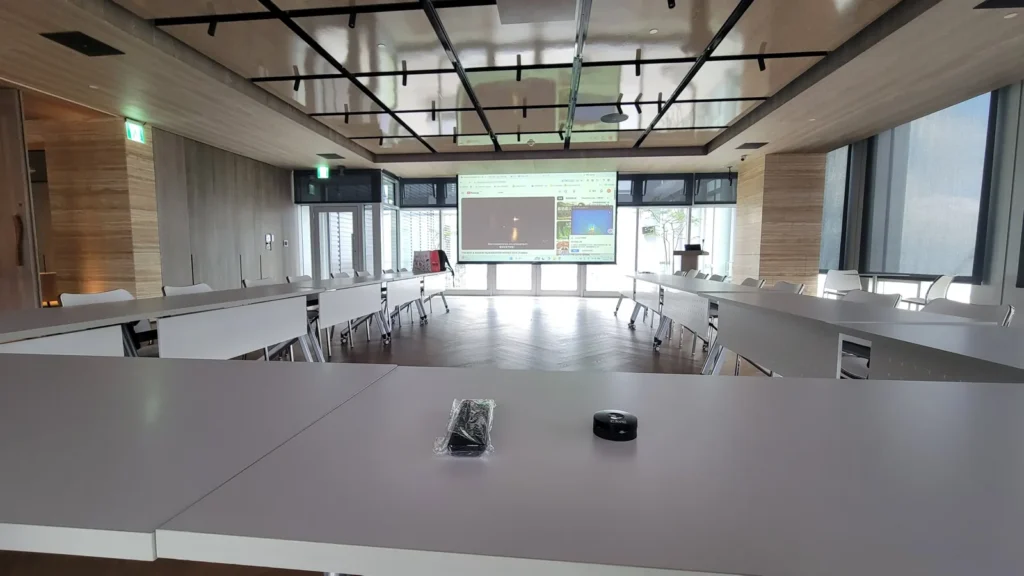
On the ceiling, with the tables left clear.
The photo shows an S12+ hung from the ceiling at the front of a meeting room. Nothing sits on the table and nobody blocks the view. With PoE, only one network cable runs to the ceiling.
Videos

Design
Tech Specs
Camera
- Video System
- 1080P@60/50/30/25fps, 1080I@60/50fps, 720P@60/50fps
- Image Sensor
- 1/2.7'', Low Noise CMOS Image Sensor
- Lens characteristics (wide to tele)
- 12x optical zoom, f=3.5 mm to 42.3 mm, F1.8 to F2.8; Shutter 1/30s ~ 1/10000s, Diagonal FOV: 83.2° to 7.9°, Horizontal FOV: 72.5° to 6.9°, Vertical FOV: 44.8° to 3.9°
- Video S/N, Minimal Illumination
- ≥55dB, 0.5 Lux @ (F1.8, AGC ON)
- Advanced camera processing
- Autofocus, White Balance (Auto, Indoor, Outdoor, One Push, Manual) Backlight Compensation, 2D&3D Digital Noise Reduction
- Pan / Tilt Angle and Speed
- Pan: ±170° rotation, speed: 1.7° to 100°/sec, Tilt: -30° to +90° rotation, speed: 1.7° to 69.9°/s
- Camera Control Protocol
- VISCA/Pelco-D/Pelco-P (RS-232/RS-485), VISCA over IP (RJ-45), ONVIF (RJ-45), UVC (USB)
USB Feature
- Operation System
- Windows® 7 (1080P or lower resolution), Windows 8.1, Windows 10 or higher macOS™ 10.10 or higher Google™ Chromebook™ / ChromeOS 29.0.1547.70 or higher
- Color System / Compression
- YUV 4:2:2 H.264 / MJPEG
- USB Video Communication Protocol
- UVC 1.0, PTZ Control.
IP Camera
- Video Compression
- H.265/H.264/MJPEG
- Video Bit Rate and Type
- 128Kbps ~ 8192Kbps, Variable and Fixed Rate
- Audio Compression and Bit Rate
- AAC, 48/64/96/128 Kbps
- Support protocols
- TCP/IP, HTTP, RTSP, RTMP, ONVIF, Multicast,
Interface
- Video Output
- 1xHDMI (1.4 version)
- Audio Input/Output
- 1xLine In (3.5mm audio jack)
- Network Interface
- 1xRJ-45 Ethernet (10M/100M)
- USB Interface
- 1xUSB 3.0 (Type C)
- Communication Interface
- 1xRS232 In (8pin Mini DIN), 1xRS485 (2pin Phoenix Port)
- Power Jack
- JEITA type (DC IN 12V)
General specification
- Input Voltage
- DC 12V / POE(802.3af)
- Power Consumption
- 12W (Max)
- Temperature Range
- Operating: -10°C ~ 40°C (14°F ~ 104°F) Storage: -40°C ~ 60°C (-40°F ~ 140°F)
- Dimension (WxDxH)
- 144mm x 144mm x 168mm
- Weight
- 1.17Kg
Inside the box
- Package
- Camera, Power Adaptor, Remote Control, Quick Start Guide, Warranty Card
Specifications are subject to change without notice.
FAQ
Can S12+ connect directly to a computer for meetings?
Yes. It connects by USB 3.0 Type-C with no driver to install, on Windows, macOS and ChromeOS, and can be selected directly in Teams, Google Meet and Zoom.
How many preset positions can S12+ store?
Up to 255. The remote control recalls 10 of them; a keyboard or control-system commands can use all 255.
Can S12+ connect to a room control system?
Yes. S12+ supports RS-232, RS-485 (VISCA, Pelco-D, Pelco-P), VISCA over IP and ONVIF, so it works with a control system or with the CAVE K10 and K20 keyboards.
Related guides
What Is a PTZ Camera? Pan, Tilt and Zoom Explained in Plain Words
You hear "PTZ camera" in meeting rooms, classrooms and halls. How does it differ from an ordinary webcam? This guide takes it apart: how it turns, how it zooms, what presets are, how to control it and how the picture gets out.
How to Plan a Hybrid Classroom: Lectures, Demonstrations and Discussions, With Remote Students Following Along
The teacher teaches in the classroom while some students join online at the same time. This guide uses three kinds of class (lecture, demonstration, discussion) to explain the cameras, microphones and controls for a hybrid classroom, and sorts out the terms.
Live Streaming and Recording for Churches and Worship Halls: A Setup One Person Can Run
A church wants to stream the Sunday service for people who cannot attend, but only one or two volunteers look after the equipment. This guide covers what to shoot, how to connect the sound and who runs what.
Installations