Ultra HD output
Optical zoom
2nd-gen auto tracking
Power & control over one cable
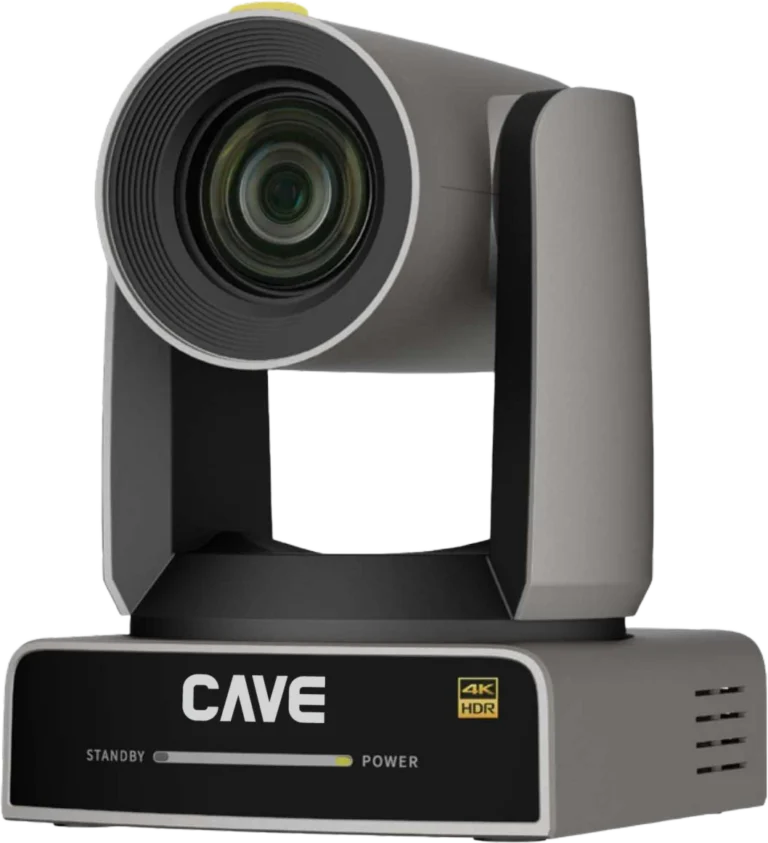
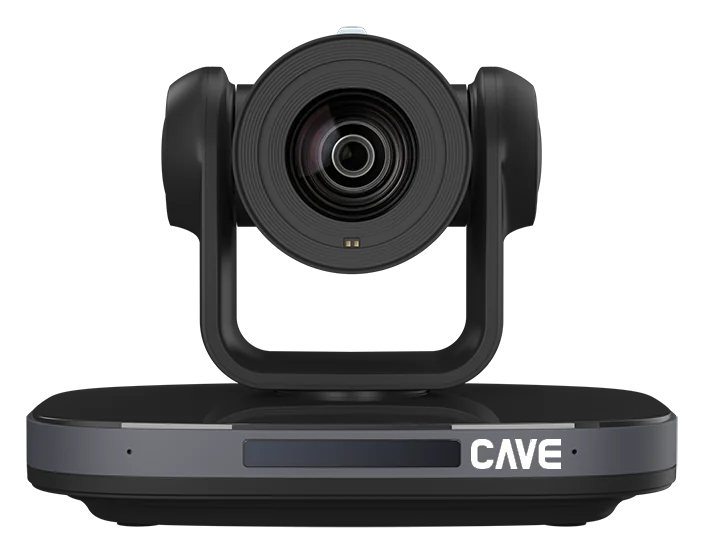
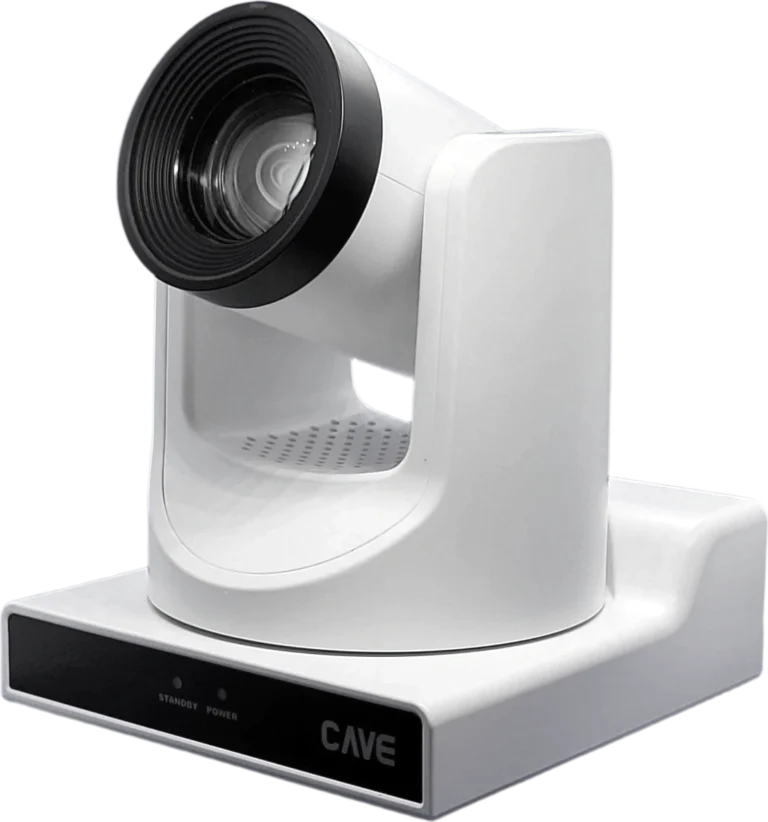
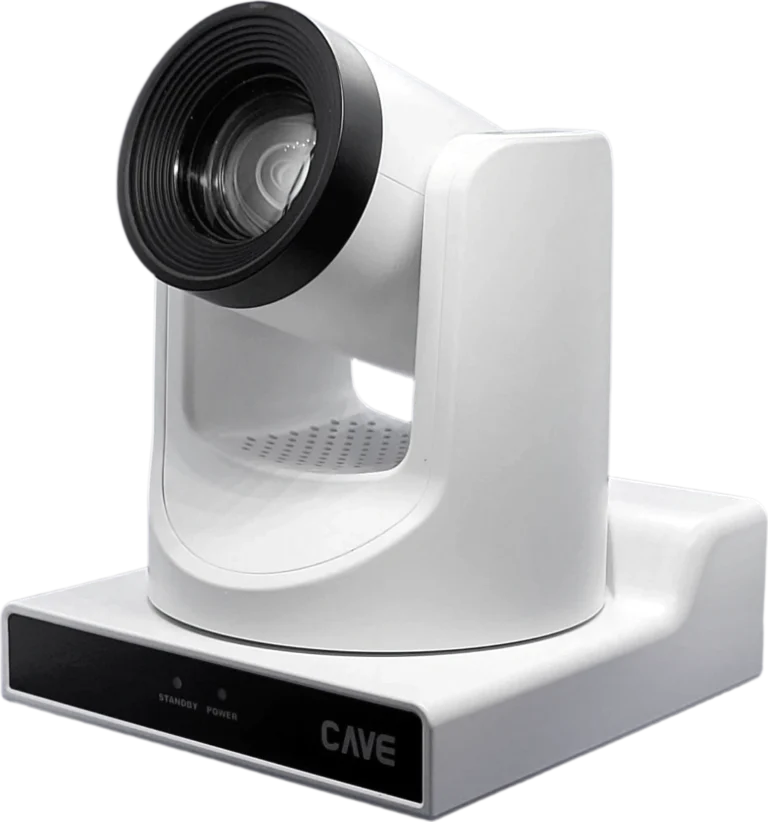
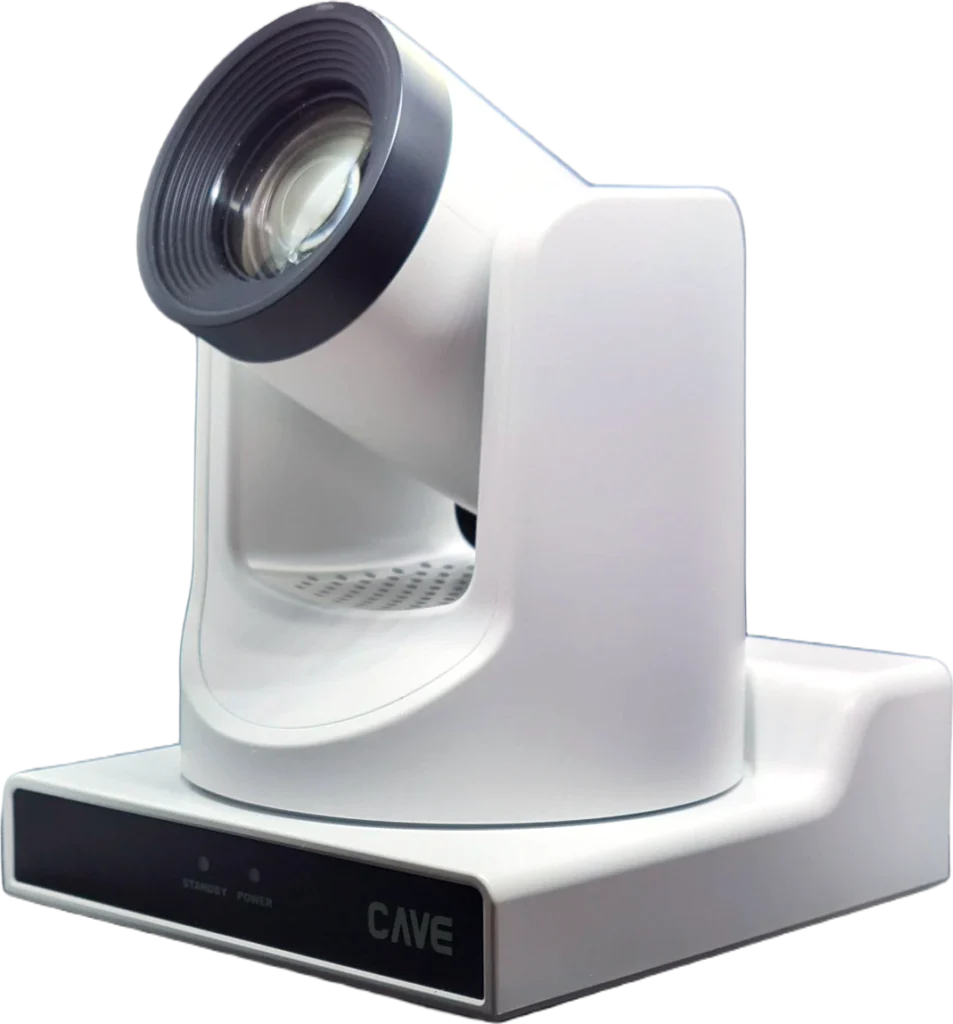
TX20i is CAVE's 4K AI tracking PTZ camera. With a 1/1.8-inch sensor and 20× optical zoom, it recognises and follows the presenter automatically — built for large meeting rooms, lecture theatres, auditoriums and live-streaming venues. One camera covers USB video conferencing, HDMI/SDI production and IP streaming.
014K imaging
A larger sensor. Every detail, clearly.
A 1/1.8-inch SONY 4K sensor delivers 4K at 60fps, so whiteboard handwriting and small slide details stay legible for remote viewers. With 0.5 Lux minimum illumination, the picture stays clean even in dim halls.
0220× optical zoom
From wide shot to close-up. One camera.
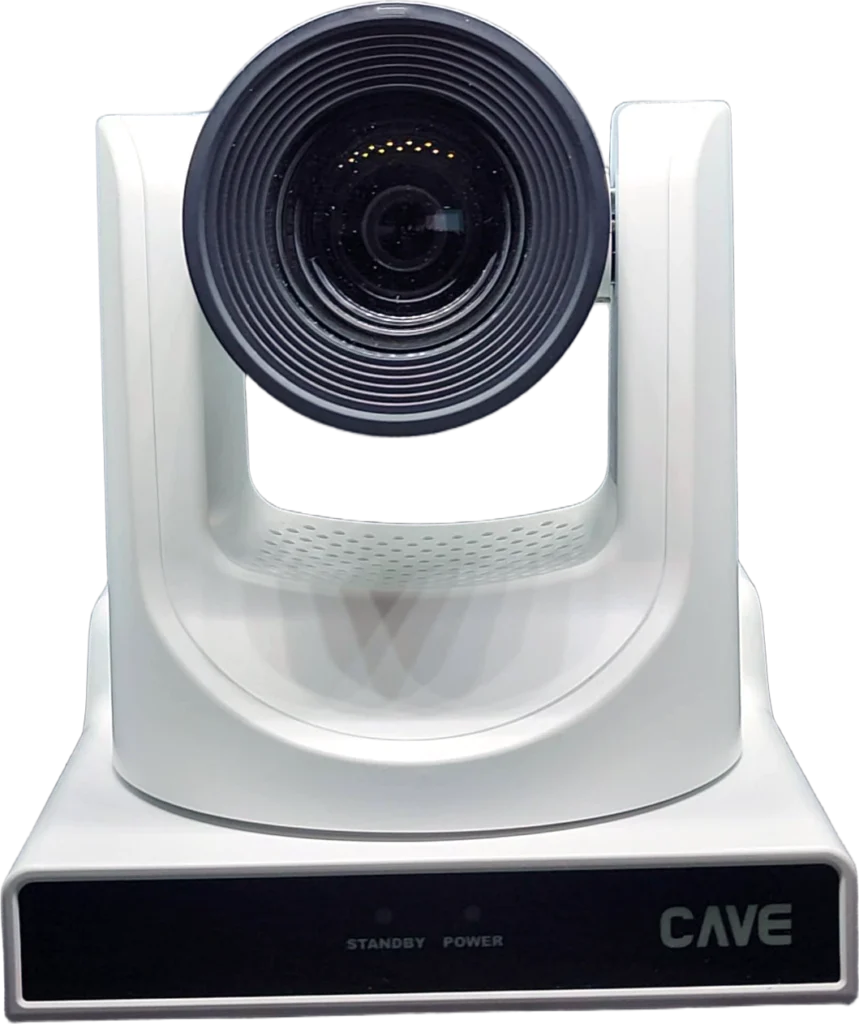
A 60° field of view at the wide end captures the whole stage; zoom to 20× and you still get a face close-up from 10 metres away — without the quality loss of digital zoom.
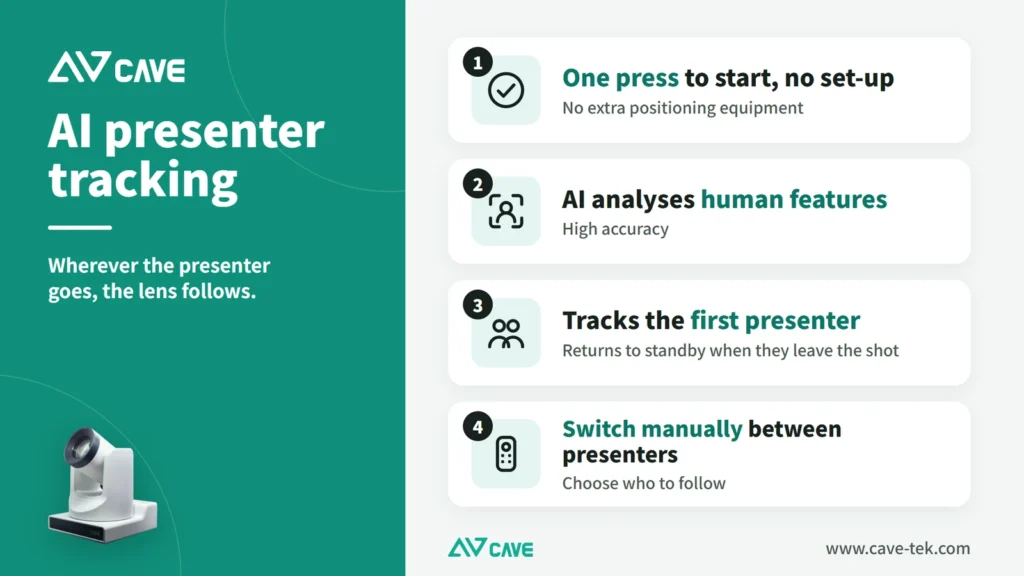
032nd-gen AI tracking
Wherever the presenter goes, the camera follows.
AI person tracking is built in — no extra PC or software. Set the framing size and position you want, and the shot stays steady as the presenter moves. No camera operator required.
04Every interface
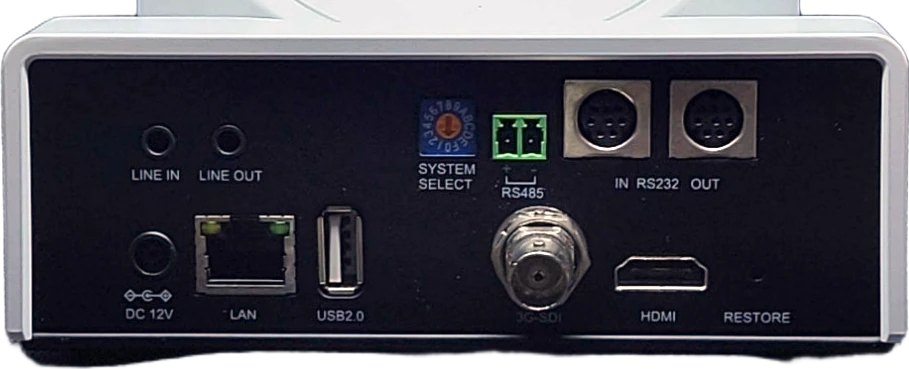
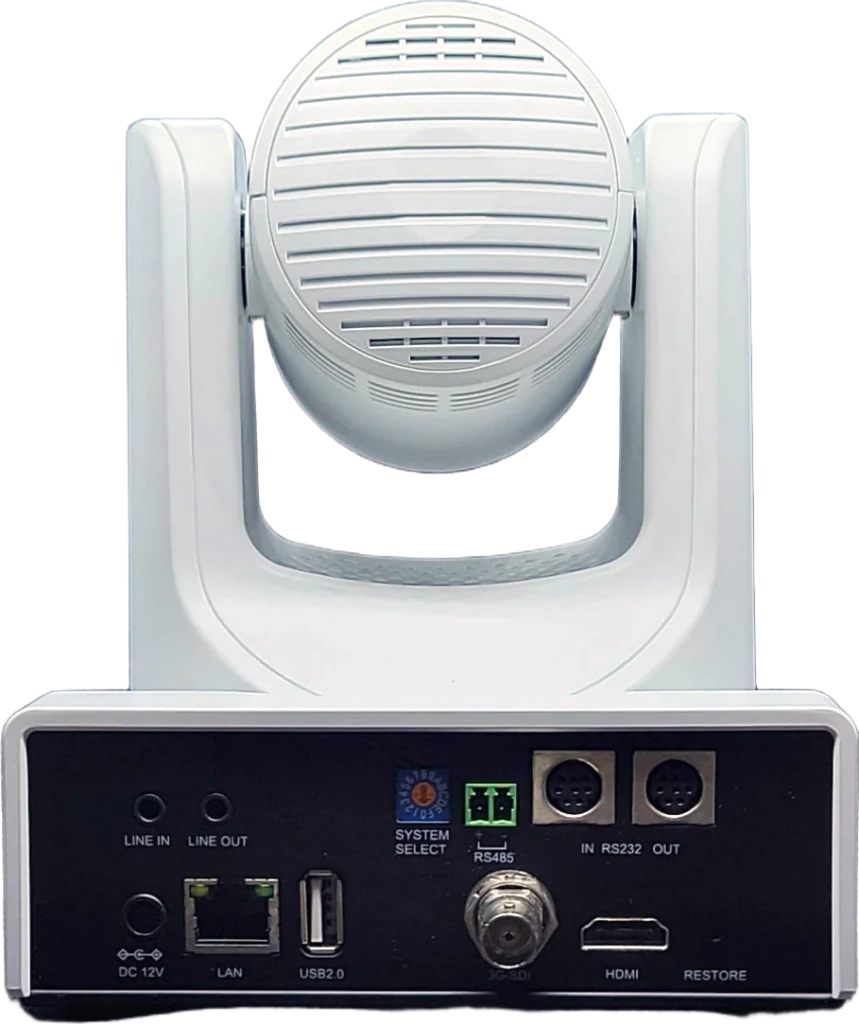
USB, HDMI, SDI and IP. One camera.
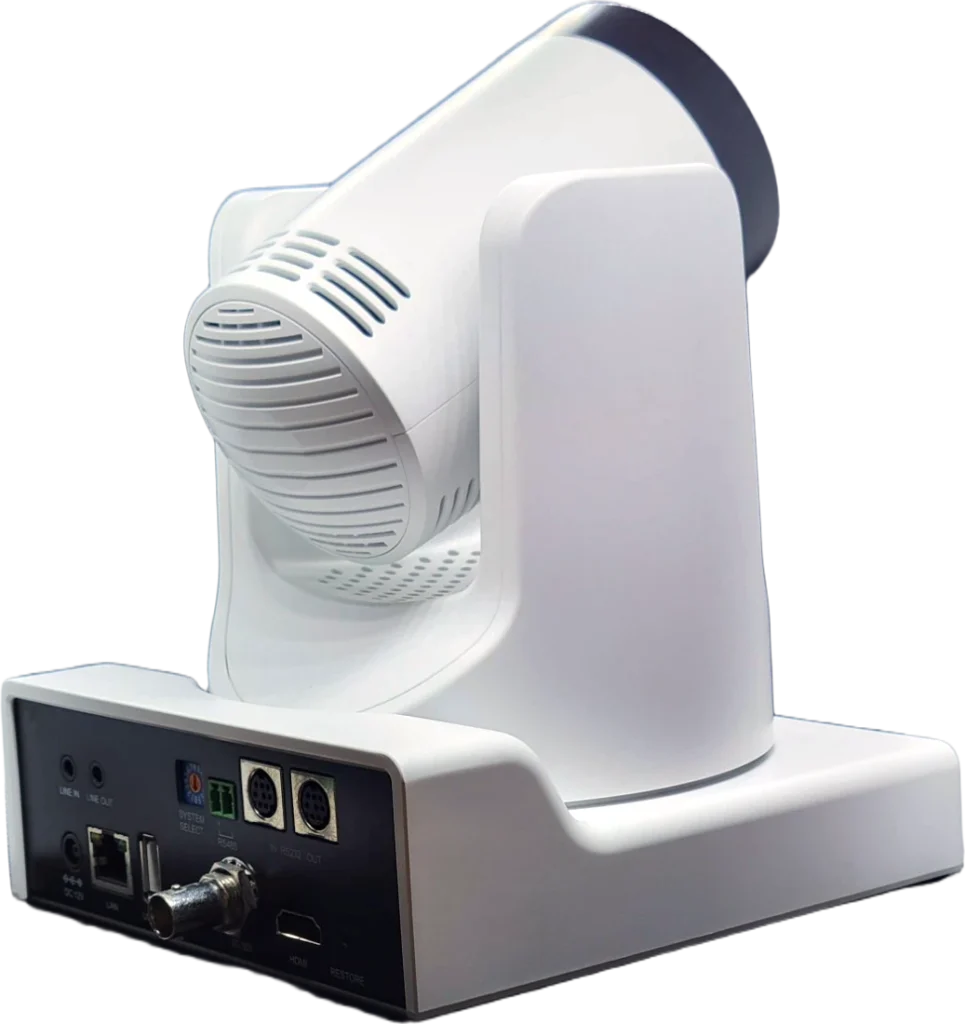
Connect over USB 3.0 (UVC 1.5) for Teams, Google Meet and Zoom; HDMI 2.0 and 3G-SDI for production switchers; H.265 IP streaming with RTSP, RTMP and ONVIF. Also works with BYOM systems such as ClickShare.
05PoE+
Power, control and video. One cable.
PoE+ (802.3at) means a single network cable for ceiling installs. RS-232/RS-485 and VISCA over IP integrate with control systems and CAVE K10 and K20 PTZ keyboards.
06With a microphone system
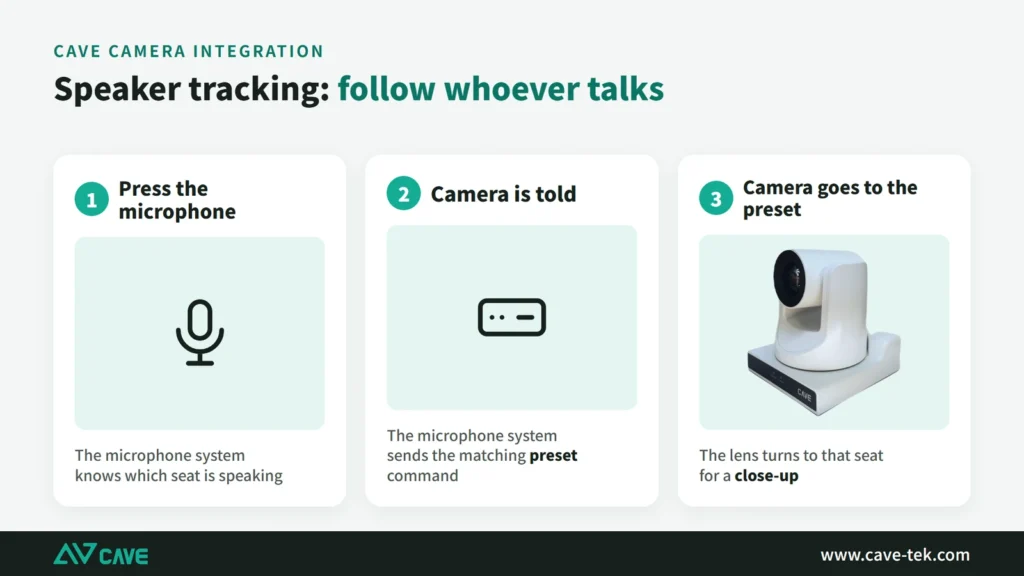
The camera goes to whoever speaks.
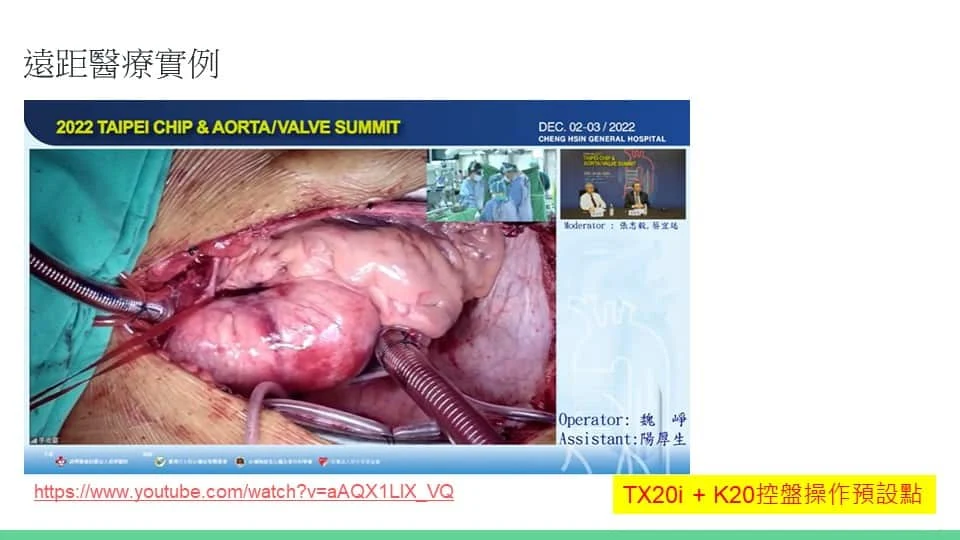
TX20i can be linked to a conference microphone system: save each seat as a preset, and when someone speaks the system tells the camera to go there. A control system can also drive it with VISCA commands.
Design
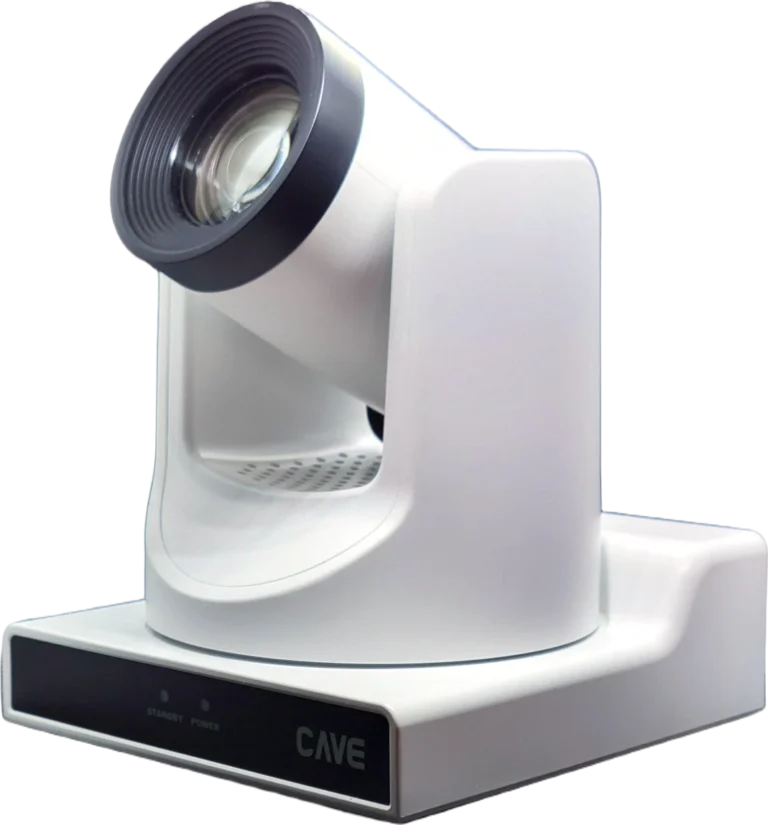
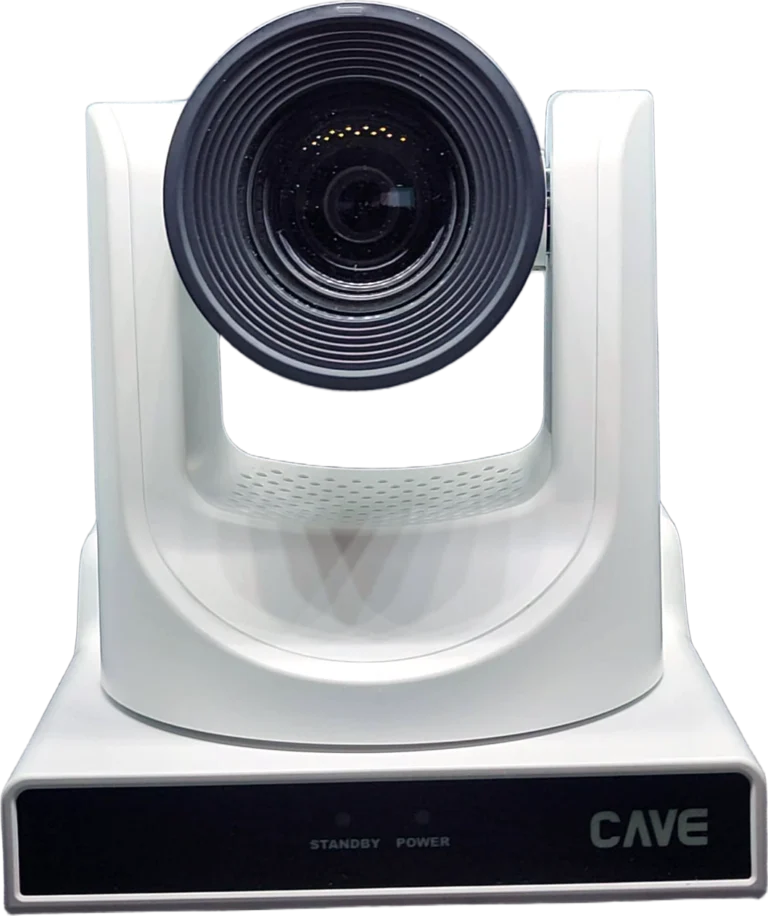
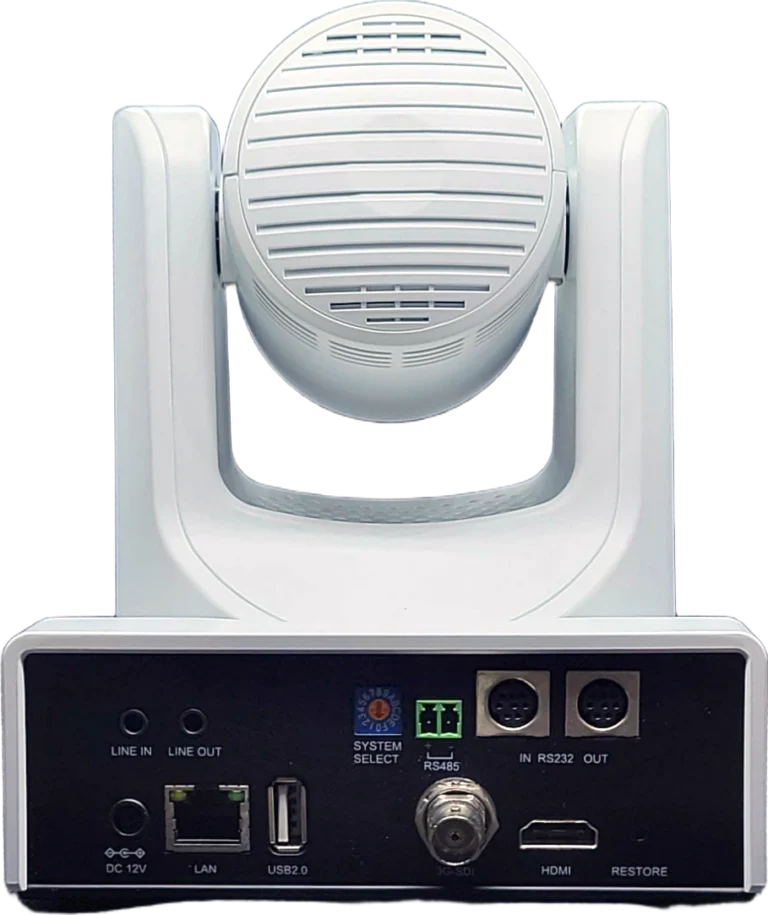
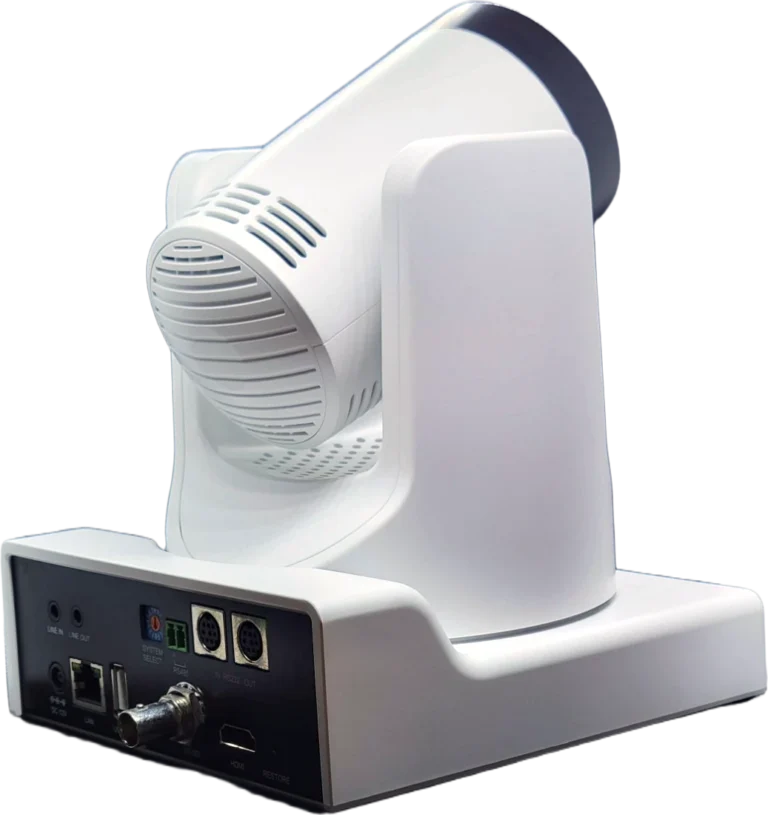
Tech Specs
Camera
- Video System
- 4KP(3840x2160)@60/59.94/50/30/29.97/25fps, 1080P@60/59.94/50/30/29.97/25fps, 1080I@60/59.94/50fps, 720P@60/59.94/50fps
- Image Sensor
- 1/1.8'', Low Noise CMOS Image Sensor
- Lens characteristics (wide to tele)
- 20x optical zoom, 16x digital zoom, Shutter 1/30 ~ 1/10000, f=6.7 mm to 125 mm, F1.58 to F3.95; Horizontal FOV: 60° to 3.5°, Vertical FOV: 35.7° to 2.0°, Diagonal FOV: 69° to 3.9°
- Video S/N, Minimal Illumination
- ≥55dB, 0.5 Lux @ (F1.8, AGC ON)
- Advanced camera processing
- Autofocus, White Balance (Auto, Indoor, Outdoor, One Push, Manual) Backlight Compensation, 2D&3D Digital Noise Reduction
- Pan / Tilt Angle and Speed
- Pan: ±170° rotation, speed: 1.7° to 100°/sec, Tilt: -30° to +90° rotation, speed: 1.7° to 69.9°/s
- Camera Control Protocol
- VISCA/Pelco-D/Pelco-P (RS-232/RS485), VISCA over IP (RJ-45), ONVIF (RJ-45), UVC (USB)
USB Feature
- Operation System
- Windows® 7 (1080P or lower resolution), Windows 8.1, Windows 10 or higher macOS™ 10.10 or higher
- Color System / Compression
- YUY2 (Up to 1080@30fps) H.264(AVC/SVC) / MJPEG /H.265 (Up to 2160@30fps)
- USB Video Communication Protocol
- UVC 1.5, PTZ Control.
IP Camera
- Video Compression
- H.265 / H.264 / MJPEG
- Video Bit Rate and Type
- 32Kbps ~ 20480Kbps, Variable and Fixed Rate
- Audio Compression and Bit Rate
- AAC, 48/64/96/128 Kbps
- Support protocols
- TCP/IP, HTTP, RTSP, RTMP, ONVIF, Multicast,
Interface
- Video Output
- 1xHDMI (Version 2.0), 1x3G-SDI (BNC Interface)
- Audio Input/Output
- 1xLine In (3.5mm audio jack), 1xLine Out (3.5mm audio jack)
- Network Interface
- 1xRJ-45 Ethernet (10M/100M/1000M);POE;
- USB Interface
- 1xUSB (Type A)
- Communication Interface
- 1xRS232 In (8pin Mini DIN), 1xRS232 Output (8pin Mini DIN), 1xRS485 (2pin Phoenix Port)
- Power Jack
- JEITA Type (DC IN 12V)
General specification
- Input Voltage
- DC 12V / POE(802.3af)
- Power Consumption
- 12W (max)
- Temperature Range
- Operating: -10°C ~ 40°C Storage: -40°C ~ 60°C
- Dimension (WxDxH)
- 142mm x 169mm x164mm
- Weight
- 1.35Kg
Inside the box
- Package
- Camera, Power Adaptor, Remote Control, Quick Guide, Warranty Card
Specifications are subject to change without notice.
FAQ
How large a room is TX20i suited for?
TX20i has a 60° horizontal field of view at the wide end and 20× optical zoom. From 5 metres it covers a frame about 5.8 metres wide, and at full zoom it can still capture a face close-up from 10 metres away — suited to meeting rooms of 20+ people, lecture theatres, auditoriums and streaming venues.
Can TX20i connect directly to a computer for video calls?
Yes. TX20i connects over USB 3.0 using the UVC 1.5 standard, so it works without drivers on Windows and macOS in Microsoft Teams, Google Meet, Zoom and Webex.
Does AI tracking need extra software?
No. AI tracking runs inside the camera. Once enabled, it recognises and follows the presenter automatically, and you can set the framing size and position.
Does TX20i support PoE?
Yes. TX20i supports PoE+ (IEEE 802.3at), delivering power, control and IP video over one network cable. The included 12V adaptor can also be used.
How can TX20i be controlled?
Via the included IR remote, the web admin page, VISCA / Pelco-D / Pelco-P over RS-232/RS-485, VISCA over IP, ONVIF, and CAVE K10 and K20 PTZ keyboards. Up to 255 presets can be stored.
Related guides
What Is a PTZ Camera? Pan, Tilt and Zoom Explained in Plain Words
You hear "PTZ camera" in meeting rooms, classrooms and halls. How does it differ from an ordinary webcam? This guide takes it apart: how it turns, how it zooms, what presets are, how to control it and how the picture gets out.
How to Plan a Hybrid Classroom: Lectures, Demonstrations and Discussions, With Remote Students Following Along
The teacher teaches in the classroom while some students join online at the same time. This guide uses three kinds of class (lecture, demonstration, discussion) to explain the cameras, microphones and controls for a hybrid classroom, and sorts out the terms.
Live Streaming and Recording for Churches and Worship Halls: A Setup One Person Can Run
A church wants to stream the Sunday service for people who cannot attend, but only one or two volunteers look after the equipment. This guide covers what to shoot, how to connect the sound and who runs what.