HDMI inputs
Simultaneous recordings
Live streaming
Picture-in-picture
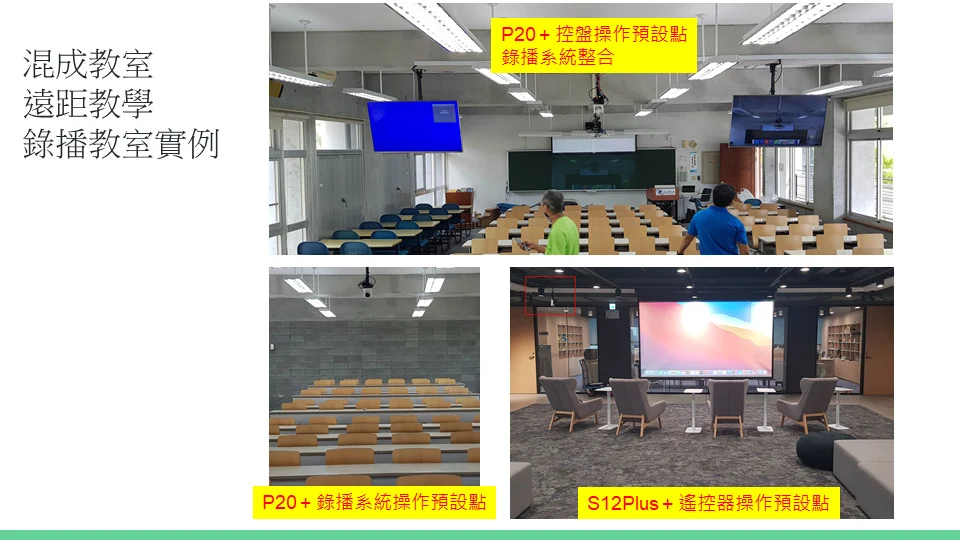
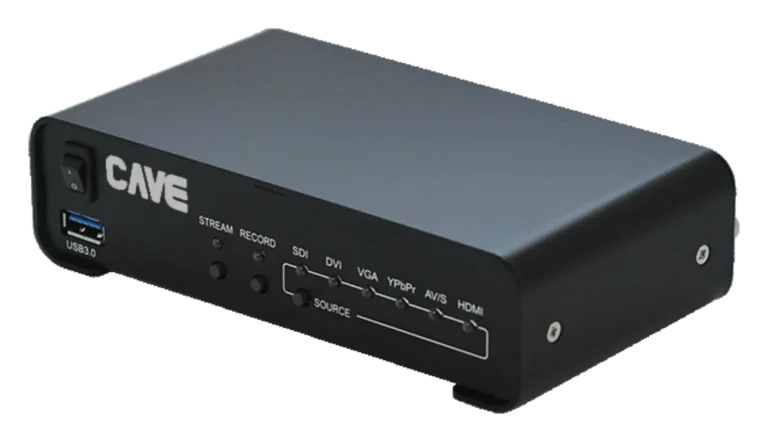
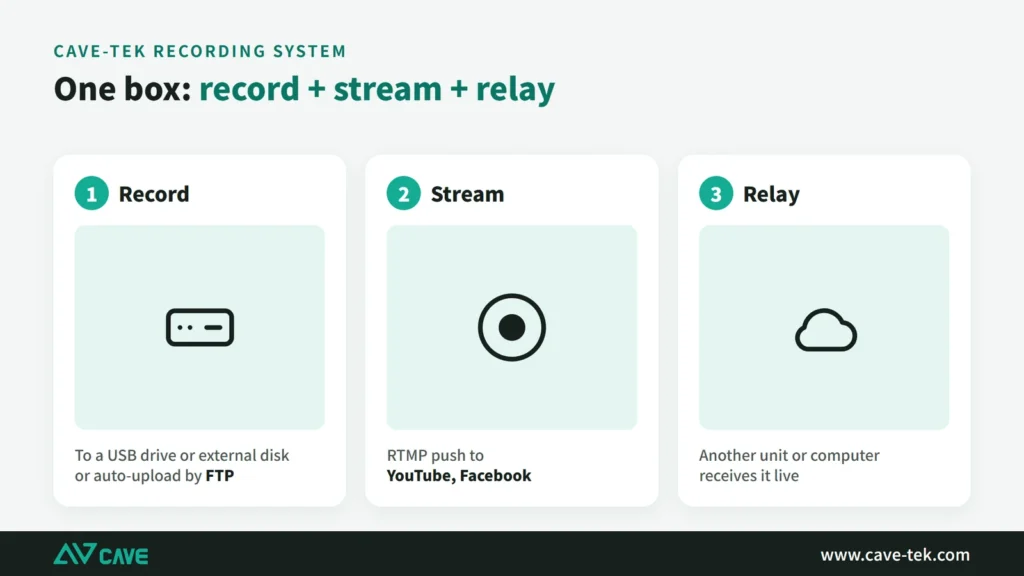
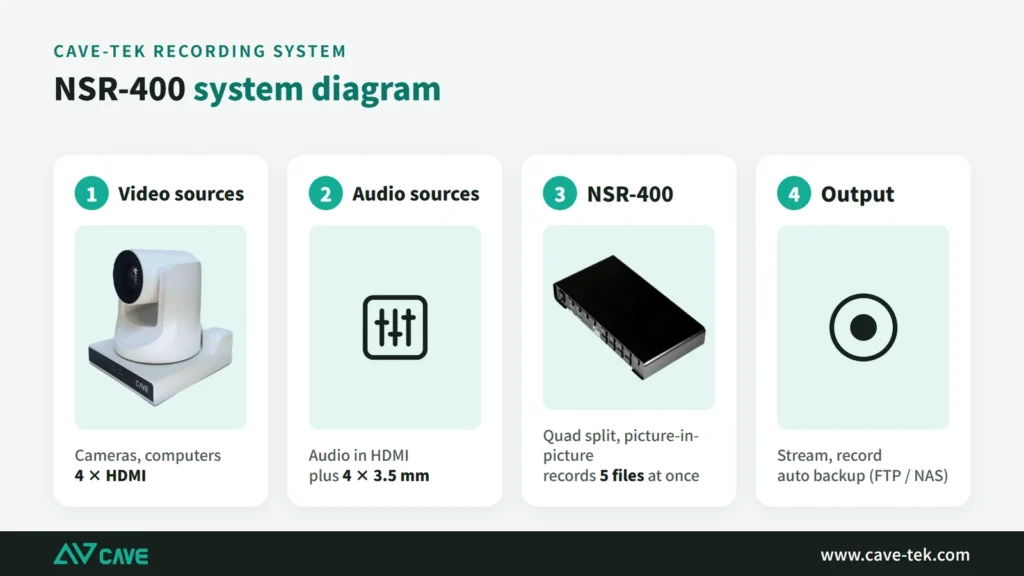
NSR-400 is a recording and streaming box with 4 inputs. Connect four cameras or computers over HDMI and it switches between them, records and streams, with no separate computer. It suits large classrooms, lecture halls and multi-camera event streaming.
014 HDMI inputs
Four pictures, one box.
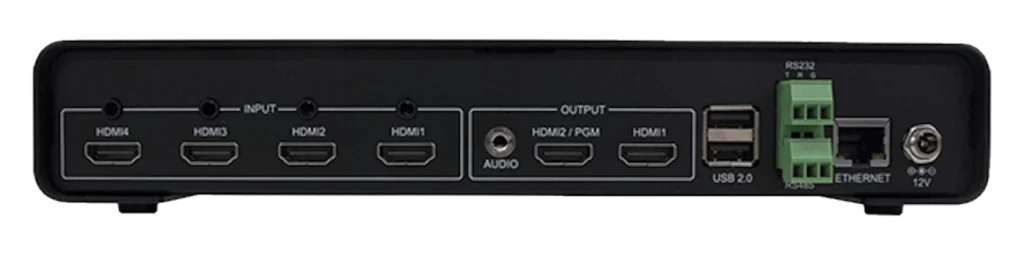
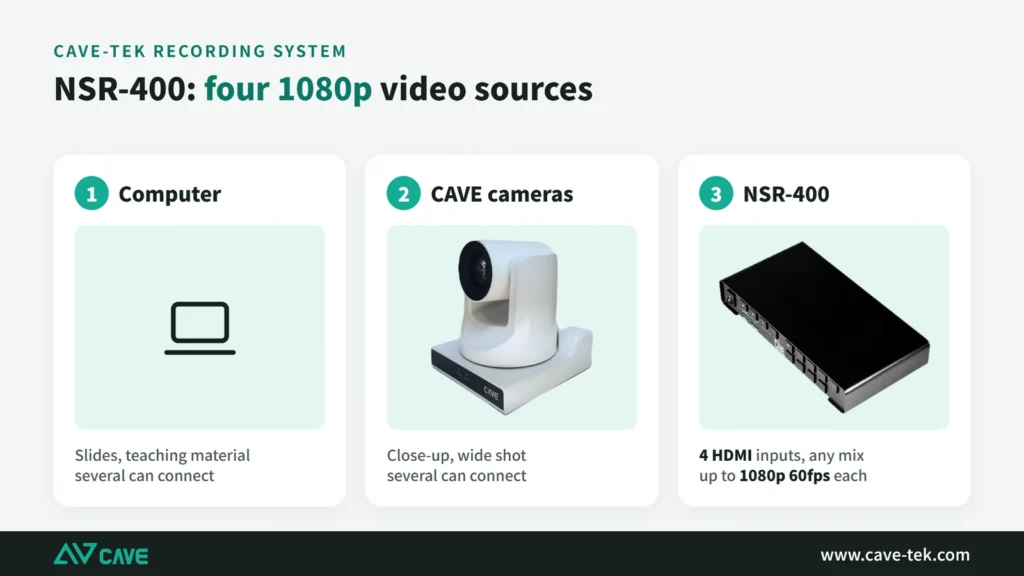
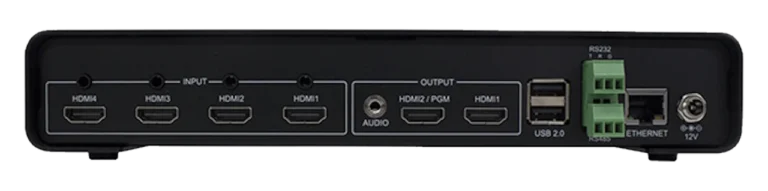
Four HDMI inputs, each carrying its own audio, plus four 3.5 mm audio inputs. Network streams (RTSP), pictures and video files can also be used as sources. All four channels are 1080p, from HDMI or a network stream.
025 recordings at once
Keep the finished programme and the raw feeds.
It records all 4 inputs and the programme output together, 5 files in all, at up to 1080p 60fps. Recordings go to a USB stick or external drive, and can upload automatically to FTP or a network drive. A dedicated video processor keeps it running smoothly through long sessions, and two streams can go out while it records.
03Built-in switching
Picture-in-picture, quad split and overlays.
Layouts include full screen, quad split, side by side and picture-in-picture, with the inset freely resizable. Up to 4 layers of text, pictures and date and time can be overlaid, and text can scroll.
04Record and stream together
Push straight to YouTube or Facebook.
It streams over RTMP and also supports RTSP and HLS. Operate it locally with a mouse and keyboard, manage it remotely from a browser, or let a control system drive it over RS-232 or RS-485.
05A real example
Three cameras in a sports hall, recorded and streamed in one go.
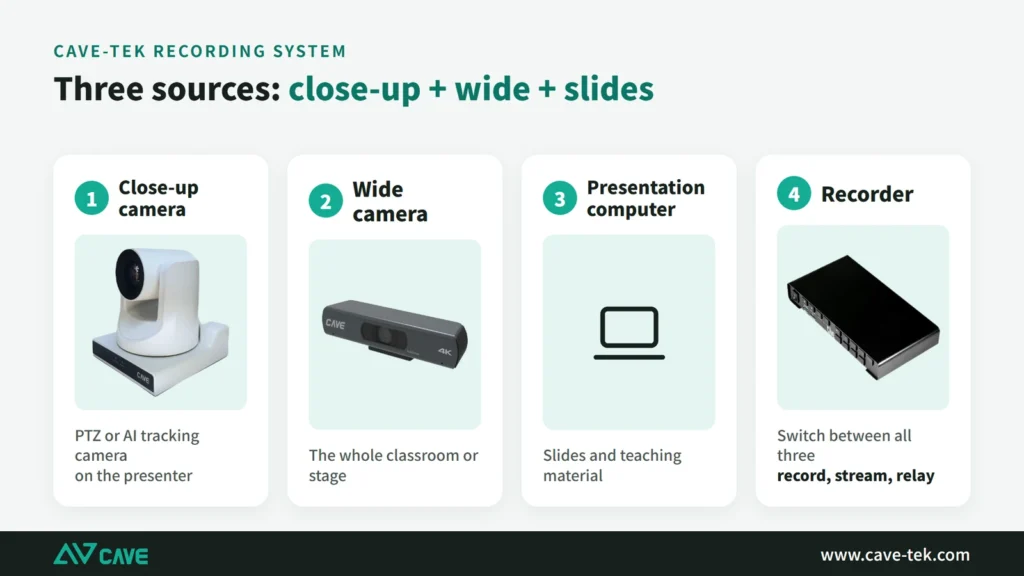
Beichen Elementary School fitted its sports hall with three P30i cameras, one NSR-400 and one K20: the cameras cover the stage close-up, the wide shot and the audience, so assemblies, PE lessons and school performances can all be recorded and streamed.
06One-press start
Record, stream and change layout, one button each.
Dedicated record, stream and layout buttons are on the unit: one press starts recording, goes live or changes the layout, with no computer and no software. Set-up is done from the on-screen menu or a web page, and RS-232 or RS-485 lets a control system operate it.

07Recording backup
USB drive or hard disk, plus off-site FTP backup.
Recordings go to a USB 3.0 flash drive or an external hard disk of up to 2 TB, and can be uploaded to FTP automatically for a copy elsewhere. Long recordings are split into files without interruption, and the oldest can be overwritten when the disk is full.
Design

Tech SpecsTranslated from the Chinese spec sheet — pending review
Recording and Streaming
- Max. Resolution
- 1920x1080p@60/50fps
- Max. Recording Channels
- 5 (CH1/2/3/4 + PGM)
- Max. Streaming Channels
- 2 (PGM)
- Video Input
- 4×HDMI; Network stream (RTSP); Image and video files
- Audio Input
- 4×3.5 mm phone jack; Embedded HDMI audio
- Input resolutions
- 1920x1080 i60/i50, p60/p50/p30/p25/p24, 1280x720 (p60/p50), 1280x1024 (p60), 1280x960 (p60), 1024x768 (p60), 800x600 (p60), 720x480 (p/i60), 640x480 (p60), 720x576 (p/i50)
- Video Encoding
- H.264/AVC, Baseline/Main/High Profile @4.1 Bit rate up to 64Mbps
- Audio Encoding
- AAC-LC, 32Kbps to 384Kbps; Sample rate: 48KHz, 16bit
- Output resolutions
- 320x240 to 1920x1080 (p60)
- Streaming
- TS over TCP/UDP/HTTP (unicast & multicast) RTSP over HTTP/TCP/UDP/Multicast RTMP (publish) HLS
- Recording
- USB format: FAT, EXFAT, NTFS Video format: MP4 / TS / MOV Mode: Video+Audio, Video only, Audio only
- File Uploading
- FTP, CIFS, NFS
PGM and Network
- PGM Mode
- Full screen, Quad view, PBP, PIP (customizable size)
- Audio Mixer in PGM Mode
- CH1-4 embedded audio, 3.5 mm phone jack audio
- Supported Overlay features
- Up to 4 overlay layers: text, image, date/time (static/scrolling)
- Director and Management
- Local console (USB mouse/keyboard), Web admin
- Preview
- HDMI (PGM, multi-view), Network (RTSP)
- Remote Management
- RS-232/RS-485
- Network Protocol
- DHCP, HTTP, NTP, FTP
Interface
- Video Input
- 4×HDMI
- Audio Input
- 4×3.5 mm phone jack
- Video Output
- 2×HDMI (PGM, multi-view)
- Audio Output
- 1×3.5 mm phone jack
- USB
- 2×USB 2.0 Host (mouse, keyboard) 1×USB 3.0 Host (USB drive / external HDD)
- Network
- 1×RJ45 10/100/1000Mbps Ethernet
- Communication
- 1xRS485 (4-pin Phoenix); 1xRS232
General Specification
- Input Voltage
- DC 12V / 2A (locking connector)
- Power Consumption
- 12W
- Dimension (WxDxH)
- 250 x 130 x 42 mm
- Weight
- 1.2 kg
- Temperature Range
- Operating: 0°C ~ 40°C, Storage: -40°C ~ 60°C
Package
- Accessories
- NSR-400 device, Power Adaptor, Quick Start Guide, Warranty Card
Specifications are subject to change without notice.
Downloads
FAQ
Can NSR-400 record and stream at the same time?
Yes. NSR-400 records the 4 inputs and the programme output together, 5 files in all, while streaming over RTMP.
Where does NSR-400 store its recordings?
On a USB flash drive or external hard disk, as MP4, TS or MOV files. It can also upload them automatically to FTP or a network drive.
Do I need a separate computer to use NSR-400?
No. Connect a display, mouse and keyboard to operate it directly, or manage it remotely from a browser.
Related guides
Live Streaming and Recording for Churches and Worship Halls: A Setup One Person Can Run
A church wants to stream the Sunday service for people who cannot attend, but only one or two volunteers look after the equipment. This guide covers what to shoot, how to connect the sound and who runs what.
How to plan a recording system: cameras, control, audio and the recorder explained
When people want to record a class, a talk or an event, and perhaps stream it too, the first thing they ask is which recorder to buy. That isn't the first question. Answer these 6 questions, then choose the equipment.
How to stream a sports event: from one phone to multi-camera coverage in 9 steps
School teams and community leagues want to stream their games too, and you don't have to buy a pile of equipment to begin. This guide starts with a single phone and works up to professional multi-camera coverage.