Joystick
IP & serial
Power over Ethernet
Status display
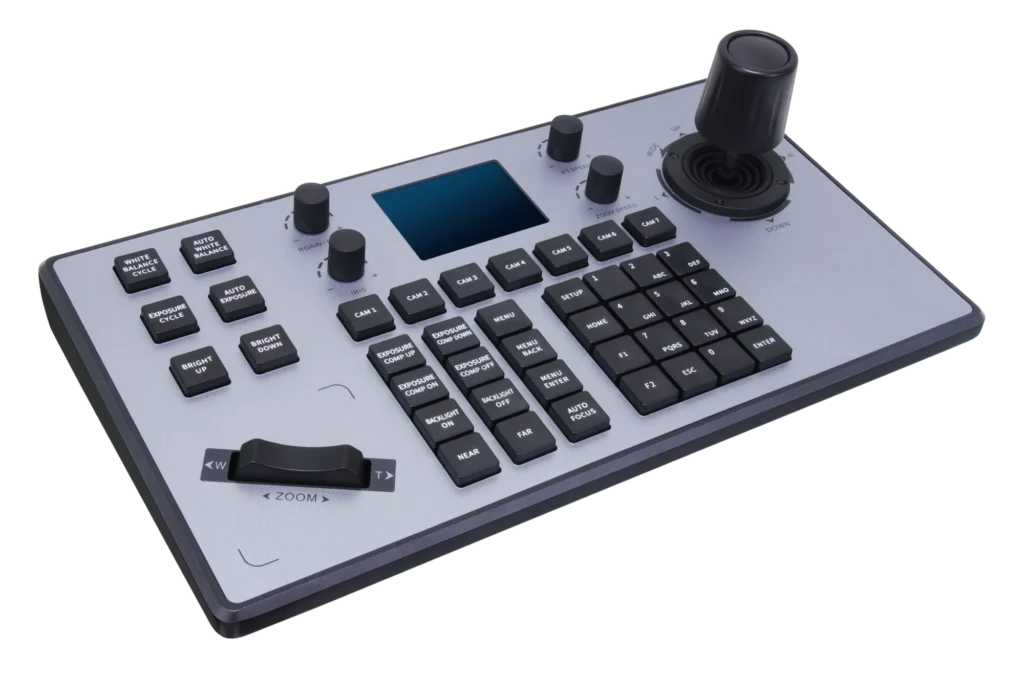
K20 is a PTZ keyboard for multi-camera setups and professional production. As well as the network, it connects to cameras over RS-232 and RS-422, and one unit controls up to 7. With the joystick, knobs and keys under your hand, it is far quicker than a remote or a computer.
014D joystick
Push to turn, twist to zoom.
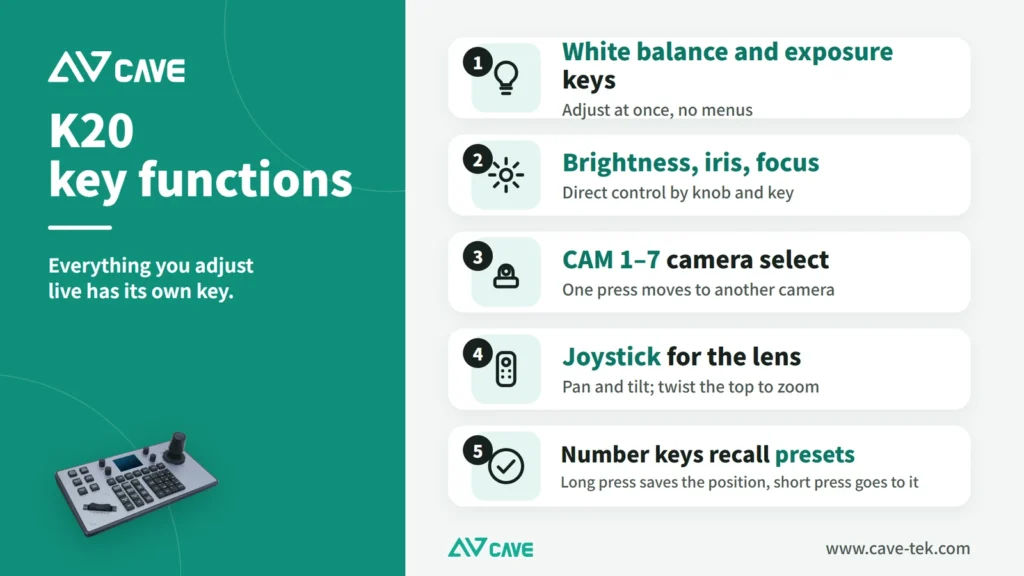
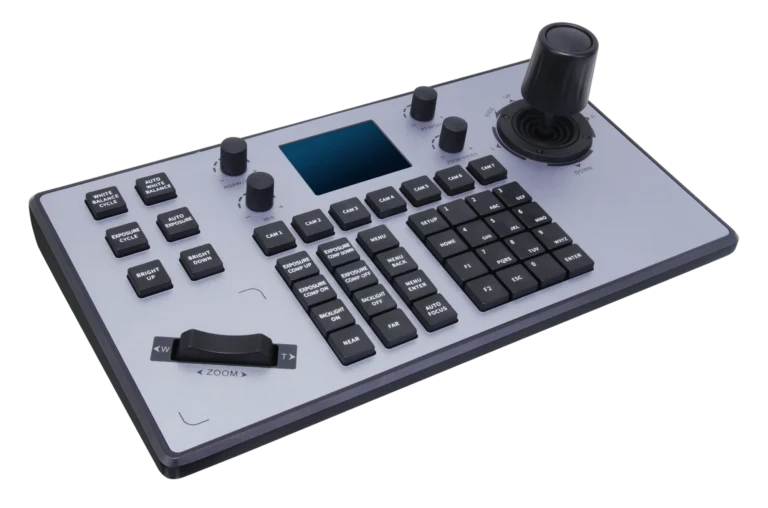
The joystick pans and tilts; twisting its head zooms in and out; a button on top confirms. A separate zoom rocker is also provided.
02Network and serial
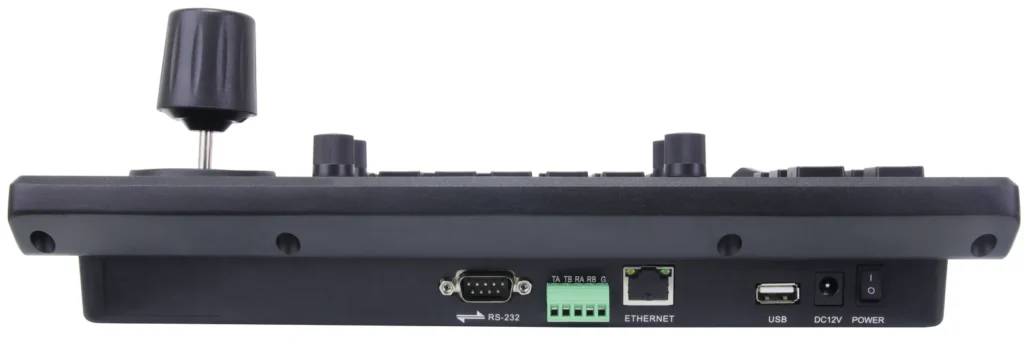
Connects to new cameras and older ones.
It supports VISCA, VISCA over IP, Pelco-D, Pelco-P and ONVIF, over the network or over RS-232 and RS-422.
0341 keys + 4 knobs
Exposure, white balance and focus without opening a menu.
The picture settings you use most have their own keys and knobs, so you can adjust them during a live broadcast. An LCD shows which camera is selected and its status.
04One keyboard, 7 cameras
One person can run a multi-camera shoot.
Up to 7 cameras can be controlled and switched directly from the keys. PoE powers it over the network cable, and setup is done on the unit or in a web page.
05A real example
Three cameras in a sports hall, one operator.
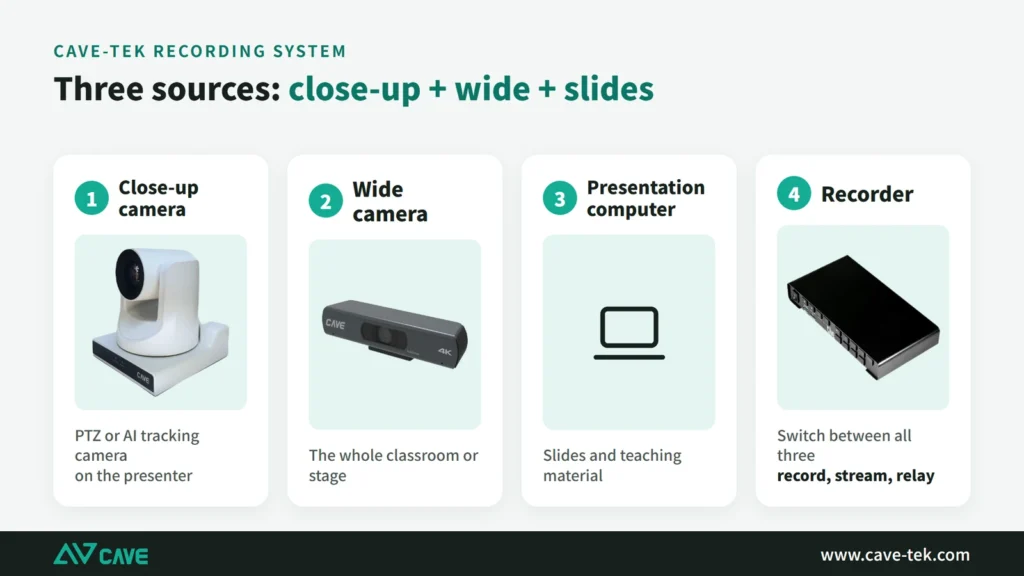
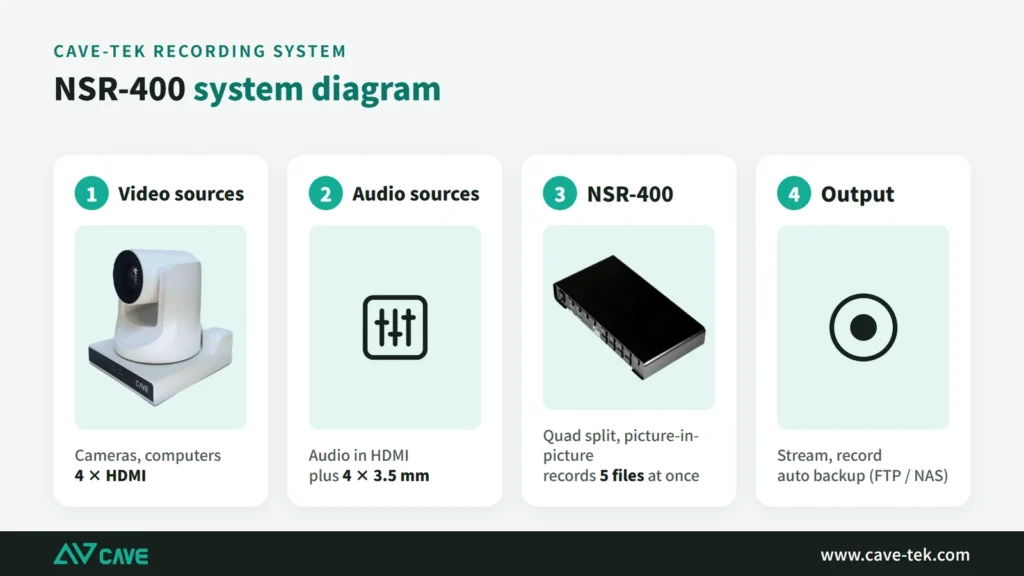
The sports hall at Beichen Elementary School uses three P30i cameras, one NSR-400 and one K20: the cameras cover the stage close-up, the wide shot and the audience, and the operator switches between them from a single K20.
Design
Tech Specs
PTZ Camera Control
- PTZ Protocol
- VISCA, VISCA Over IP, PELCO-D, PELCO-P, ONVIF
- Joystick
- 4D joystick (3-axis + 1 button) Direction control, twist to zoom (Zoom In/Out), confirm button
- Button
- 41 control buttons, 4 shortcut knobs, zoom control knob
- LCD Display
- TFT LCD 320*240
- No. of control camera
- 7
- System setup
- OSD, Web Setup (IE, Chrome, Safari etc...)
Interface
- Network Interface
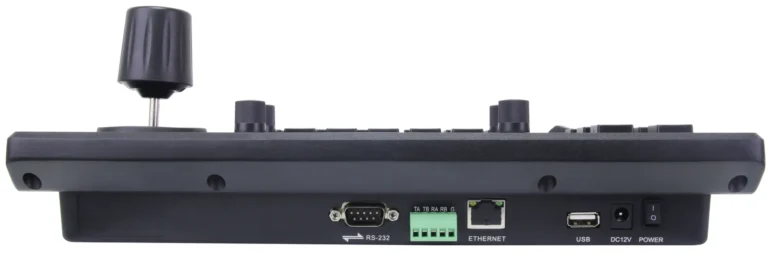
- 1x RJ-45 Ethernet (10M/100M)
- Control Interface
- RS-232, RS-422 Baudrate: 1200, 2400, 4800, 9600, 19200, 38400, 115200
- USB Interface
- USB 2.0 Type A (System upgrade)
- Power Jack
- DC IN 12V / 2A
General specification
- Input Voltage
- DC 12V, POE
- Power Consumption
- 5 W (Max)
- Temperature Range
- Operating: 0°C ~ 50°C Storage: -10°C ~ 60°C
- Dimension (WxDxH)
- 321mm x 180mm x 106mm
- Weight
- 1.63 Kg
Inside the box
- Package
- Keyboard Controller, Power Adaptor, Quick Start Guide, Warranty Card
- 1. Support IP version and Analog version at same time
- 2. Support full VISCA, ONVIF, PELCO-P, PELCO-D protocl
- 3. Support control the software function of the conference camera
- 4. Support 4D joystick control ptz function
- 5. Seesaw switch control zoom speed
- 6. Support IE web setting
- 7. Support 7 buttons for CAM1 to CAM7 ,fast switch easily
- 8. Support POE
Specifications are subject to change without notice.
FAQ
How many cameras can K20 control?
Up to 7, switched directly with the keys.
How is K20 different from K10?
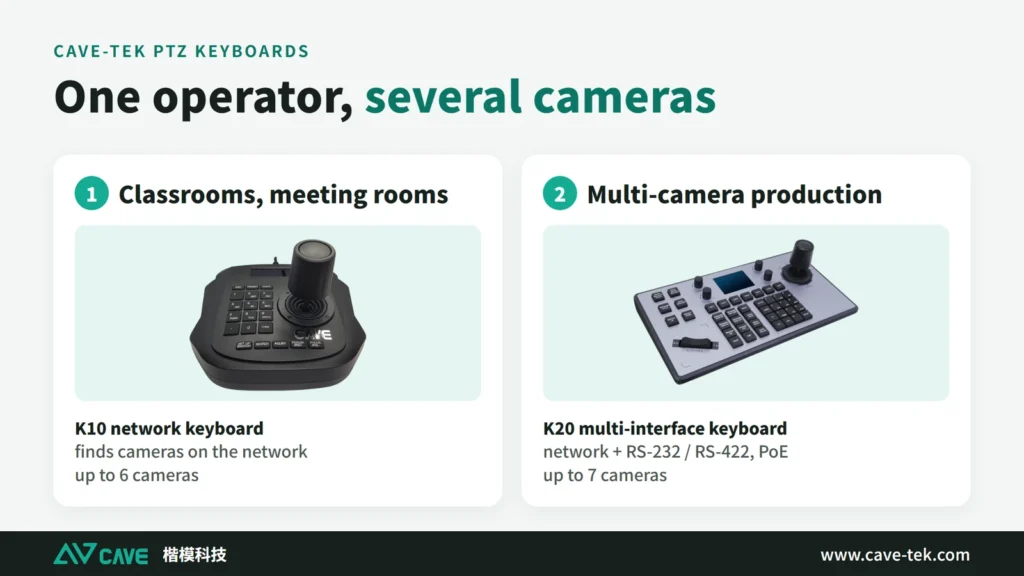
K10 works over the network only (ONVIF) and controls up to 6 cameras, for classrooms, meeting rooms and small streams. K20 adds RS-232 and RS-422, supports VISCA, Pelco-D and Pelco-P, controls up to 7 cameras, has dedicated keys for exposure, white balance and focus, and supports PoE.
Can K20 control cameras from other brands?
K20 supports the common protocols VISCA, VISCA over IP, Pelco-D, Pelco-P and ONVIF. Cameras that use the same protocols can generally be controlled; the functions available depend on the model, so test first.
Related guides
What Is a PTZ Camera? Pan, Tilt and Zoom Explained in Plain Words
You hear "PTZ camera" in meeting rooms, classrooms and halls. How does it differ from an ordinary webcam? This guide takes it apart: how it turns, how it zooms, what presets are, how to control it and how the picture gets out.
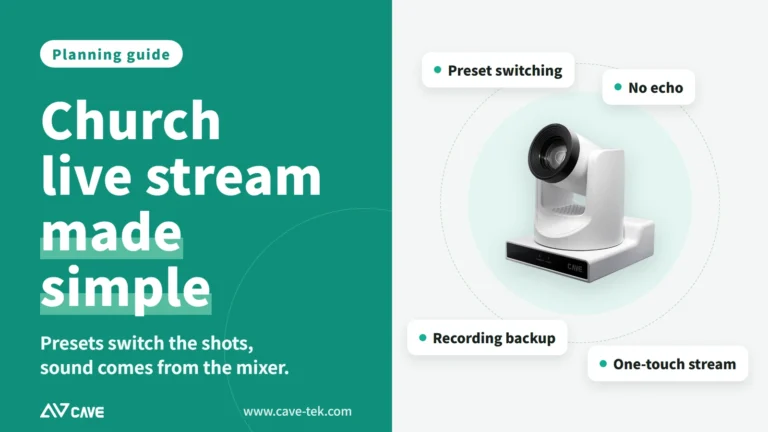
Live Streaming and Recording for Churches and Worship Halls: A Setup One Person Can Run
A church wants to stream the Sunday service for people who cannot attend, but only one or two volunteers look after the equipment. This guide covers what to shoot, how to connect the sound and who runs what.
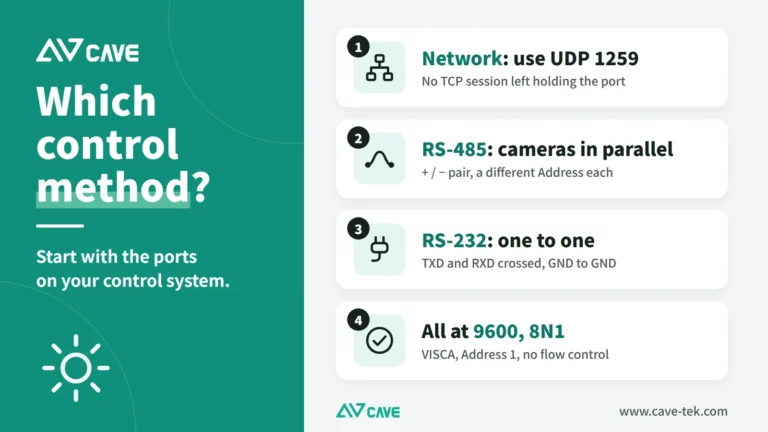
PTZ Camera Control System Integration: Wiring, Testing and Speaker Tracking
One-touch meeting modes and cameras that turn to whoever is speaking come from integrating PTZ cameras with control systems and conference systems. This guide covers control methods, wiring, VISCA commands and troubleshooting, step by step.
Installations