Ultra HD output
Wide horizontal FOV
Registered-person tracking
Optical zoom
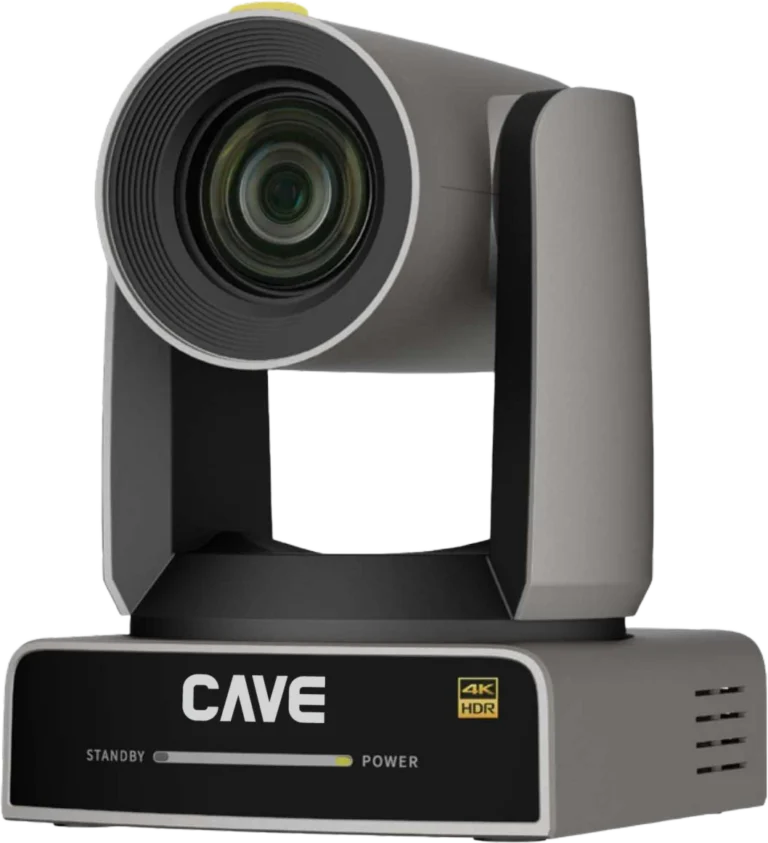
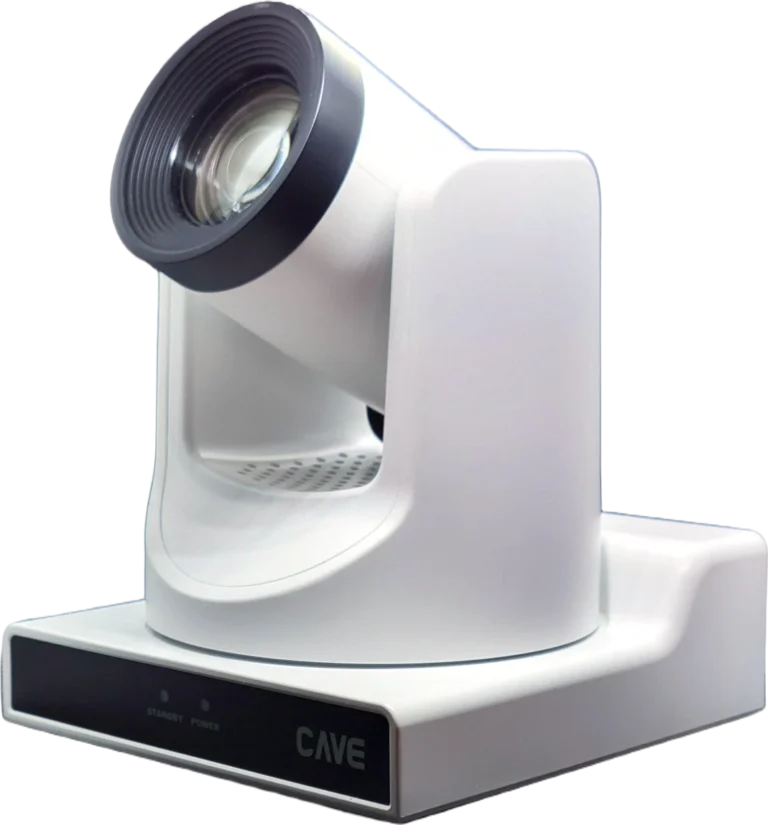
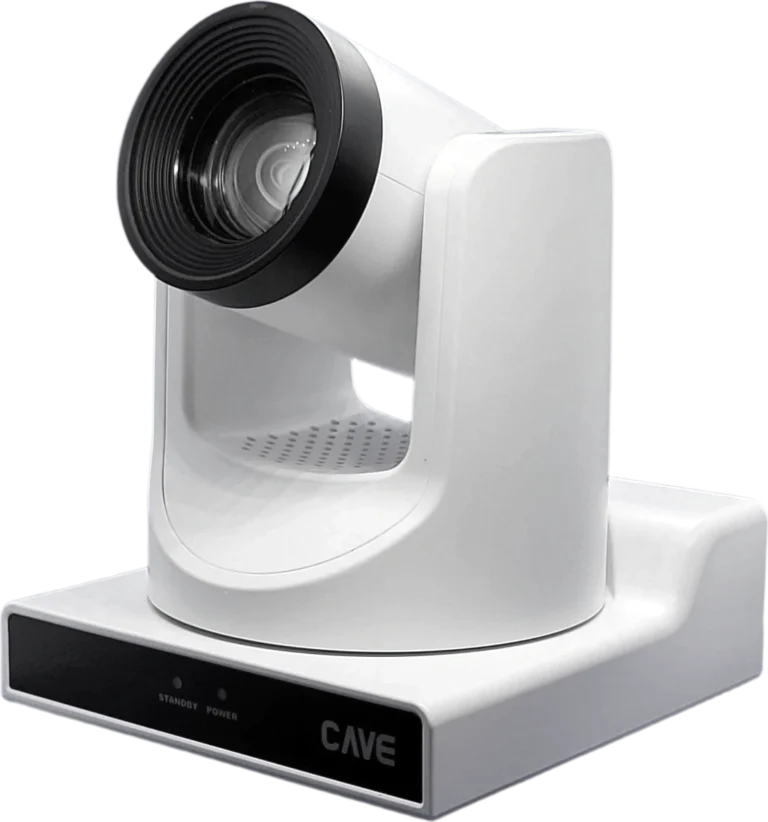
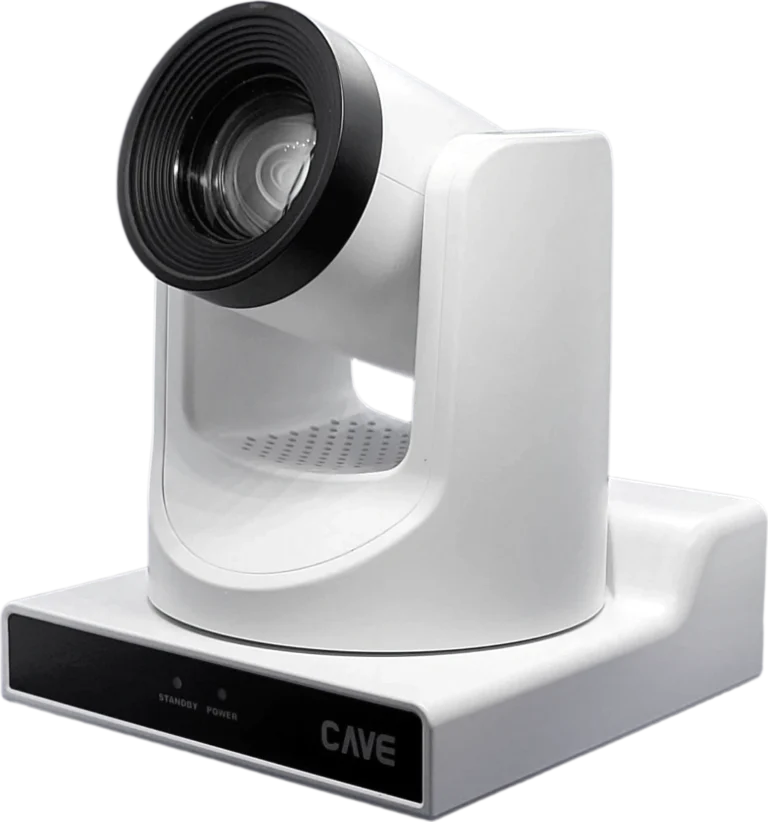
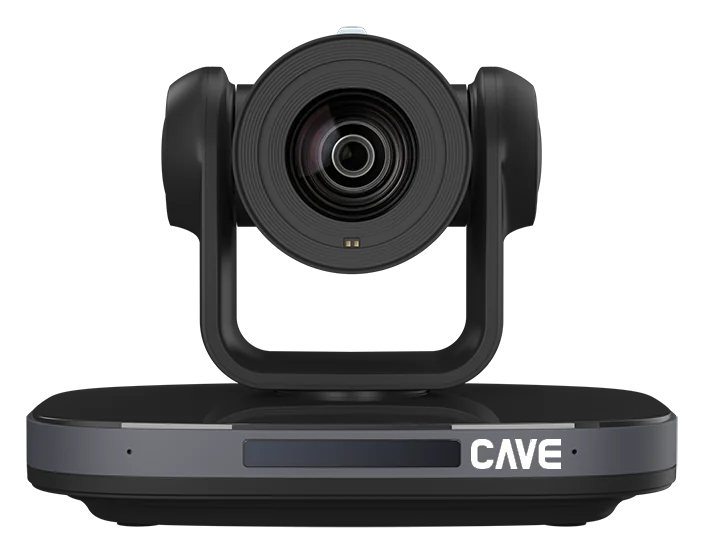
DX12i is a 4K 60fps PTZ camera with VIP tracking and 12× optical zoom. Its 81° horizontal view at the wide end takes in the whole scene even when the camera is close to the front. Pick the person to follow, and the camera stays with them while others move around. It suits mid-sized meeting rooms, classrooms and training rooms.
01CAVE VIP Tracking®
Several people on stage, and it follows only the one you choose.
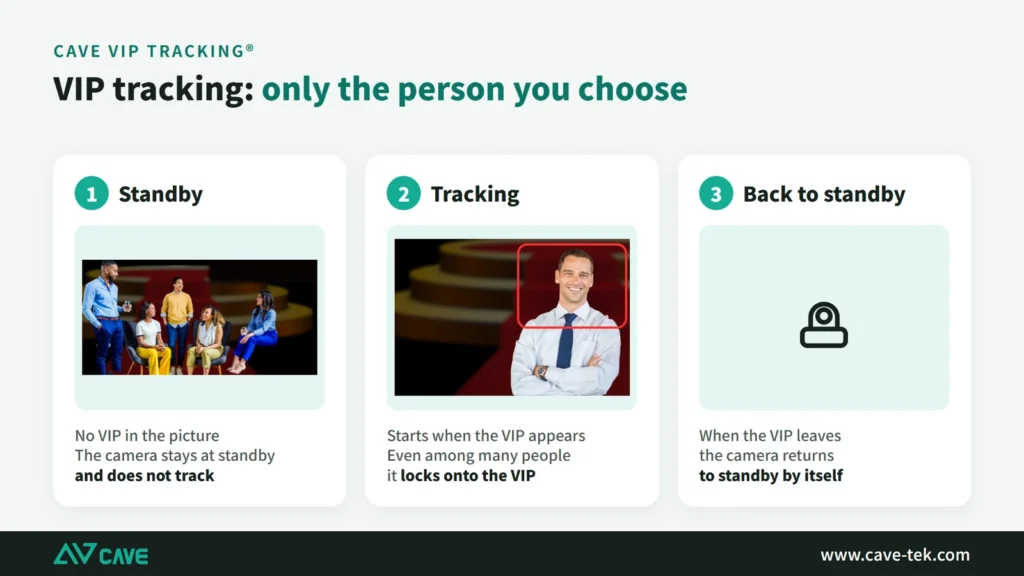
Ordinary auto tracking can pick the wrong person when several people share the stage. VIP tracking works differently: the camera recognises only the people registered in advance. Until a VIP appears, the camera stays at its standby position; as soon as the VIP enters the picture it starts tracking, and it locks onto the same person even among many others; when the VIP leaves, the camera returns to standby by itself. It suits addresses by senior staff, guest speakers, and events where several presenters take turns. CAVE VIP Tracking® is a registered trademark of CAVE-TEK.
02Registering VIPs
Up to five people, registered once.
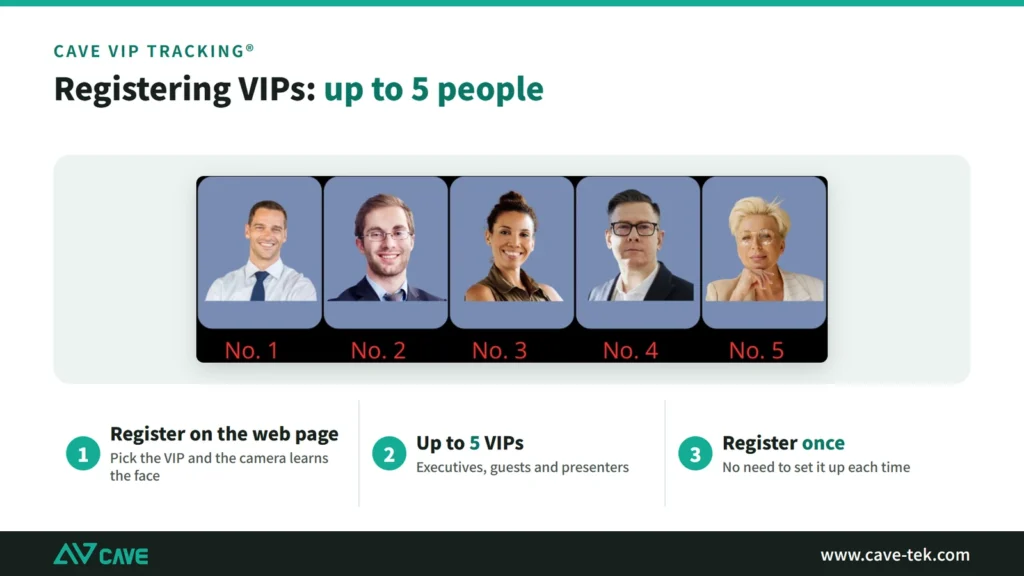
Pick the person to follow on the camera's web page and the camera recognises and registers them using AI. Up to five VIPs can be registered. Executives, regular guests and regular presenters can all be set up in advance, with no need to do it again each time.
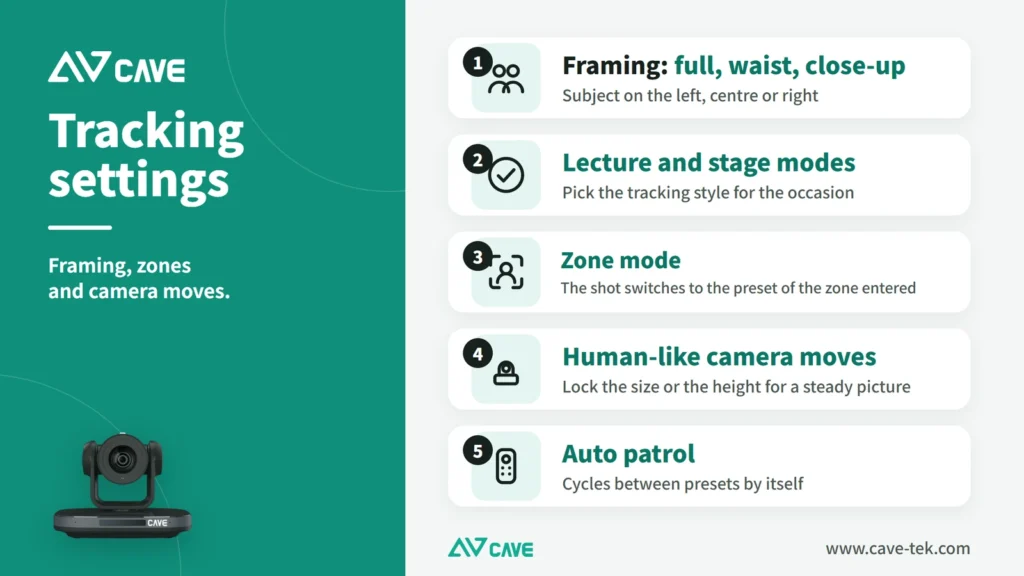
03Tracking settings
Framing, zones and camera moves can all be set.
While tracking you can choose full-body, waist-up or close-up framing, place the subject on the left, in the centre or on the right, and pick lecture or stage mode. Zone mode divides the front of the room into zones: whichever zone the presenter enters, the shot switches to that zone's preset, which works well for a blackboard. Human-like camera moves can lock the size of the shot or its height, so the picture doesn't pump or bob and looks as if someone were operating it. The camera can also patrol between presets automatically.
0481° wide angle
Close to the front, and still the whole room in frame.
The 81° horizontal view at the wide end is much wider than a 20× model. Mounted not far from the lectern, it still fits a full row of seats or a whole whiteboard in the shot.
054K + 12× optical zoom
The wide view and the detail.
A 1/1.8-inch sensor outputs 4K at 60fps, and 12× optical zoom keeps the picture sharp when you move in. Minimum illumination is 0.5 Lux.
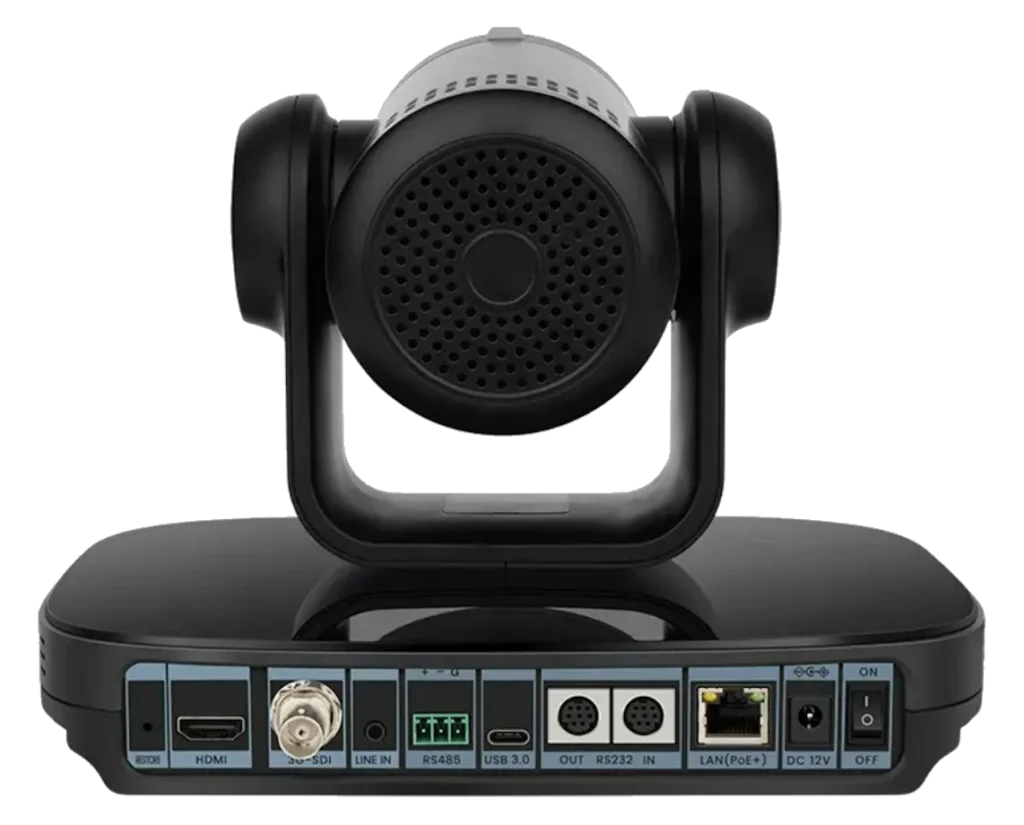
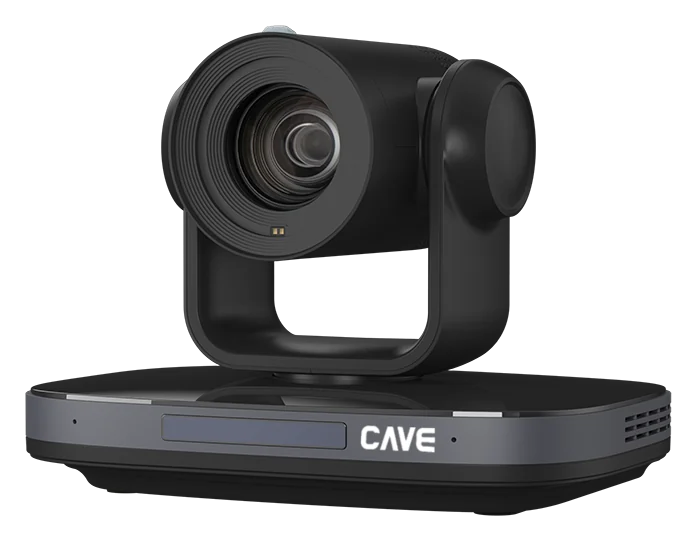
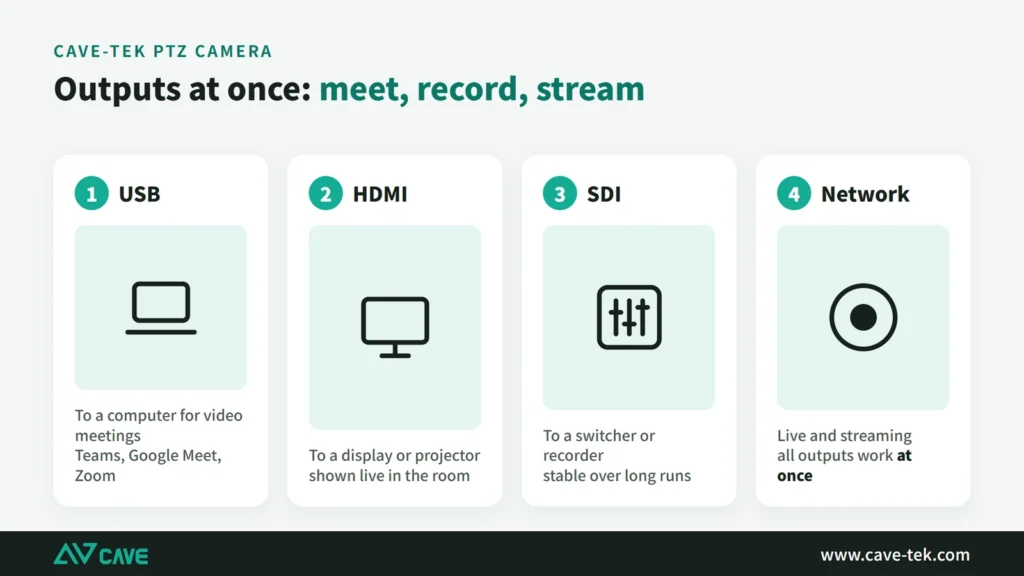
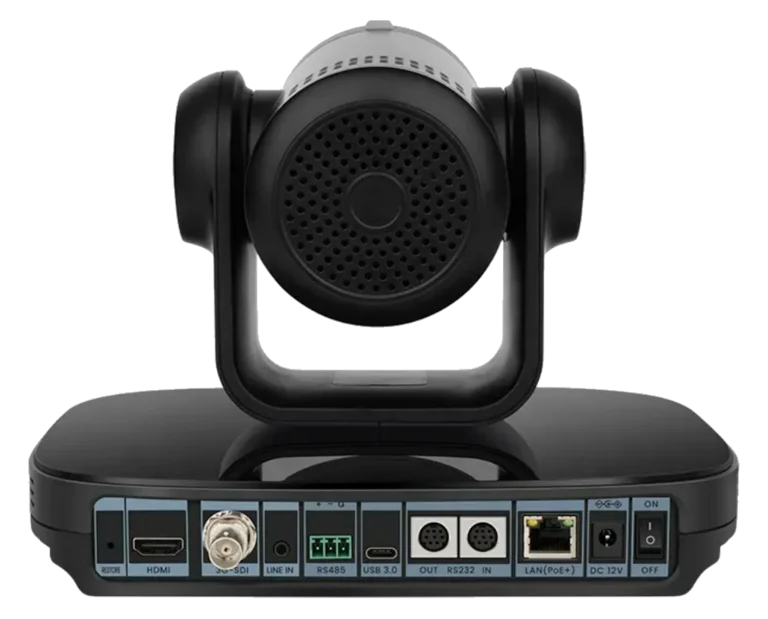
06Full connectivity and PoE+
Installed with a single network cable.
USB 3.0 Type-C, HDMI 2.0, 3G-SDI and network output are all included, for meetings, recording and streaming at the same time. It supports PoE+, has two built-in microphones, and flips the picture automatically when ceiling-mounted.
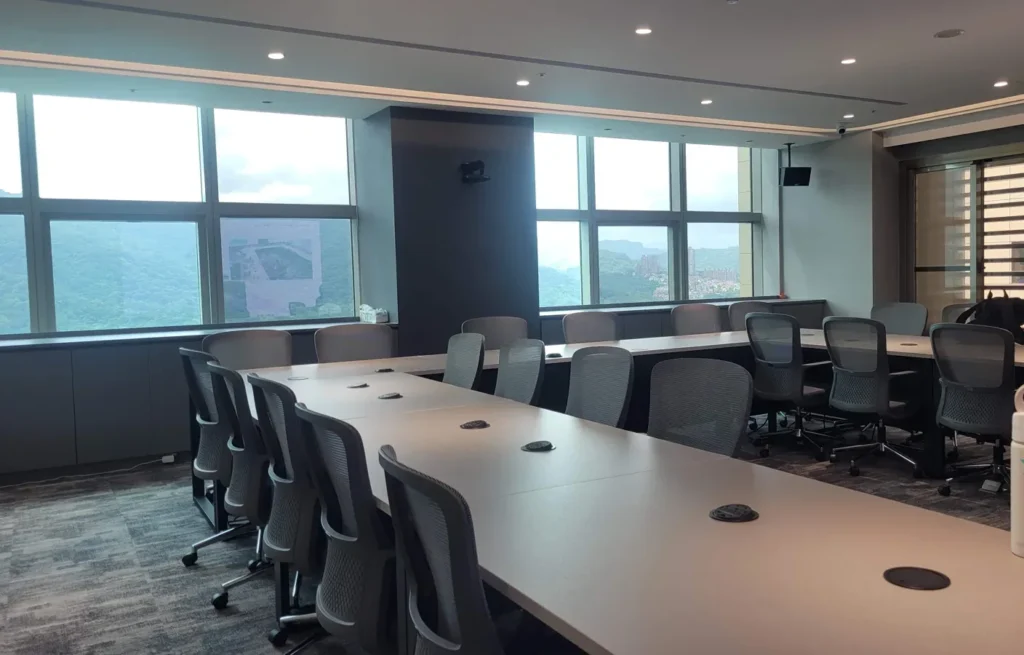
07A real installation
On the wall or from the ceiling.
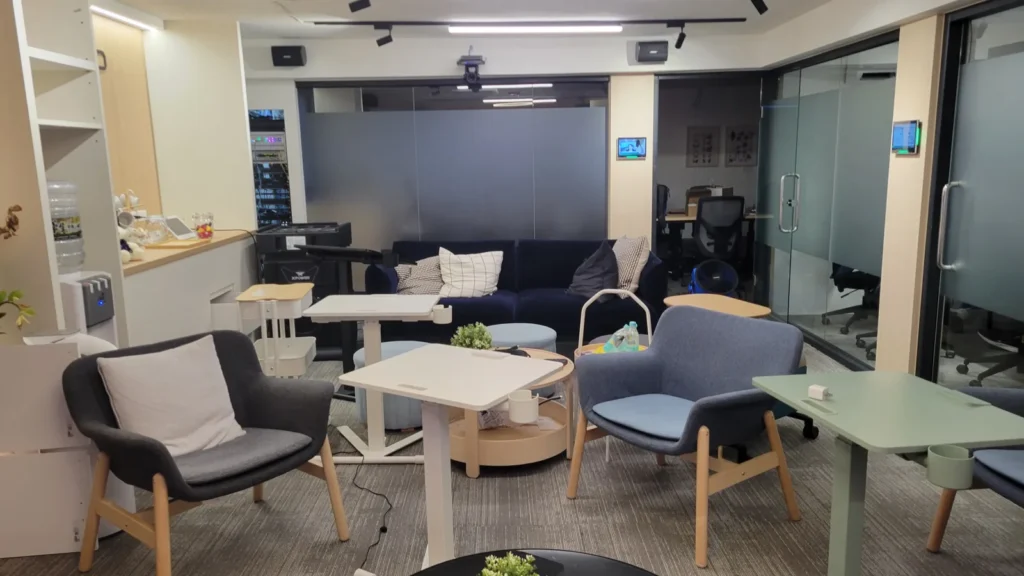
The photo shows a DX12i on the front wall of a meeting room, high enough that tables and chairs do not block it. Hung upside down from a ceiling, it flips the picture automatically. With PoE+ only one network cable is needed.
Design
Tech SpecsTranslated from the Chinese spec sheet — pending review
Camera
- Video System
- 4KP(3840x2160)@60/59.94/50/30/29.97/25fps, 1080P@60/59.94/50/30/29.97/25fps, 1080I@60/59.94/50fps, 720P@60/59.94/50fps
- Image Sensor
- 1/1.8'', Low-light CMOS Image Sensor
- Lens characteristics
- 12x optical zoom, 16x digital zoom, f=3.4 mm to 41.7 mm, F1.8 to F3.8; Horizontal FOV: 81° to 7.5°, Vertical FOV: 50° to 4.9°, Diagonal FOV: 92° to 10.5°
- Video S/N, Minimal Illumination
- 55dB, 0.5 Lux @ (F1.8, AGC ON)
- Advanced camera processing
- Autofocus, White Balance (Auto, Indoor, Outdoor, One Push, Manual), Backlight Compensation, 2D & 3D Digital Noise Reduction, Image Flip and Mirror
- Auto Tracking
- VIP Tracking, AI Auto Tracking (Full body, Half body, Close-up), Zone Tracking
- Pan / Tilt Angle and Speed
- Pan: ±170°, speed: 1.7° to 100°/sec Tilt: -30° to +90°, speed: 1.7° to 69.9°/sec Auto Vertical Flip (Built-in G-Sensor)
- Presets and Accuracy
- 255, 0.1°
- Camera Control Protocol
- VISCA/Pelco-D/Pelco-P (RS-232/RS485), VISCA over IP (RJ-45), ONVIF (RJ-45), UVC (USB)
USB Feature
- Operation System
- Windows® 7 (1080P or lower resolution), Windows 8.1, Windows 10 or higher macOS™ 10.10 or higher Google™ Chromebook™ 29.0.1547.70 or higher
- Color System / Compression
- YUY2 (Up to 1080@30fps) H.264(AVC/SVC) / MJPEG / H.265 (Up to 2160@30fps)
- USB Video Communication Protocol
- UVC 1.5, PTZ Control.
IP Camera
- Video Compression
- H.265 / H.264 / MJPEG
- Video Bit Rate and Type
- 32Kbps ~ 20480Kbps, Variable and Fixed Rate
- Audio Compression and Bit Rate
- AAC, 48/64/96/128 Kbps
- Support protocols
- TCP/IP, HTTP, HTTPS, RTSP, RTMP, ONVIF, Multicast
Interface
- Video Output
- 1xHDMI (Version 2.0), 1x3G-SDI (BNC Interface)
- Audio Input/Output
- 1x Line In (3.5mm audio jack); 2x built-in microphones
- Network Interface
- 1xRJ-45 Ethernet (10M/100M/1000M); PoE
- USB Interface
- 1xUSB 3.0 (Type C)
- Communication Interface
- 1xRS232 In (8pin Mini DIN), 1xRS232 Output (8pin Mini DIN), 1xRS485 (2pin Phoenix Port)
- Power Jack
- JEITA Type (DC IN 12V)
General specification
- Input Voltage
- DC 12V / PoE (802.3at)
- Power Consumption
- 12W (max)
- Temperature Range
- Operating: -10°C ~ 40°C Storage: -40°C ~ 60°C
- Dimension (WxDxH)
- 223mm x 154.8mm x 165mm
- Weight
- 1.8Kg
Inside the box
- Package
- Camera, Power Adaptor, Remote Control, RS-232 Cable, Quick Start Guide, Warranty Card
Specifications are subject to change without notice.
Downloads
FAQ
What size of room suits DX12i?
DX12i has an 81° horizontal view at the wide end and 12× optical zoom, which suits mid-sized meeting rooms, classrooms and training rooms. Even mounted close to the front it takes in a whole row of seats. For a deeper room that needs more reach, choose the 20× TX20i.
Does DX12i support PoE?
Yes. DX12i supports PoE+ (802.3at): one network cable carries power, control and video. The supplied DC 12V adaptor can be used instead.
Can DX12i connect to a computer for video meetings?
Yes. It connects by USB 3.0 Type-C using UVC 1.5, with no driver to install, and works in Teams, Google Meet and Zoom. HDMI 2.0, 3G-SDI and network outputs are available at the same time for a display, a switcher or a stream.
Related guides
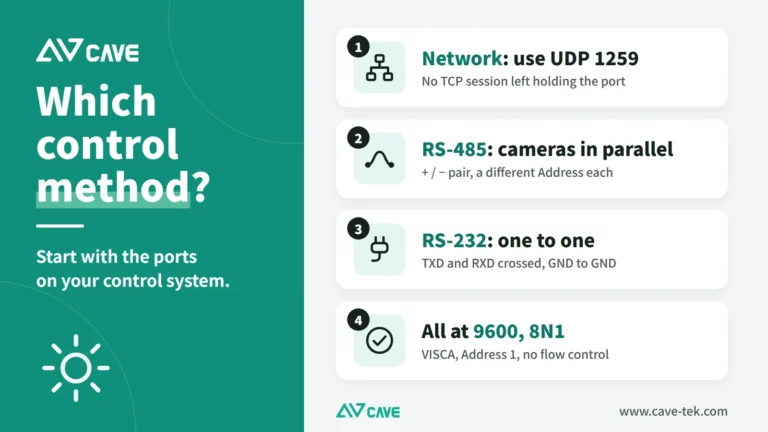
PTZ Camera Control System Integration: Wiring, Testing and Speaker Tracking
One-touch meeting modes and cameras that turn to whoever is speaking come from integrating PTZ cameras with control systems and conference systems. This guide covers control methods, wiring, VISCA commands and troubleshooting, step by step.
How to choose a meeting-room camera: 8 things to check, starting with room size
The camera is the most visible part of a video meeting. Whether remote people can see everyone, and see them clearly, depends on it. Work through these 8 points before you choose.
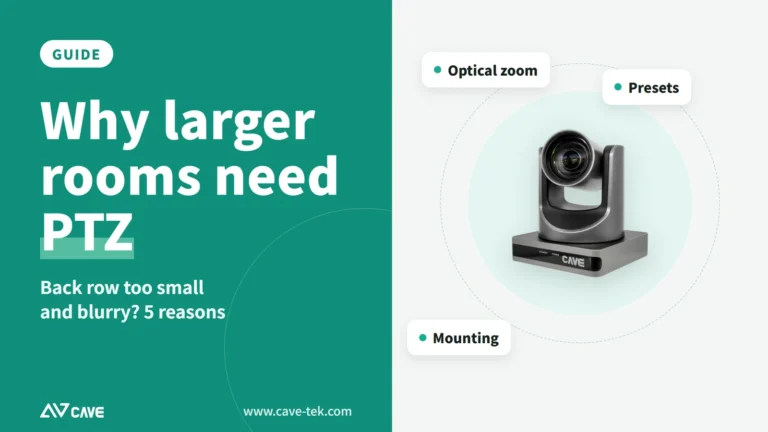
Why do medium and large meeting rooms need a PTZ camera? 5 reasons
A small meeting room gets by with one wide-angle camera. In a bigger room the people at the back become small and blurry in the picture. That is when you need a PTZ camera.
Installations