Ultra HD
Ultra-wide FOV
Digital zoom
Plug and play
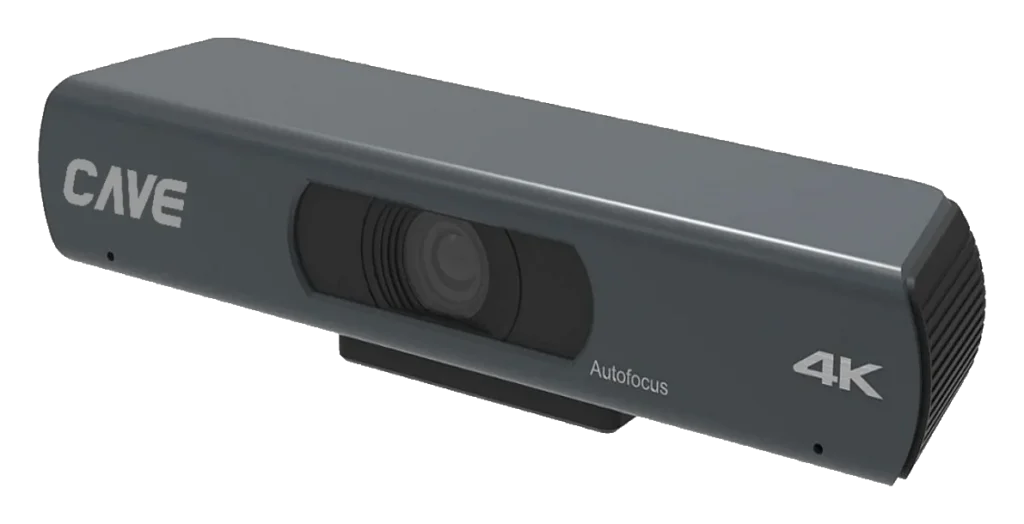
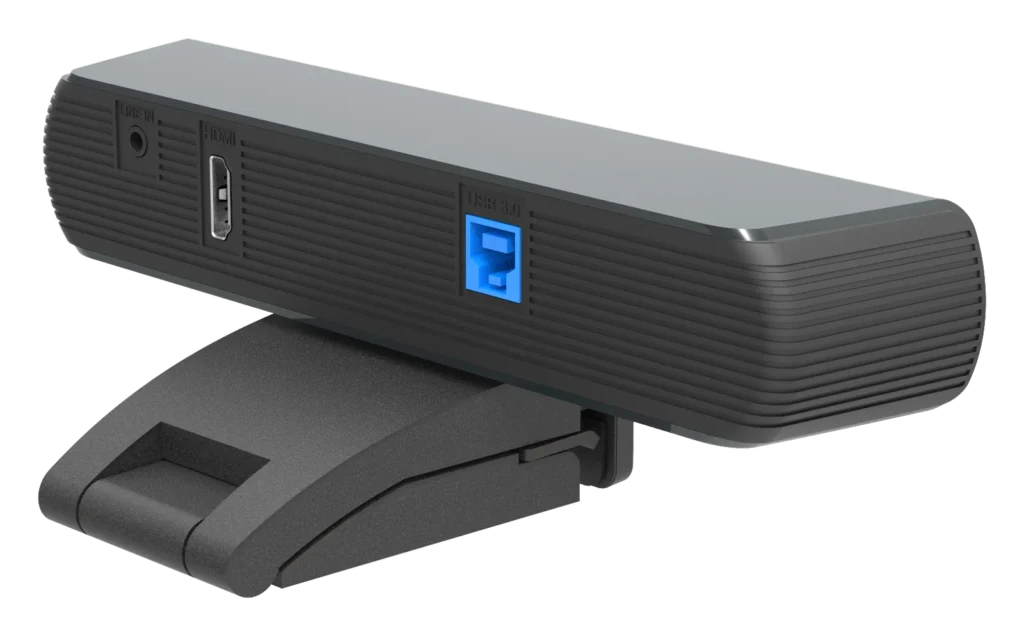
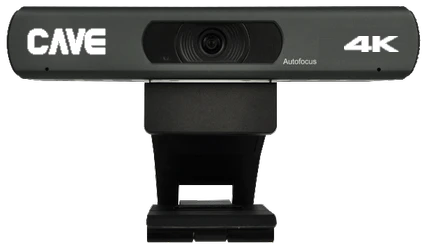
A01 is a 4K ultra-wide conference camera with a 120° horizontal view. Placed above the display, it gets everyone in a small meeting room into the picture. One USB cable carries both power and video, so there is no power adaptor.
01120° ultra-wide
Even the seats at the edge are in the shot.
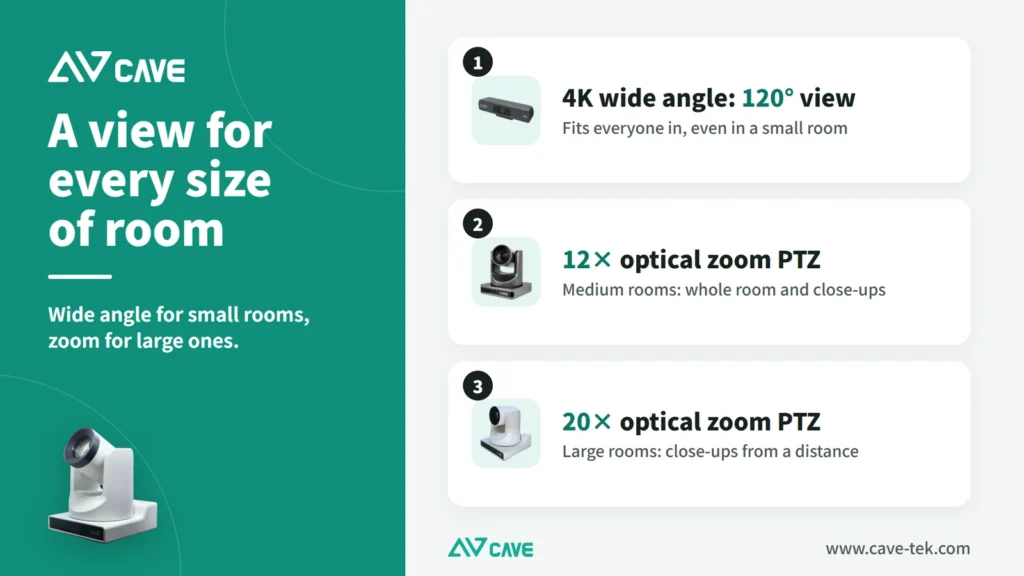
With a 120° horizontal view, a small room 2 to 4 metres deep fits into one picture and the camera never has to turn.
024K picture
Still clear when you zoom in.
A 1/2.5-inch 8.51-megapixel sensor outputs 4K at 30fps over USB. There is 8× digital zoom and 10 preset positions; in an ordinary 1080p video call the picture stays sharp after zooming.
03Auto framing
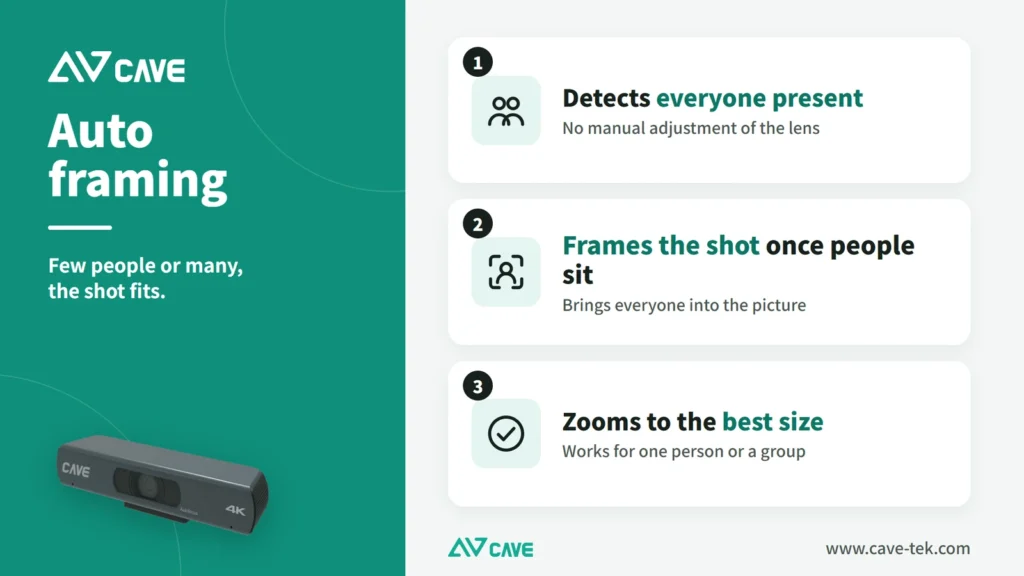
Few people or many, the shot adjusts itself.
The camera finds the people in view and adjusts the picture to fit them. It works for one person or a group.
04One USB cable
Power and video together.
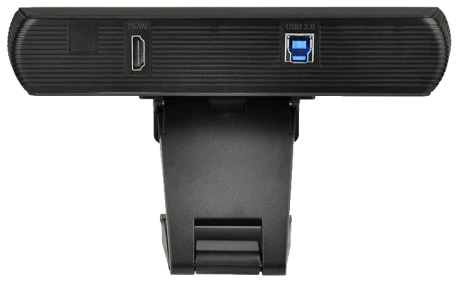
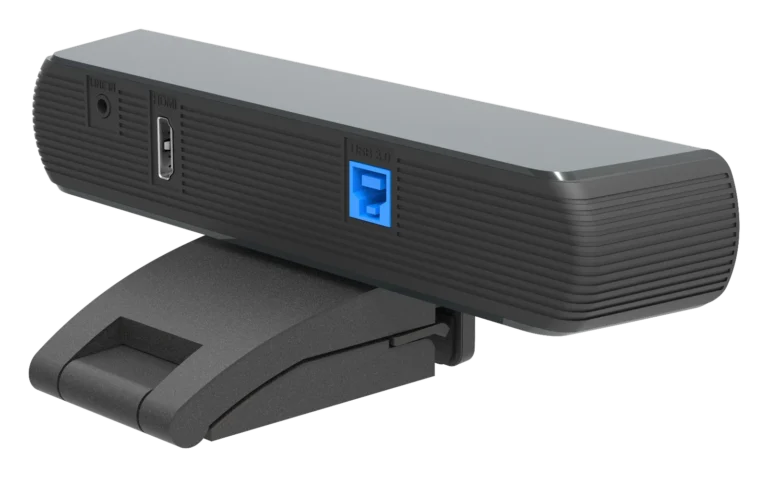
USB 3.0 supplies power (5V / 1A) and carries the video, with no adaptor. No driver is needed on Windows, macOS, ChromeOS or Linux, and HDMI output can feed a display.
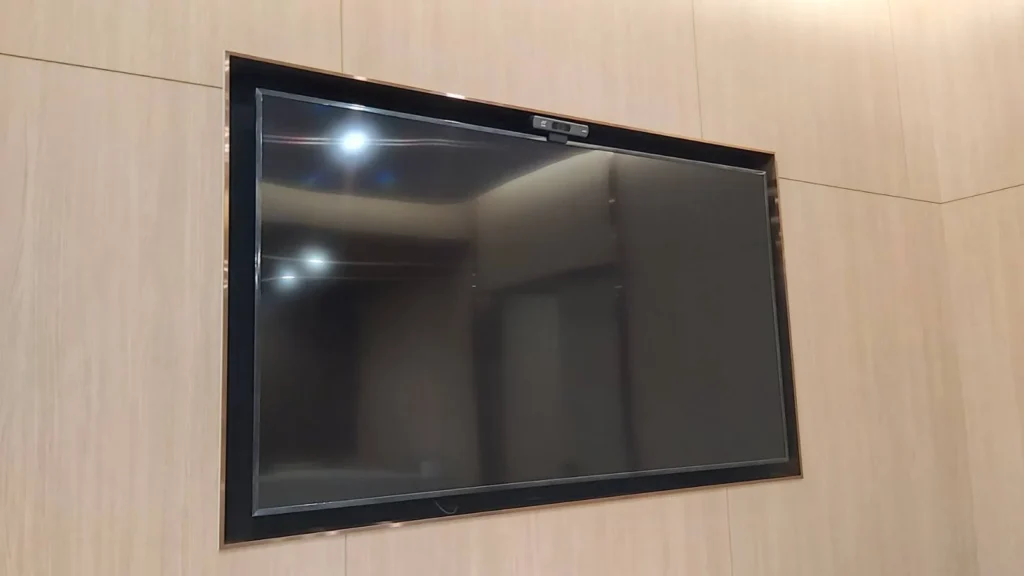
05A real installation
Just place it above the display.
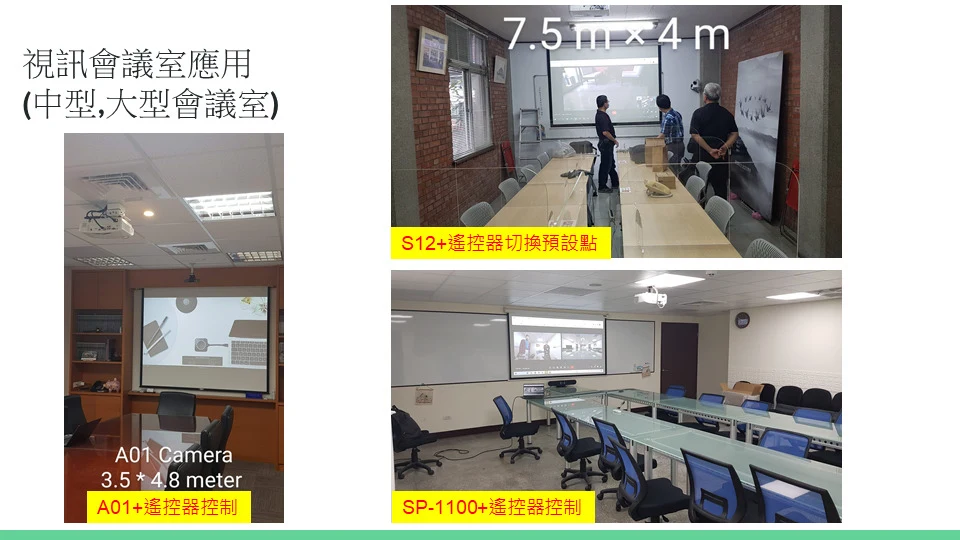
The photo shows an A01 mounted above a TV. It is small and weighs only 0.5 kg, and one USB cable to the computer completes the job with no separate power.
06All-round
Any space the S12+ covers, when you just need a picture.
Like the S12+, the A01 is an all-round conference camera: in any space the S12+ covers, when the need is simply to have a picture, with no close-ups and no concern for how large people appear in it, the A01 can be planned in. It has a 4K picture, a 120° wide view, USB and HDMI outputs, and a remote control that sets preset positions.
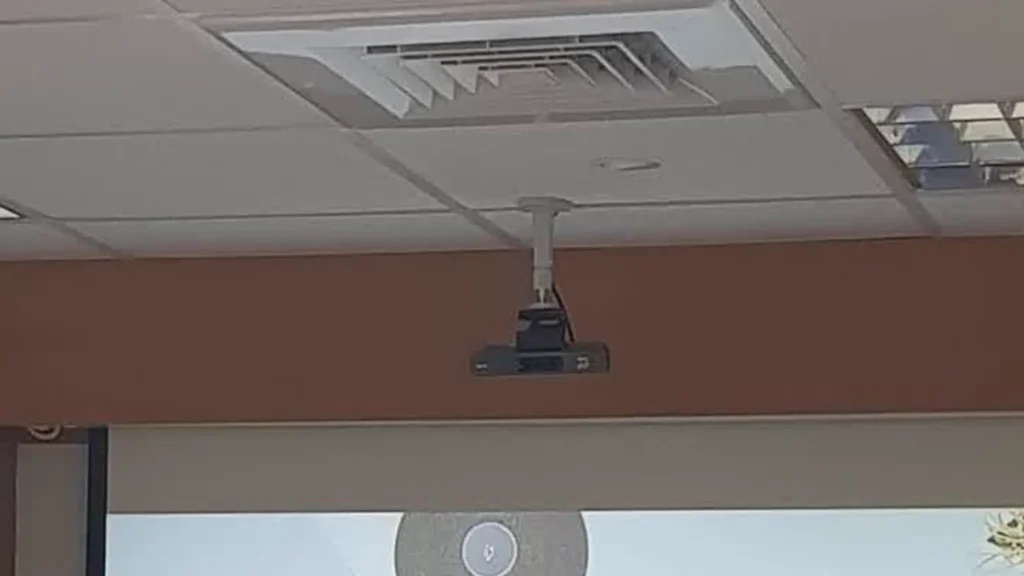
07Ceiling mount
Above the display, or hung from the ceiling.
Besides sitting above a display, the A01 can hang upside down from a ceiling mount. It weighs only 0.5 kg, and one USB cable to the computer needs no separate power.
08Single-output version A01SE
A01SE: USB only, built for video meetings.
The A01SE is the single-output version of the A01. The picture specifications are the same: 4K, a 120° horizontal view, 8× digital zoom, 10 preset positions and auto framing, plus two built-in omnidirectional microphones that pick up from up to 6 metres. The difference is the output: the A01SE has USB 3.0 only, with no HDMI, and is made for USB video meetings. If you need HDMI output to a display, choose the A01. The UCB-S2 video bundle uses the A01SE, and its brochure is in the downloads section below.
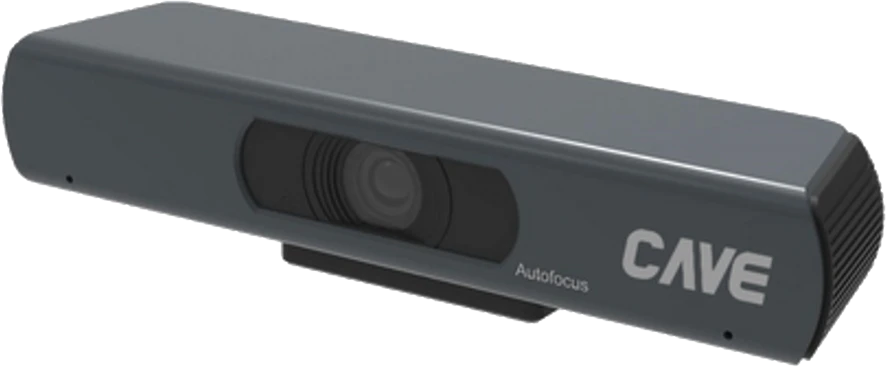
Design
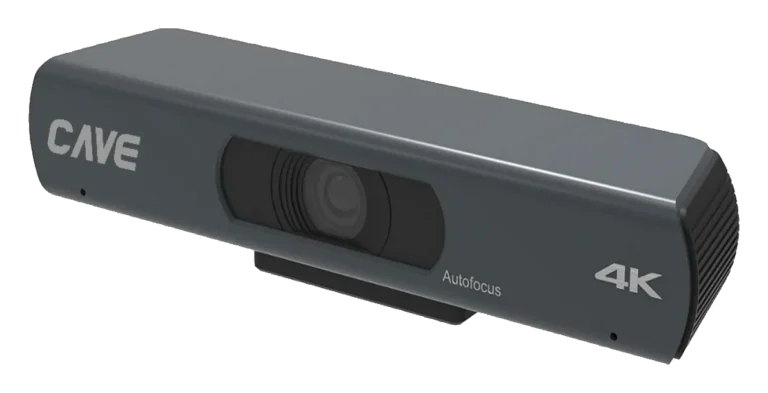
Tech Specs
Camera
- Video System
- 4K@30fps, 1080P@30fps, 1080i@60/50fps
- Image Sensor
- 1/2.5'', Low Noise CMOS Sensor,
- Lens characteristics (wide to tele)
- Focal length: f=3.5mm, Horizontal FOV: 120°, 8x digital zoom, S/N: 55dB, Min. illumination: 0.5 Lux @ (F1.8, AGC ON)
- Advanced camera processing
- White Balance (Auto, Indoor, Outdoor, One Push, Manual) Backlight Compensation, 2D&3D Digital Noise Reduction
- Pan / Tilt Angle and Speed
- EPTZ
- Camera Control Protocol and Advanced features
- UVC (USB) Auto Framing
USB Feature
- Operation System
- Windows® 7 (1080P or lower resolution), Windows 8.1, Windows 10 or higher macOS™ 10.10 or higher Google™ Chromebook™ 29.0.1547.70 or higher Linux
- Color System / Compression
- YUV 4:2:2 H.264 / MJPEG
- USB Video Communication Protocol
- UVC 1.0, PTZ Control.
Interface
- Video Output Interface
- 1xHDMI (1.4 version)
- USB Interface / Power Jack
- 1xUSB 3.0 (Type B / 5V / 1A)
General specification
- Input Voltage
- DC 5V/1A (USB)
- Power Consumption
- 3.5W (max)
- Temperature Range
- Operating: -10°C ~ 40°C Storage: -40°C ~ 60°C
- Dimension (WxDxH)
- 194mm x 34mm x 42mm (without bracket)
- Weight
- 0.5Kg
Inside the box
- Package
- Camera, Remote Control, USB Cable, Quick Start Guide, Warranty Card
Specifications are subject to change without notice.
FAQ
What size of meeting room suits A01?
A01 has a 120° horizontal view and suits small rooms 2 to 4 metres deep. Placed above the display, it takes in everyone in a single shot. If all that is needed is a picture, with no close-ups, it can also be planned into spaces the S12+ covers.
Does A01 need a separate power supply?
No. One USB 3.0 cable carries both power (5V/1A) and video, with no adaptor.
Can A01 zoom?
A01 has a fixed lens with no optical zoom, but it offers 8× digital zoom and 10 preset positions. It also finds the people in the picture and frames them automatically.
What is the difference between the A01 and the A01SE, and which should I choose?
The A01SE is the single-output version of the A01. The picture specifications are the same (4K, a 120° horizontal view, 8× digital zoom, 10 preset positions and auto framing); the difference is the output. The A01 has both USB and HDMI outputs, while the A01SE has USB only. If you only run USB video meetings, the A01SE is enough, and it is the camera in the UCB-S2 video bundle. If you need HDMI to a display or other equipment, choose the A01. The A01SE brochure is in the downloads section of this page.
Related guides
Huddle Room Setup: One USB Cable, 2 to 6 People on a Call
A huddle room is used all the time and looked after by no one. This guide compares the three simplest setups: the SP-1100 all-in-one, the J01i with an SM-500 (UCB-S), and the A01 with an SM-500, and how to choose by headcount, room size and room to grow.
How to choose a meeting-room camera: 8 things to check, starting with room size
The camera is the most visible part of a video meeting. Whether remote people can see everyone, and see them clearly, depends on it. Work through these 8 points before you choose.
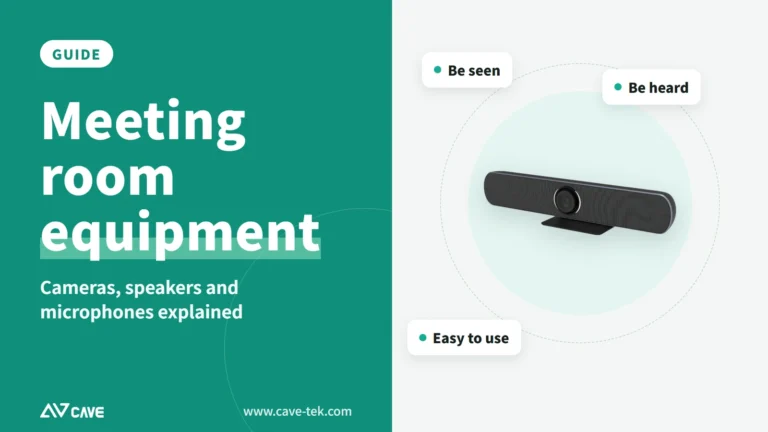
What equipment does a video meeting room need? Cameras, speakers and microphones explained
Three things ruin a video meeting: you can't hear them, they can't hear you, and the picture is a blur. Here is a plain-English walk through what a meeting room needs and how the pieces fit together.