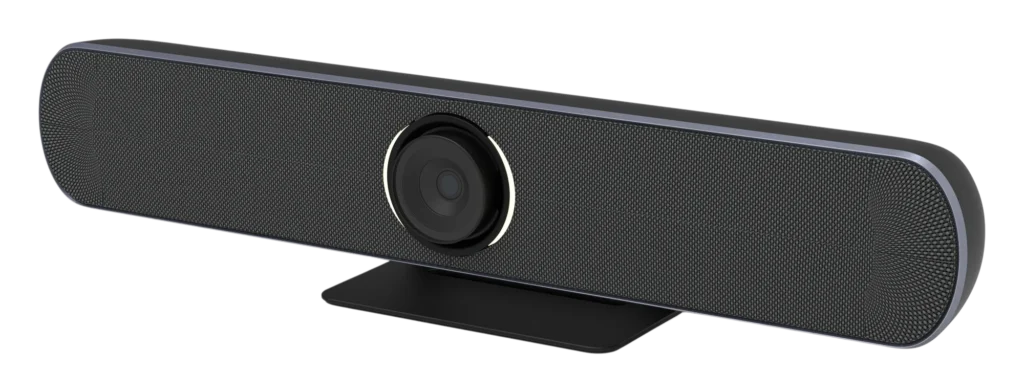
Japanese sensor
Diagonal FOV
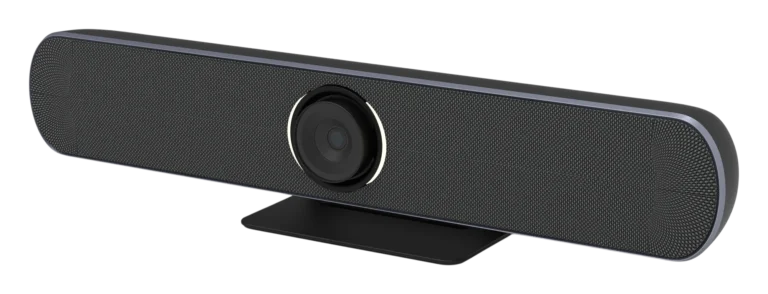
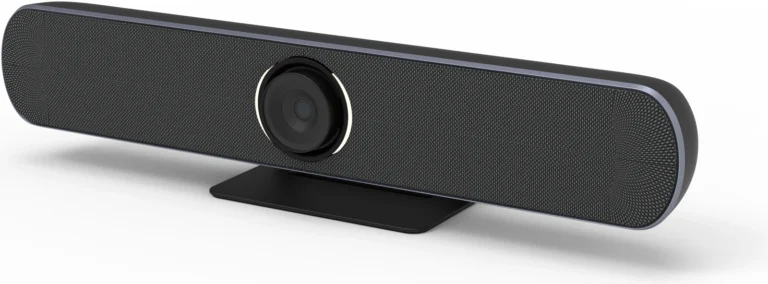
Camera, mics, speaker
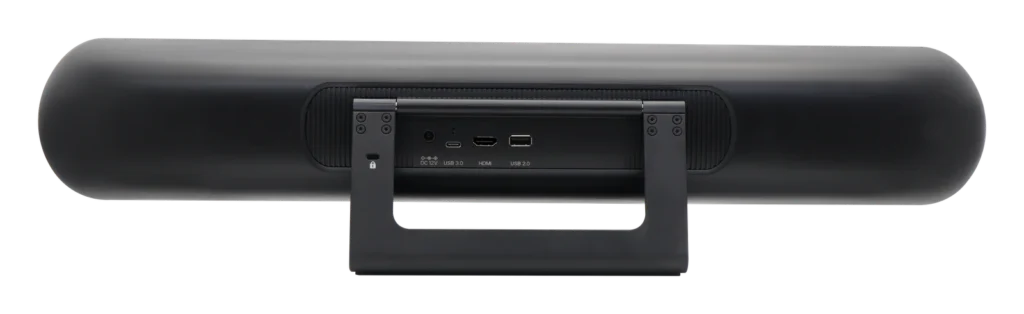
Plug and play
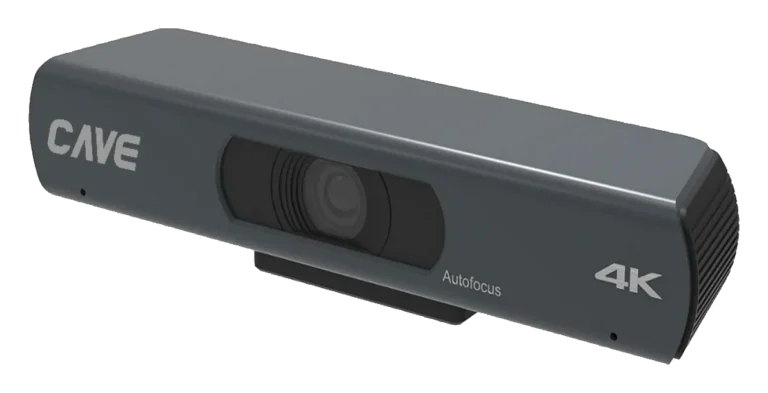
SP-1100 puts a 4K camera, microphones and a speaker into one bar. Place it above or below the display, connect one USB cable to the computer, and start the meeting. It is recommended for small rooms up to 4 metres deep with up to 8 people, and its microphones pick up voices up to 6 metres away.
01All in one
Camera, microphones and speaker in a single bar.
Nothing to buy or connect separately. A wall bracket is included, and once it is up nothing else needs to sit on the table.
024K wide angle + speaker tracking
Whoever is talking gets the picture.
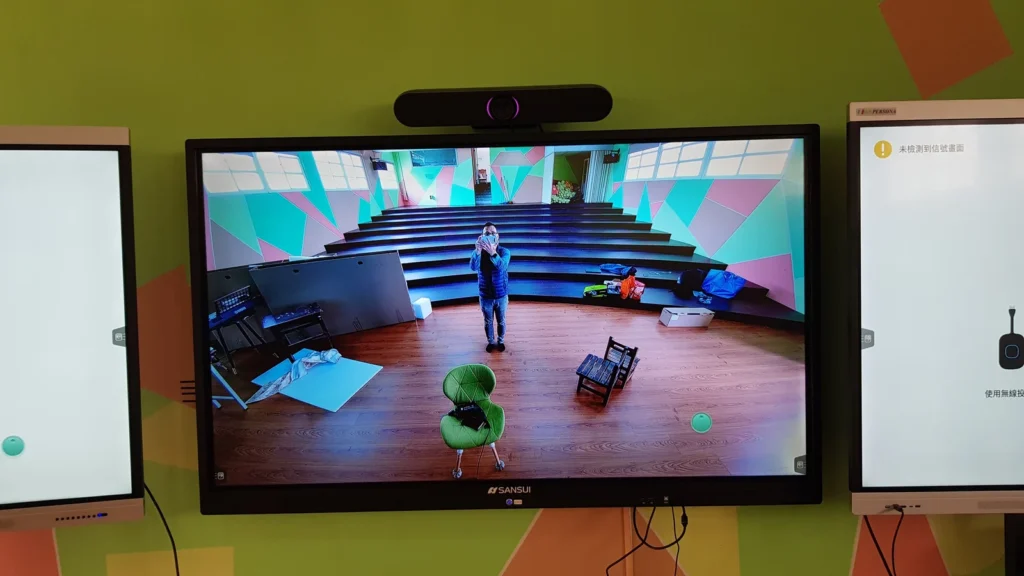
A 110° horizontal and 121° diagonal view at 4K 30fps. The lens is motorised: it can frame everyone automatically, or follow the direction of the voice to the person speaking.
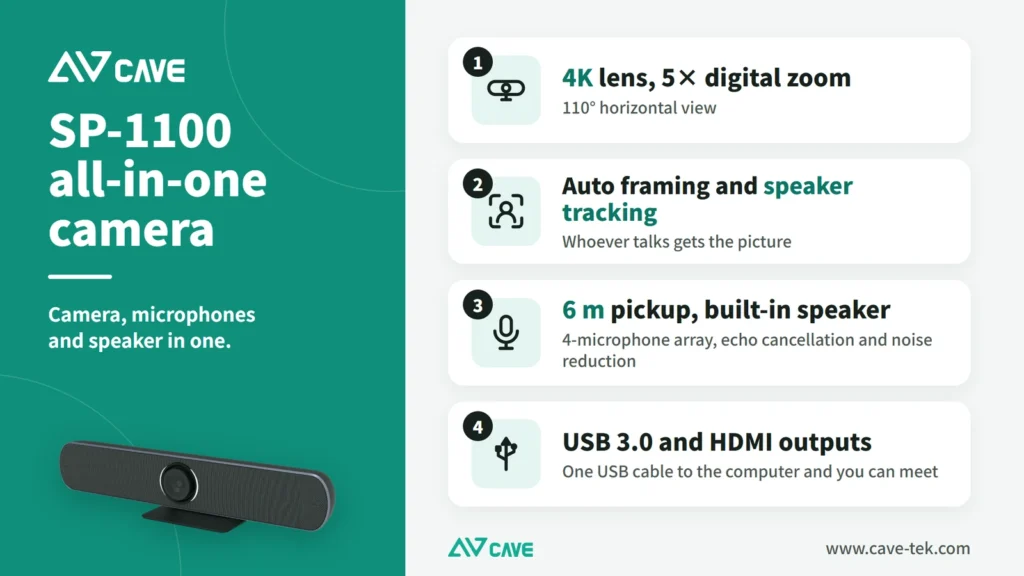
036-metre pickup
People at the back are heard clearly too.
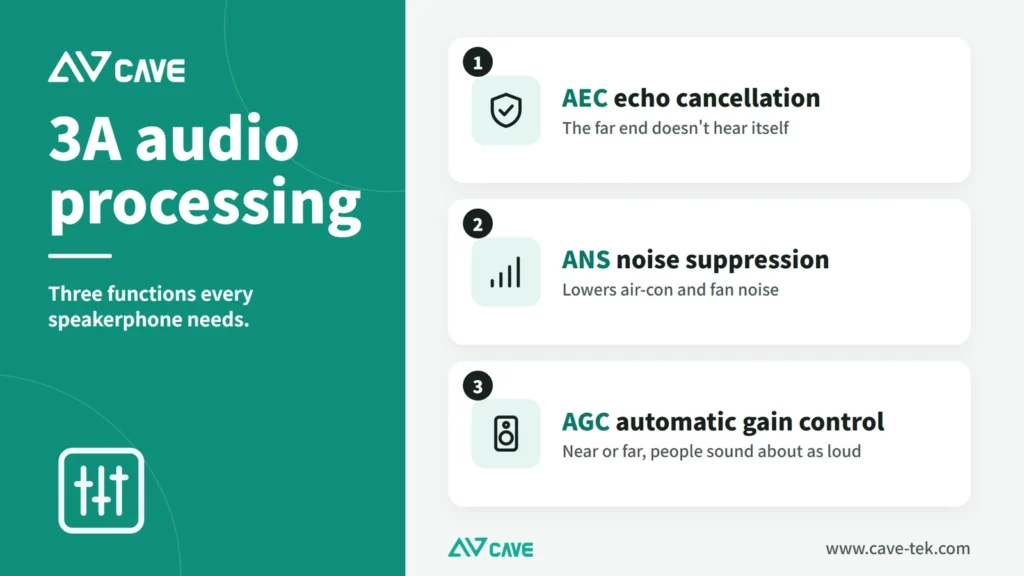
Four beamforming microphones pick up voices up to 6 metres away, with an 8W speaker. Echo cancellation, noise reduction and automatic gain control are built in, and both sides can talk at once.
04USB plug and play
One cable to the computer.
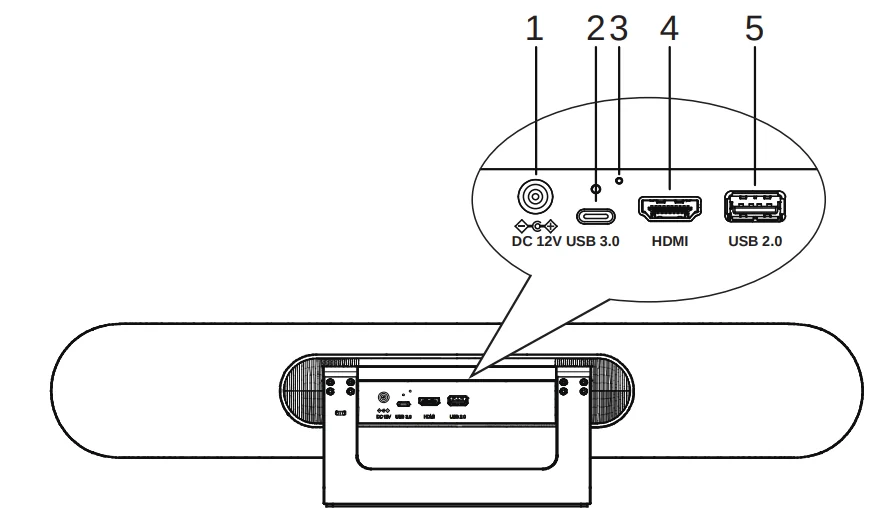
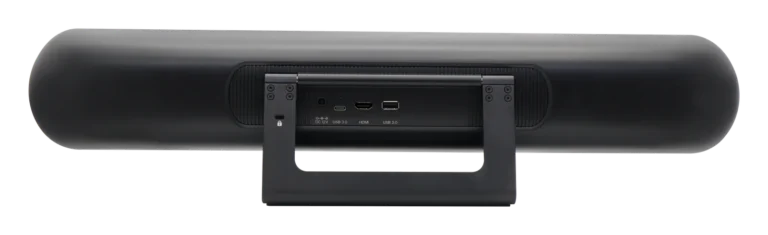
USB 3.0 Type-C connects to a computer and works on Windows, macOS, ChromeOS and Linux with no driver. HDMI output can feed a display.
05A real installation
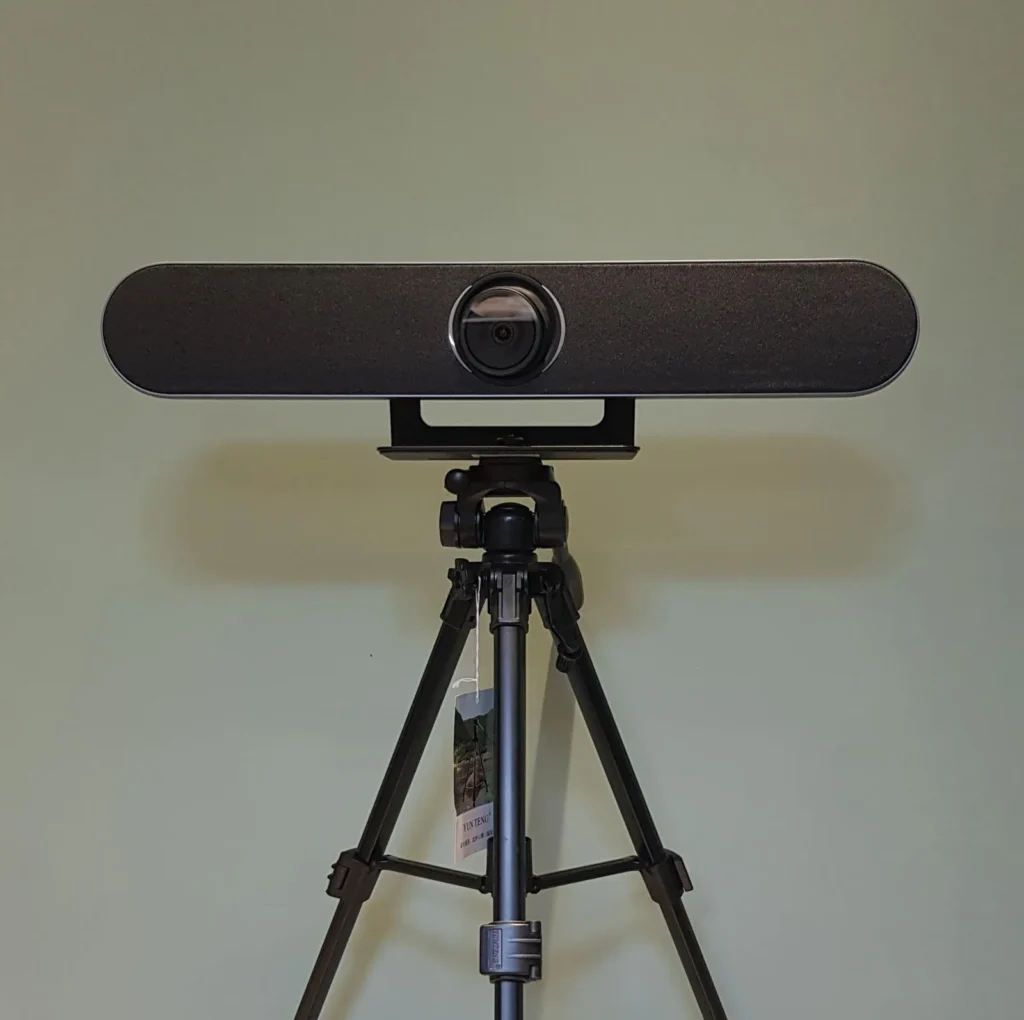
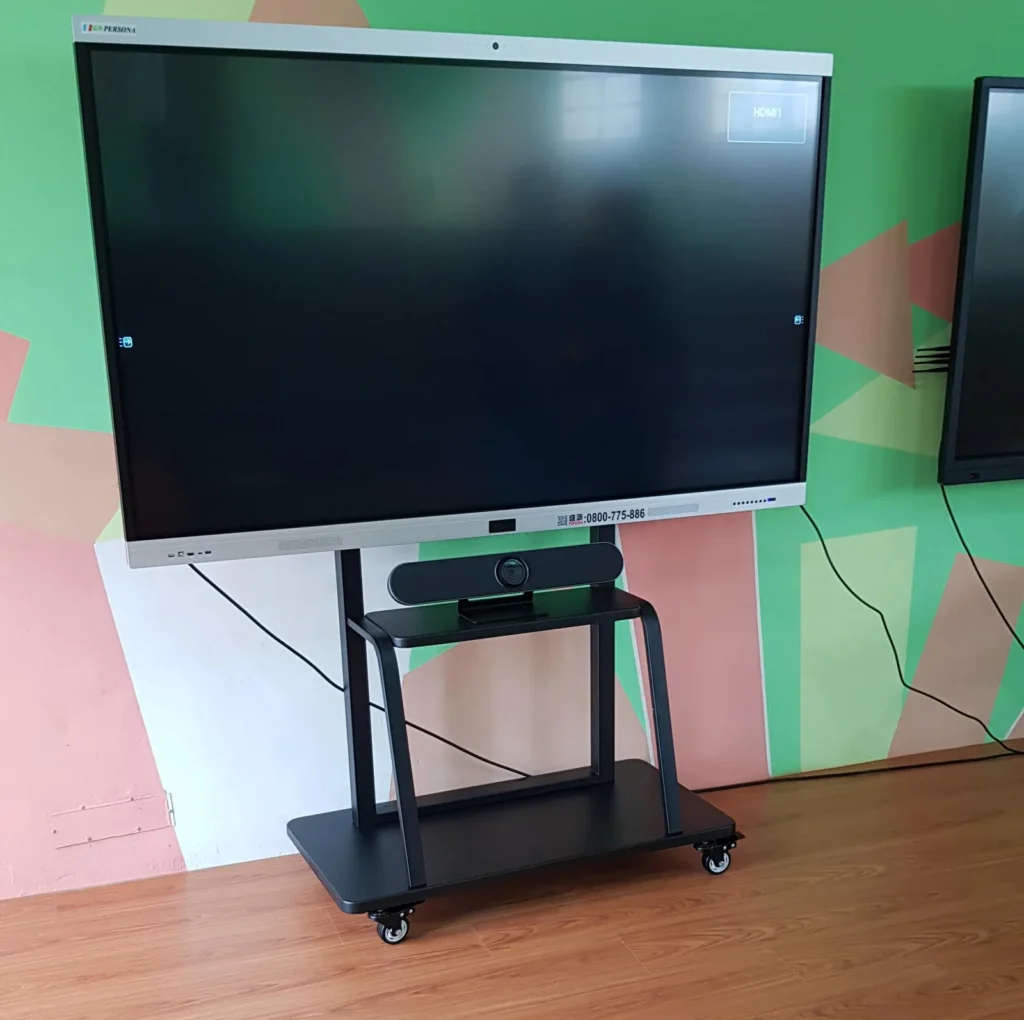
On the wall, a mobile stand or a tripod.
The photo shows an SP-1100 on a mobile display stand: wherever the display goes, the meeting can go too. A wall bracket is included, and the standard thread fits a tripod.
Design
Tech Specs
Camera
- Video System
- 4K@30fps, 1080P@60/30fps, 720P@60/30fps
- Image Sensor
- 1/2.5 inch , Low Noise CMOS Image Sensor
- Lens characteristics (wide to tele)
- 121° (DFOV), 110° (HFOV), 5x digital zoom
- Video S/N
- 55dB
- Advanced camera processing
- Backlight Compensation, 2D&3D Digital Noise Reduction
- Pan, Tilt, Zoom
- MPT + EPTZ
- Auto Tracking
- Speaker mode (Voice Tracking), Participant mode
Audio Feature
- Speaker
- 0.5 meter 96 dB SPL Frequency:100Hz~16KHz Max Output:8W
- Microphone
- Microphone array:Beamforming microphone array x 4 Frequency:100Hz-8KHz SNR:65dB Pick-up Distance:6 meter
- USB Audio
- 32K sampling rate, support UAC2.0
- Advanced audio processing
- U-Sound Technology, Echo Cancellation (AEC), Auto Gain Control (AGC), Noise Reduction (ANR), Full duplex Speakerphone
- Extended Microphone
- Support external USB microphone (optional)
USB Feature
- Operation System
- Windows® 7, Windows 8.1, Windows 10 or higher macOS™ 10.10 or higher
- Color System / Compression
- H.264 / MJPEG /YUY2 /NV12
- USB Video Communication Protocol
- UVC 1.1~1.5
Interface
- Video Output
- 1xHDMI (Version 1.4) (*Video Only)
- USB Interface
- 1 * USB3.0, Type C ; 1 * USB2.0, Type A ;
- Power Jack
- JEITA Type (DC IN 12V)
General specification
- Input Voltage
- DC 12V/2A
- Power Consumption
- 24W (max)
- Temperature Range
- Operating: 0°C ~ 40°C Storage: -40°C ~ 60°C
- Dimension (WxDxH)
- 600mm * 140mm * 115mm (holder included)
- Weight
- 2.5Kg
Inside the box
- Package
- Camera, Power Adaptor, Remote Control, USB Cable, Mount Kit, Quick Start Guide, Warranty Card
Specifications are subject to change without notice.
Downloads
FAQ
How many people does SP-1100 suit?
It suits small rooms for up to 8 people and up to 4 metres deep. The microphones pick up at up to 6 metres.
Do I need a separate microphone and speaker with SP-1100?
No. SP-1100 has four beamforming microphones and an 8W speaker built in, with echo cancellation and noise reduction, so one unit is enough for a meeting.
How is SP-1100 installed?
It goes above or below the display, and a wall bracket is included. It connects to the computer by USB 3.0 Type-C and is powered by the supplied DC 12V adaptor.
Related guides
Huddle Room Setup: One USB Cable, 2 to 6 People on a Call
A huddle room is used all the time and looked after by no one. This guide compares the three simplest setups: the SP-1100 all-in-one, the J01i with an SM-500 (UCB-S), and the A01 with an SM-500, and how to choose by headcount, room size and room to grow.
Wireless Presentation for Meeting Rooms: AirPlay, Miracast and Transmitters Explained
You want to put a laptop or phone screen on the meeting room display without hunting for cables and adapters. This guide covers the ways to present wirelessly, what to watch for in picture quality and the network, and what native 4K in and 4K out really means.
What is BYOM? How Wireless Video Meetings Work, and How to Set Up Small, Medium and Large Rooms
BYOM stands for Bring Your Own Meeting: you run the video call on your own laptop and use the room camera, microphone and speaker. This guide explains how BYOM works, how it differs from BYOD, how small, medium and large rooms differ, and how WP-50 connects to the equipment already in the room.
Installations