Why do medium and large meeting rooms need a PTZ camera? 5 reasons
A small meeting room gets by with one wide-angle camera. In a bigger room the people at the back become small and blurry in the picture. That is when you need a PTZ camera.
Short answer
For a medium or large meeting room, more than 4 metres deep and seating 6 to 18 people, a PTZ camera is recommended for five reasons. One: it uses optical zoom, so people at the back stay sharp when you move in. Two: it adjusts brightness and colour automatically and copes with dimmer lighting. Three: it remembers positions you use often and cuts to the person speaking at one press. Four: it mounts on a wall, hangs from the ceiling or stands on a tripod. Five: a large space can have several, switching between angles at any time.
Key takeaways
- Small rooms for 2 to 6 people: a fixed wide-angle camera is enough
- Rooms deeper than 4 metres: a fixed camera makes the back row too small, and enlarging blurs it
- A PTZ camera moves in with optical zoom and the picture quality holds
- Presets, a remote or a keyboard take you quickly to whoever is speaking
Video meetings on Google Meet, Teams and Webex have become routine. Meeting people anywhere without travelling is convenient, but without being face to face, the right equipment matters more if the other side is to see and hear you clearly, and the camera most of all.
There are several guides on video conference rooms, each for one job. Start with “What to buy for a video conference room” for the whole picture, then read on as needed:
| Guide | What you will learn |
|---|---|
| What to buy for a video conference room (start here) › | Cameras, audio, connections, and the table of setups by room size |
| How to choose a meeting room camera › | Camera by room size and headcount, PTZ, auto tracking, mounting |
| How to choose a conference speakerphone › | Fixing sound that is unclear, echo and noise, and choosing an audio setup |
| Huddle room setup › | Small rooms for 2 to 6 people: three setups and how to expand |
| Microphones for large meeting rooms › | Pickup options and how many for a big space, and how to deal with room reflections |
| How to choose a USB extension › | What to check when a short cable works but a long one fails |
| Why medium and large rooms use PTZ (you are reading this one) | 5 reasons to use a PTZ camera (for what PTZ is, see “What is a PTZ camera”) |
First, how big is the room?
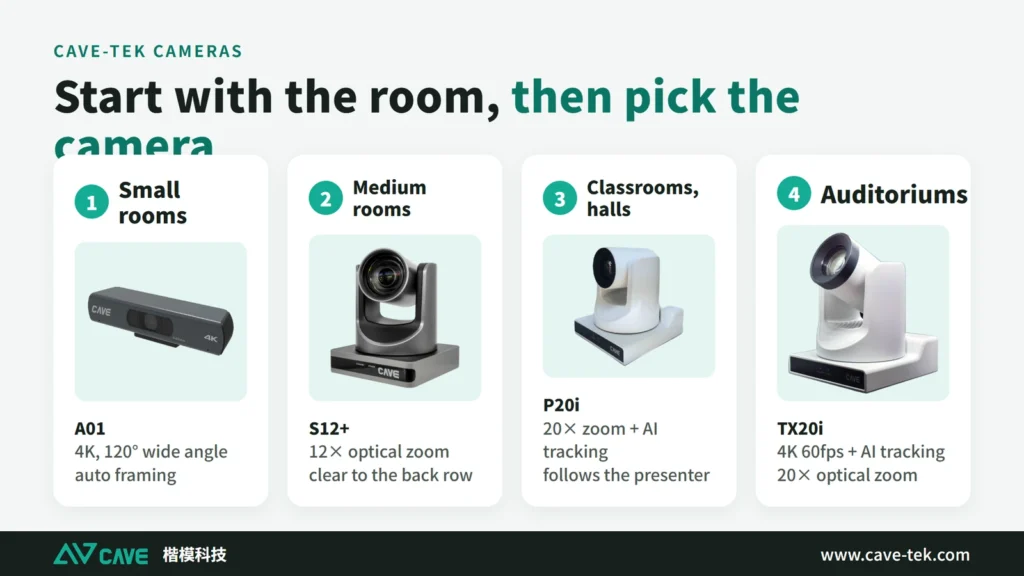
In a small room for 2 to 6 people, the camera built into a phone, tablet or laptop usually isn’t enough. Add a fixed 1080p or 4K camera such as the A01 4K camera, or the SP-1100 with camera, microphones and speaker in one unit. They give a wide view and a good picture, and some frame the group automatically.
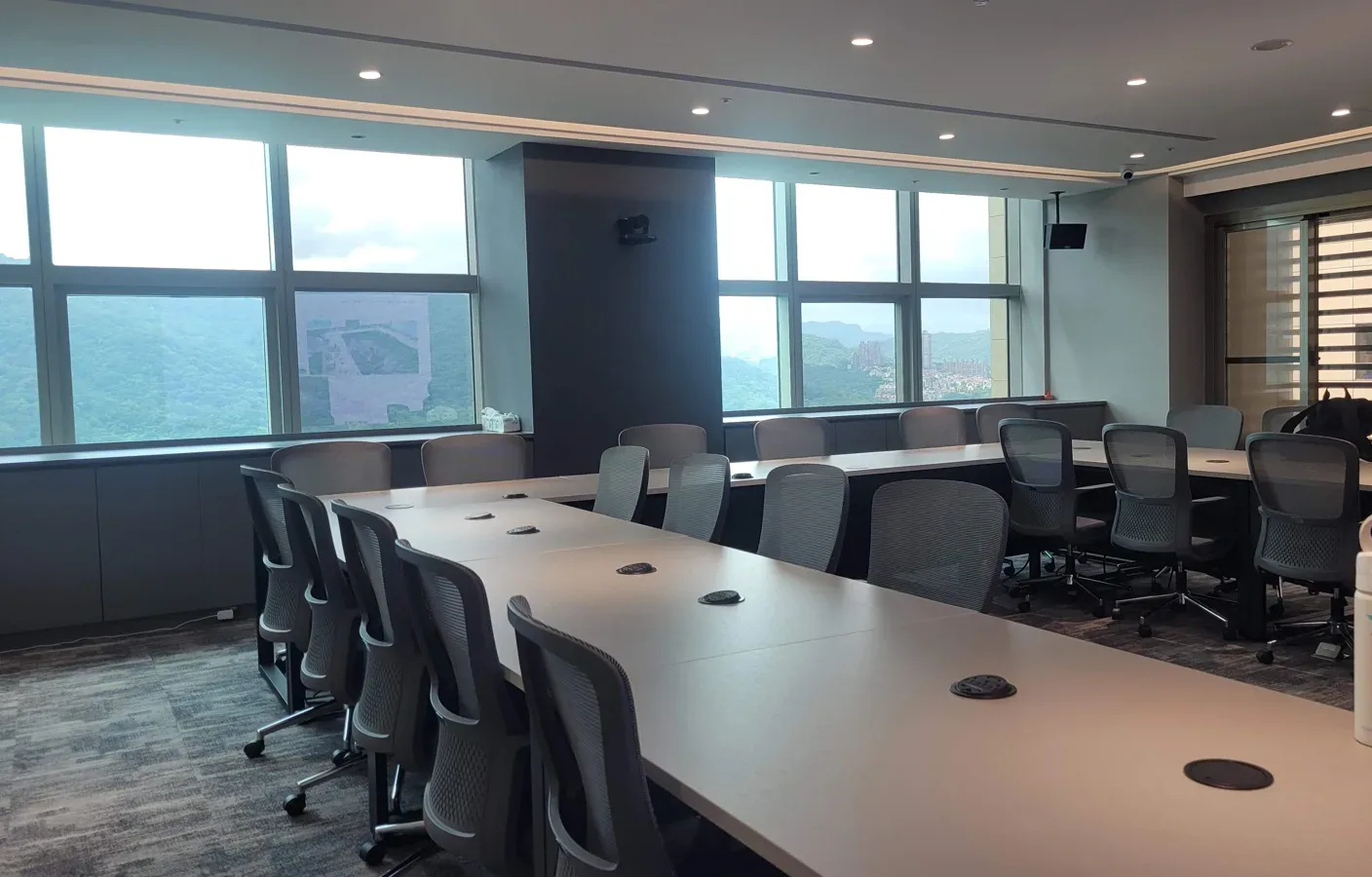
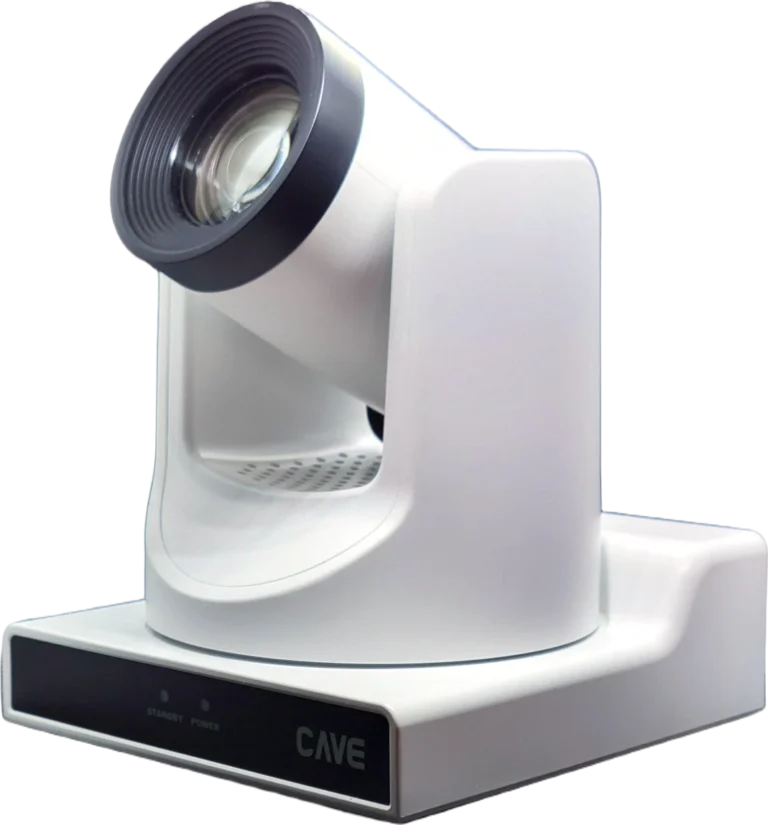
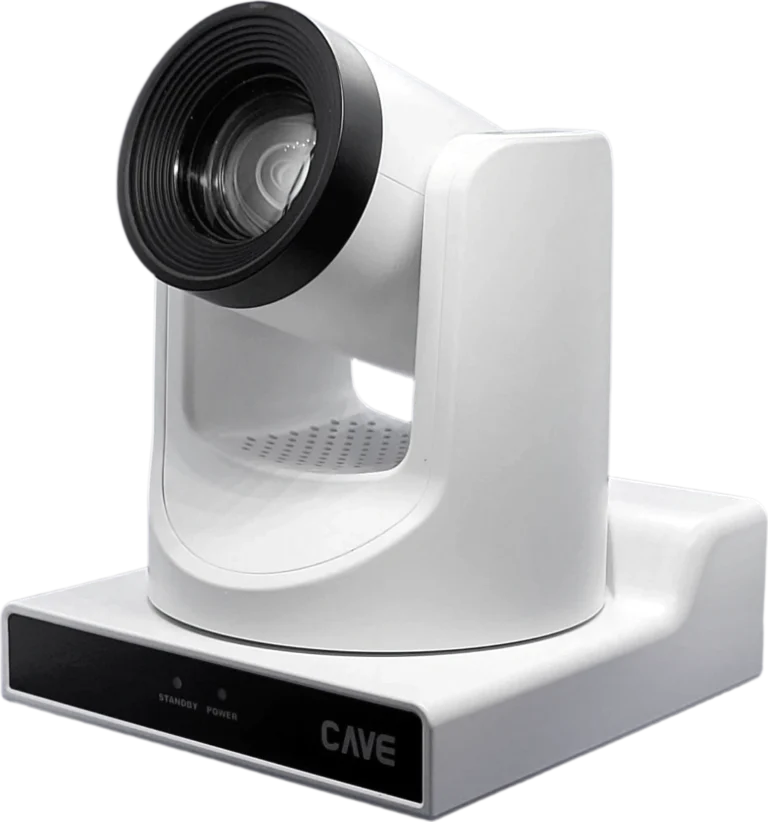
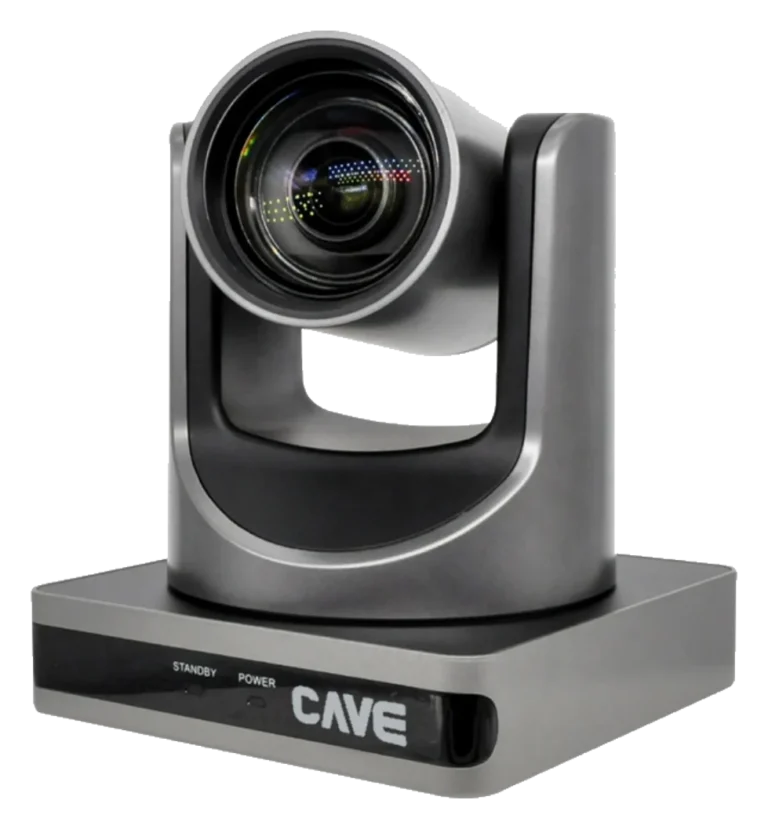
In a medium or large room for 6 to 18 people, more than 4 metres deep, a fixed camera runs into trouble. The people at the back are too small. Enlarging a person or a document doesn’t give enough clarity. And you can’t switch quickly from one person to another. Change to a PTZ camera (S12+ or P20i, for example) and all of this gets much easier.
Reason 1: optical zoom keeps every corner clear
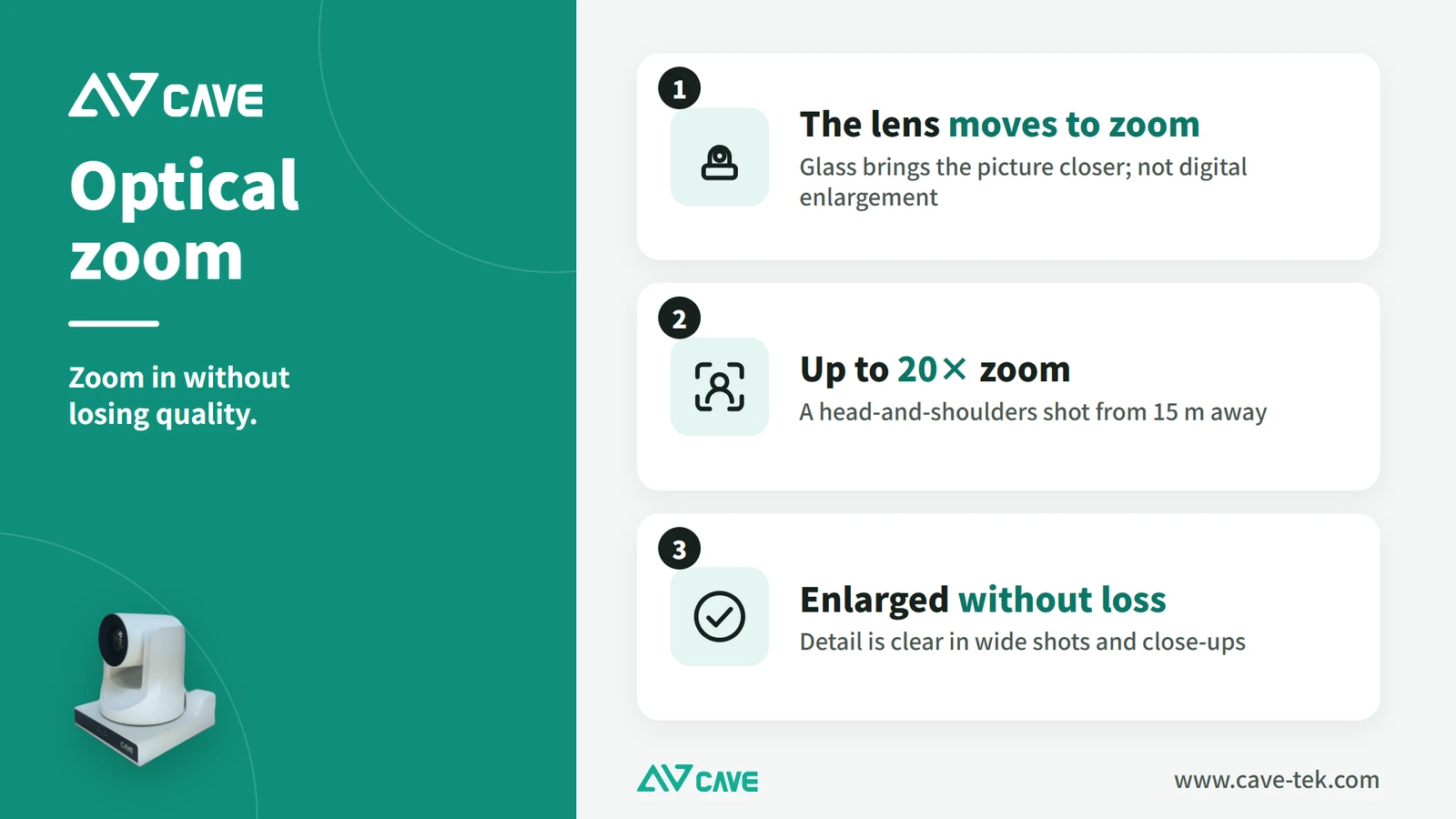
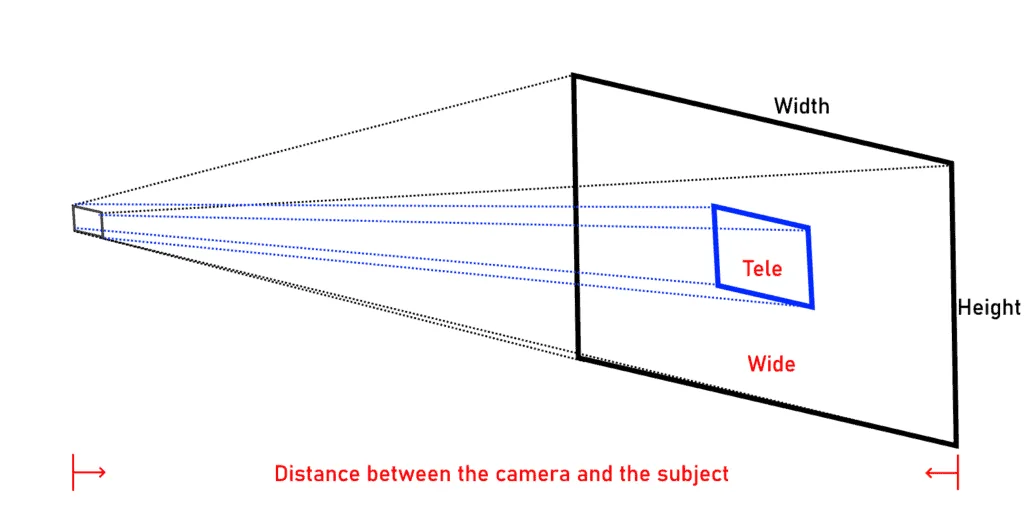
A motor inside a PTZ camera’s lens moves the glass to bring the picture closer. This is optical zoom. The effect is the same as carrying the camera to the presenter at the back of the room: the detail is clear, with no blur or blockiness after enlarging.
As a rule, once a room is deeper than 4 metres even a 4K fixed camera isn’t sharp enough when enlarged. A PTZ camera goes from a close-up nearby to a wide shot of the far end and stays sharp throughout.
Reason 2: it adapts to the room and copes with dim light
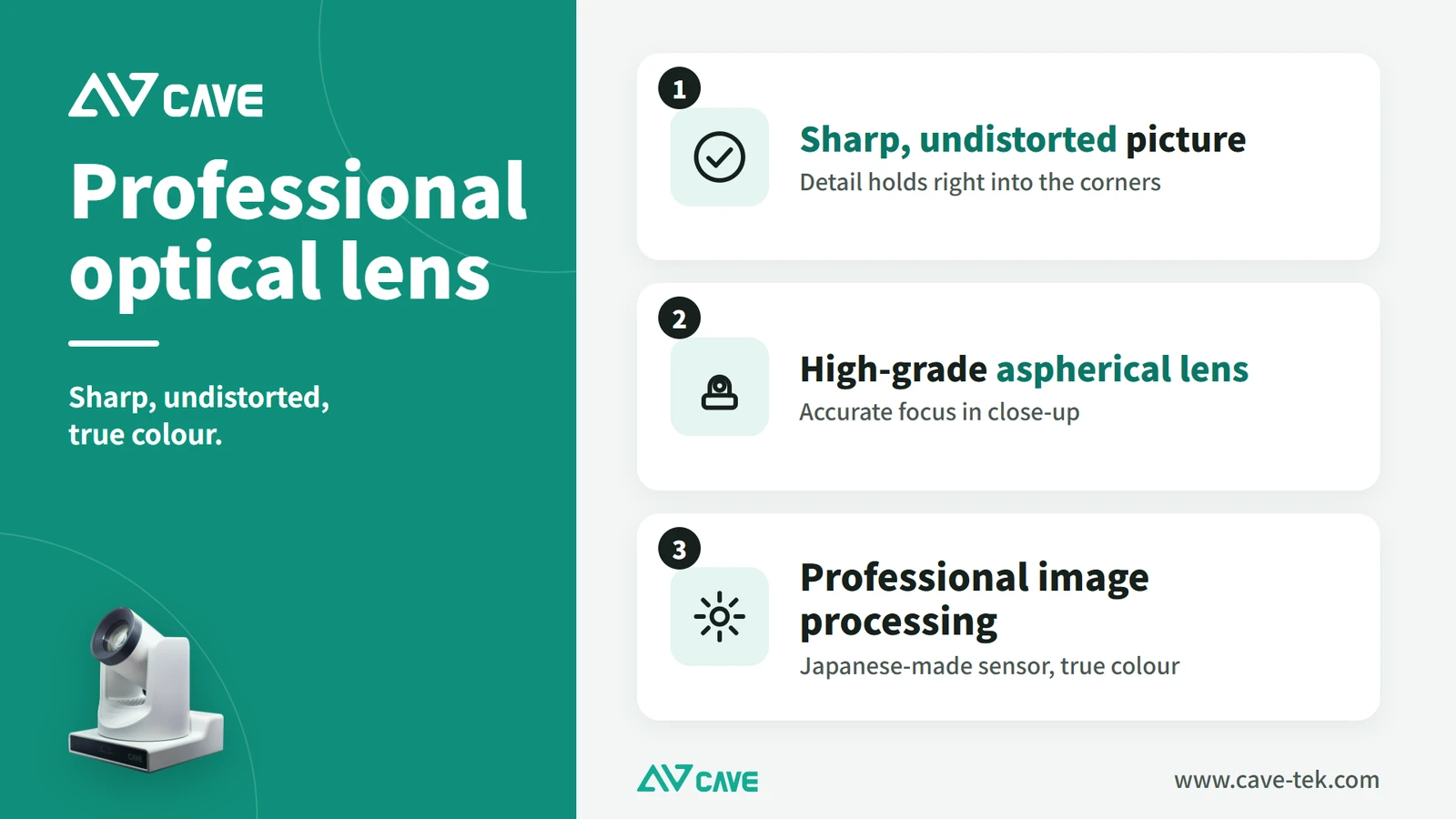
A PTZ camera uses a more sensitive sensor and adjusts brightness (auto exposure) and colour (auto white balance) by itself, so it shoots clearly in dimmer surroundings. Even when the lights are lowered for the projector, the other side still gets a good picture.
In unusual conditions you can set everything by hand, or choose one of the built-in preset modes.
Reason 3: it gets to the speaker quickly
A PTZ camera turns left and right, up and down, zooms in and out, and remembers the positions you use most, called presets: the chair’s seat, the whole room, the presenter. With a control panel on the table, a remote or a joystick, the chair turns the camera to whoever is speaking at one press.
This helps whoever is running the meeting most of all. Nobody has to stop and wait for a camera to be adjusted, or ask a colleague to walk over and turn it. The meeting keeps its pace, and the far end always sees the person speaking.
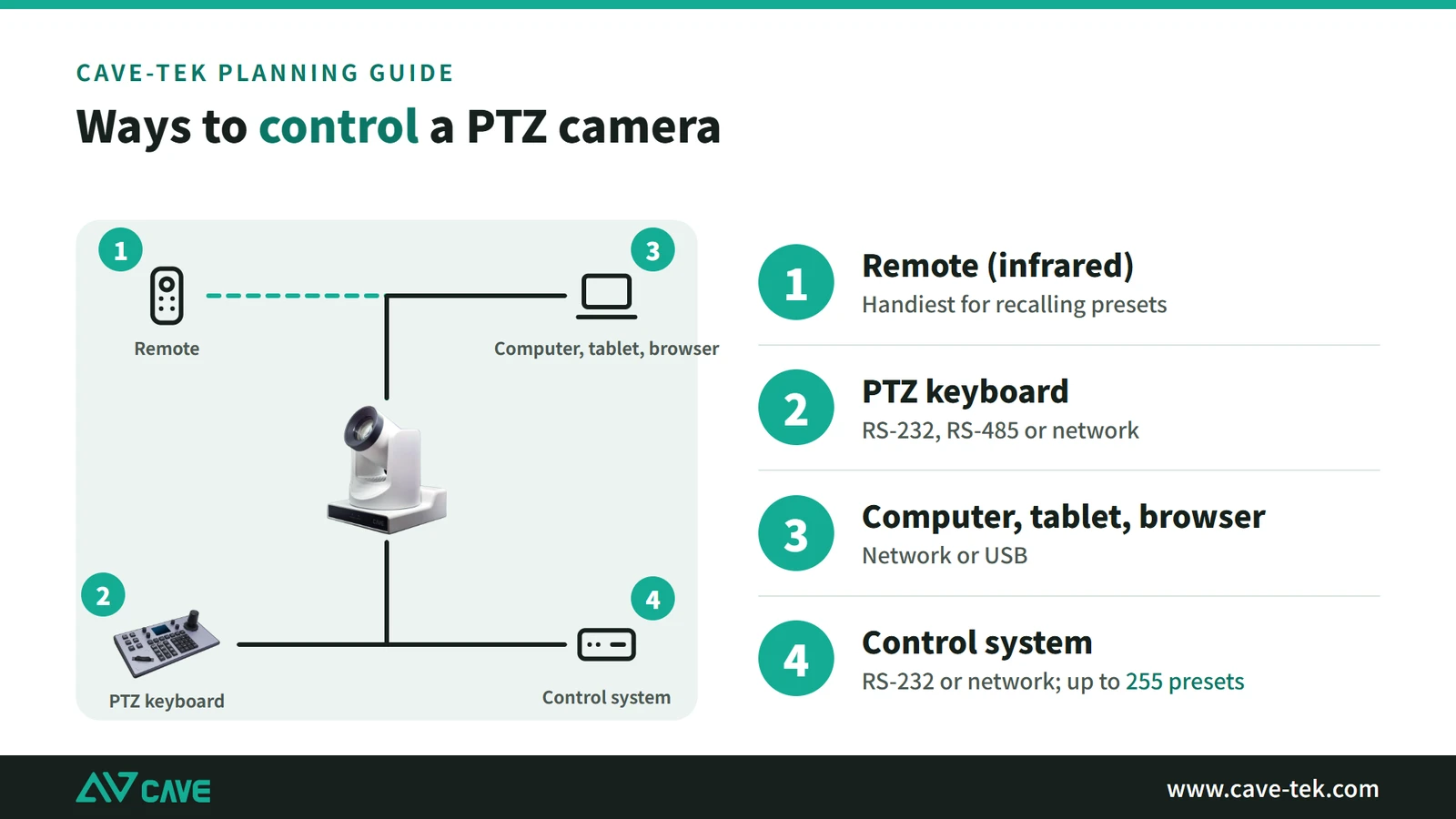
It can also be linked to a conference microphone system. When someone presses their microphone to speak, the system sends the camera to that seat for a close-up. It can be controlled by remote, joystick keyboard, computer, tablet or room control system, and stores up to 255 presets.
Reason 4: it mounts any way you need
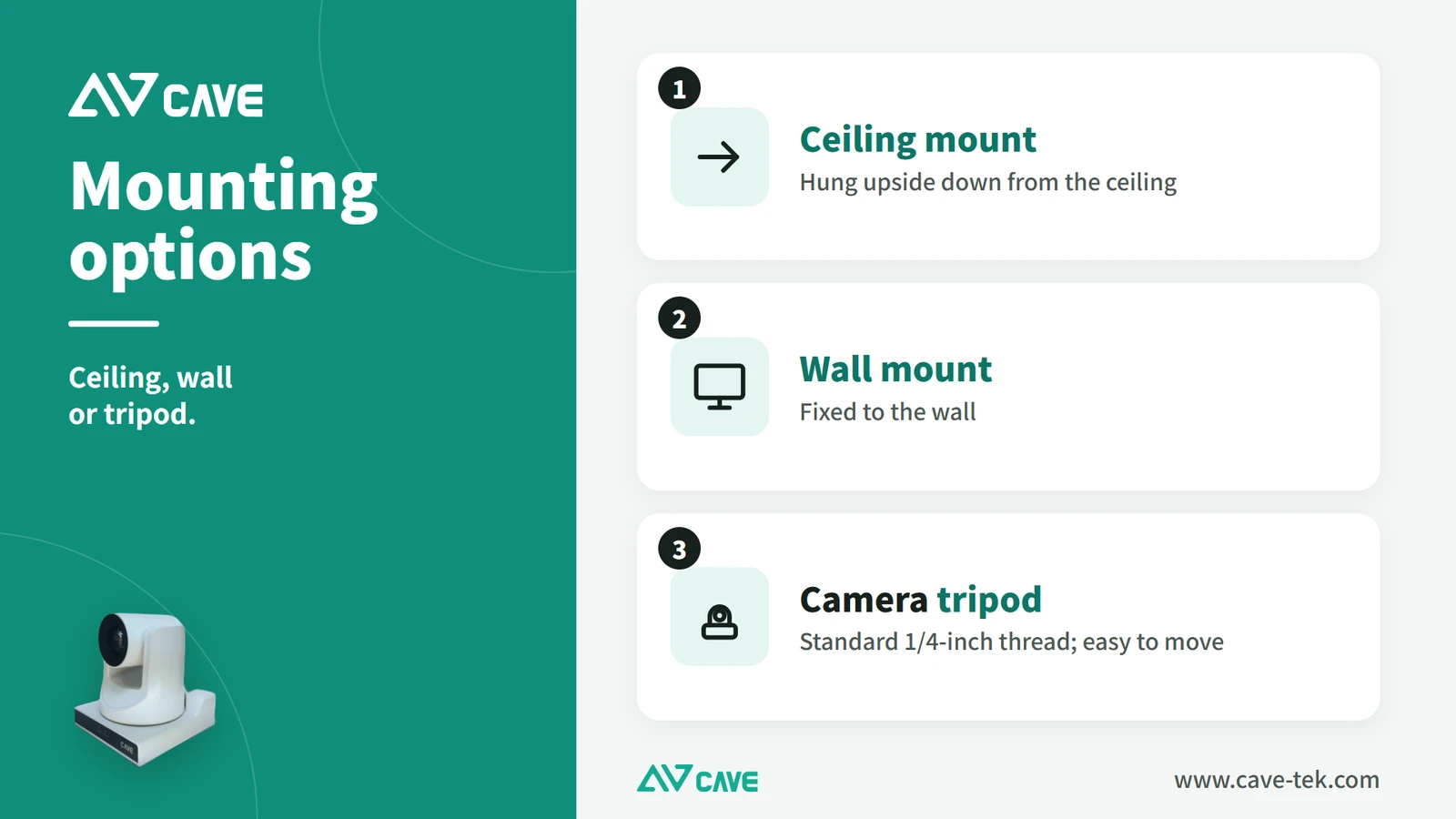
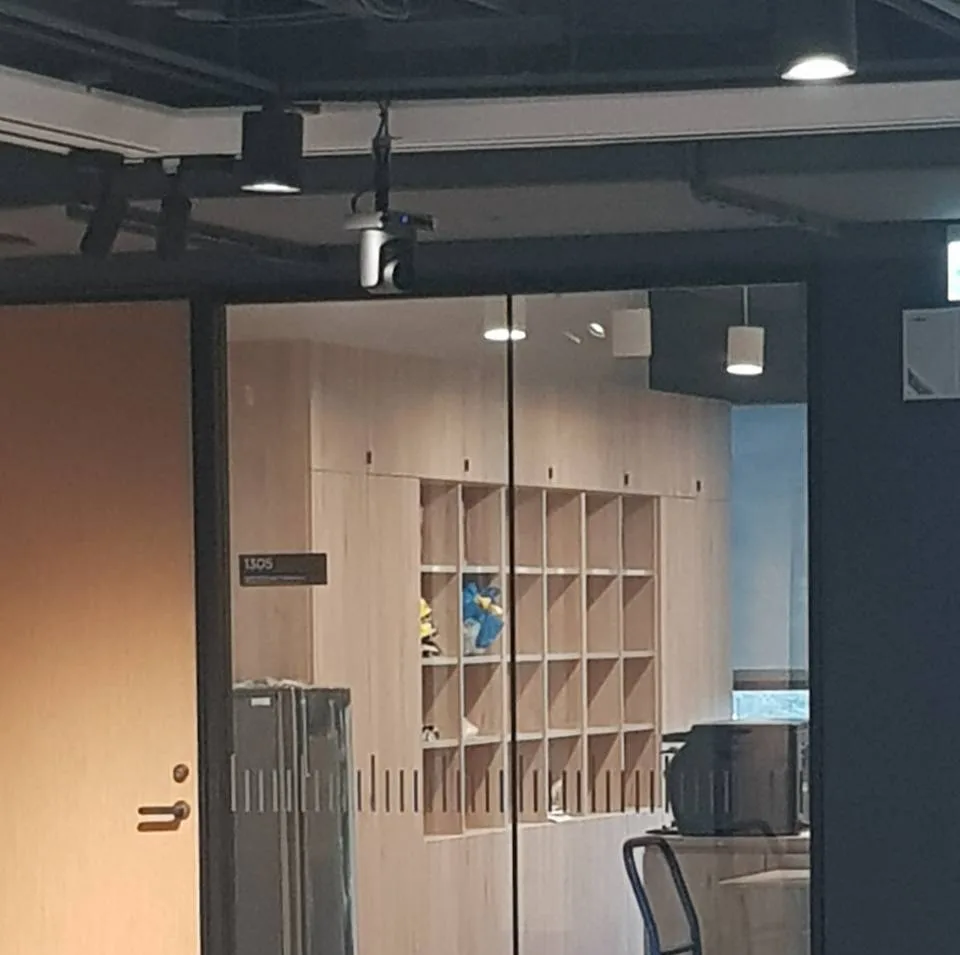
A PTZ camera is installed to suit the room: fixed to a wall or hung upside down from the ceiling, wherever the angle is best. It can also stand on a tripod and be carried to another room when needed.
This matters a great deal at installation. Ceilings, beams, lights and the position of the display differ from room to room. A fixed-lens camera mounted slightly off gives a picture that can’t be corrected; a PTZ camera can still turn its lens and change the framing after it is mounted, so there are far more places it can go.
Reason 5: you can fit several and switch between them
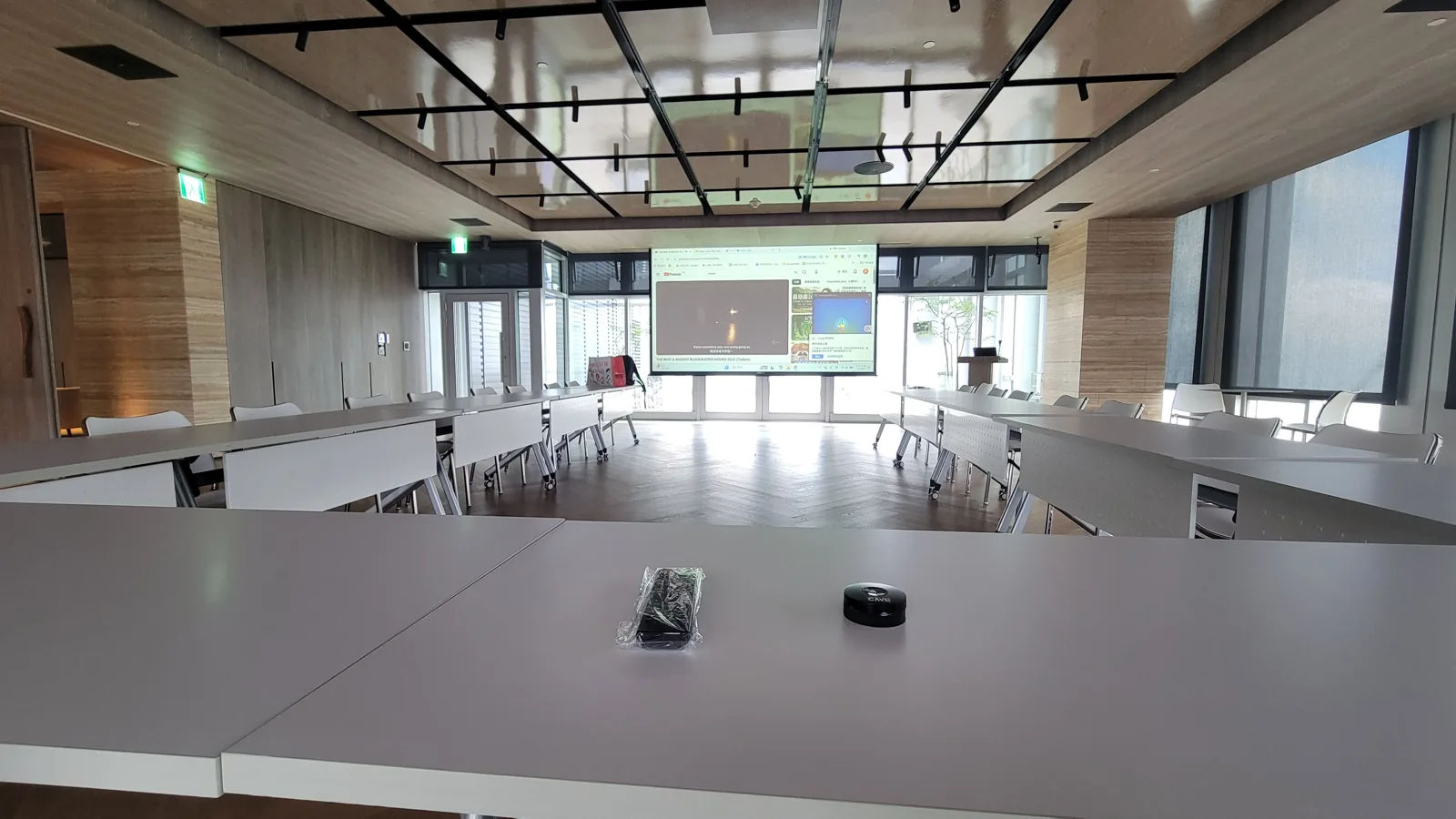
A larger space can have two or more: one on a close-up of the main speaker, another on other people who speak or on the whole room. The meeting then offers different angles, and remote participants feel more involved.
Several cameras need not make operation complicated. One PTZ keyboard controls several cameras, and changing the shot is still one press.
Summary
To sum up, a PTZ camera has five strengths: it stays clear when zoomed in, it copes with dim light, it changes shot quickly, it mounts any way you need, and several can work together. Once a room is more than 4 metres deep with more than six people, these make a real difference, and a PTZ camera is well worth planning for.
How to pair cameras and audio for rooms of different sizes is in “What to buy for a video conference room”; what a PTZ camera is and how it is controlled is in “What is a PTZ camera”.
Not sure which suits your room? Tell us its size and how many people use it, and we will suggest the camera model and where to mount it, free of charge.
Products in this guide
FAQ
How big does a meeting room have to be to need a PTZ camera?
A PTZ camera is recommended for medium and large rooms more than 4 metres deep, seating 6 to 18. For a small room of 2 to 6 people, a fixed wide-angle camera is enough.
What is the difference between optical and digital zoom?
Optical zoom moves the glass inside the lens to bring the picture closer, with no loss of quality. Digital zoom only enlarges the picture, and the more you enlarge, the softer it gets.
How can a PTZ camera be mounted?
On a wall, upside down from the ceiling, or on a tripod so it can be carried to another room when needed.
The planning advice in this guide is general reference. Actual results vary with the room, the equipment and the network. Product specifications follow the manufacturer's documents; we recommend contacting us for an assessment first.
More guides
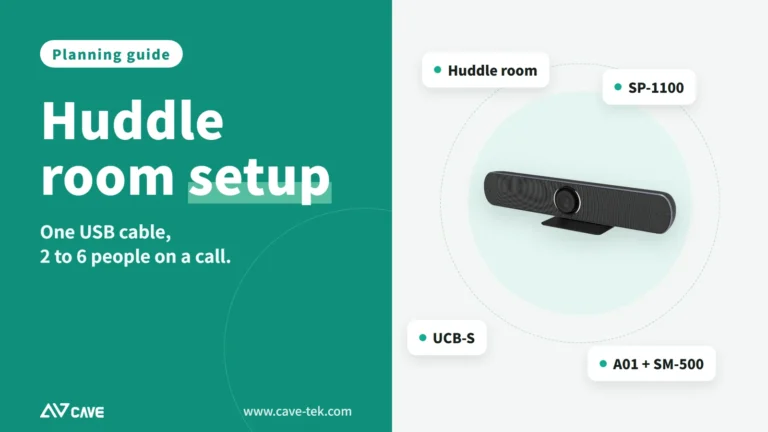
Huddle Room Setup: One USB Cable, 2 to 6 People on a Call
A huddle room is used all the time and looked after by no one. This guide compares the three simplest setups: the SP-1100 all-in-one, the J01i with an SM-500 (UCB-S), and the A01 with an SM-500, and how to choose by headcount, room size and room to grow.
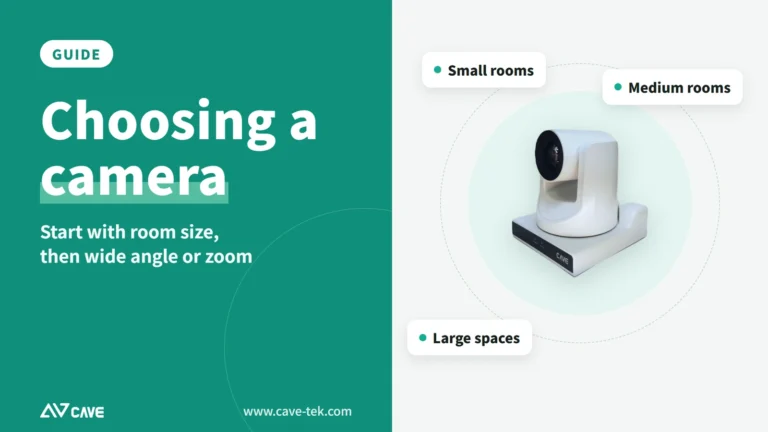
How to choose a meeting-room camera: 8 things to check, starting with room size
The camera is the most visible part of a video meeting. Whether remote people can see everyone, and see them clearly, depends on it. Work through these 8 points before you choose.
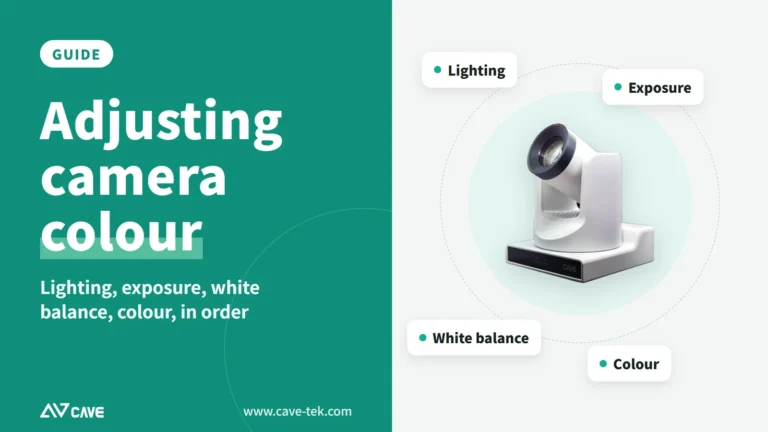
How to adjust colour on a PTZ camera: lighting, exposure, white balance and colour, in that order
The picture looks yellow or blue, faces are too bright or too dark, or two cameras don't match? Work through lighting, exposure, white balance and colour in that order and the picture comes right.