Live Streaming and Recording for Churches and Worship Halls: A Setup One Person Can Run
A church wants to stream the Sunday service for people who cannot attend, but only one or two volunteers look after the equipment. This guide covers what to shoot, how to connect the sound and who runs what.
Short answer
For church and worship-hall streaming, the S12+ and the P20i cover most spaces. Consider the P30i (30x zoom) or the TX20i (4K) only when the hall is very large or you want close-ups of the speaker. Save the pulpit, the choir and the congregation as presets and switch between them with a K10 or K20 controller, which handles most services; if the speaker walks around, choose a camera with AI tracking. Feed the sound from the existing mixer into the NSR-400 recorder, which switches the shots, records and streams to YouTube or Facebook.
Key takeaways
- Decide which shots you need first (pulpit, wide, congregation); the number of cameras follows the shots
- Take the sound from the existing mixer into the recorder; do not pick it up again in the room, which causes echo and noise
- Start with the S12+ and the P20i; only a very large hall or a need for close-ups calls for the P30i or the TX20i
- Save the pulpit, choir and congregation as presets and switch with one button on the controller; AI tracking is a bonus, not a requirement
- Keep a backup of every recording: on a USB drive, and automatically on another server
Many churches want to stream the Sunday service so that older members, travellers and people who are ill can join from home. But the people in charge are usually one or two volunteers, not audio-video professionals.
Streaming a church service is very different from a video call in a meeting room: the space is long and high, the pulpit is far from the congregation, the order of service is fixed, and you only get one take. The sections below start from these traits and then work through the setup.
There are several guides on PTZ cameras, live streaming and recording, each for one job. Start with “What is a PTZ camera” for the basics, then read on for your situation:
| Guide | What you will learn |
|---|---|
| What is a PTZ camera (start here) › | Pan, tilt and zoom, presets, how to control it, AI tracking, and five questions for choosing |
| Why medium and large rooms use PTZ › | 5 reasons to use a PTZ camera |
| 10 things to watch when streaming or recording with PTZ › | Planning the shot, control, exposure, white balance, focus, depth of field, sound, mounting and power |
| How to adjust colour on a PTZ camera › | Lighting, exposure, white balance and colour, in order |
| How to plan a recording system › | What to record, fixed or PTZ, who operates it, sound, the recorder and common setups |
| Live streaming and recording for churches (you are reading this one) | A setup volunteers can run: presets, a keyboard and a streaming recorder |
| How to live stream a sports match › | Nine steps from one phone to a multi-camera broadcast |
| Planning a hybrid classroom › | Lectures, demonstrations and discussion classes |
| PTZ control and meeting-system integration › | Wiring, testing and speaker tracking (for projects and integrators) |
Three traits of a worship hall
Look at what a worship hall is like before choosing equipment. Three things are common:
- A long, high space: the pulpit is at the front, the congregation is spread out, and there is usually a long distance between the camera and the pulpit.
- Volunteers run it: they are rarely audio-video professionals and may work in rotation, so the equipment must be easy to pick up.
- You only get one take: the sermon, the songs and the testimonies follow a fixed order, and what you miss cannot be filmed again.
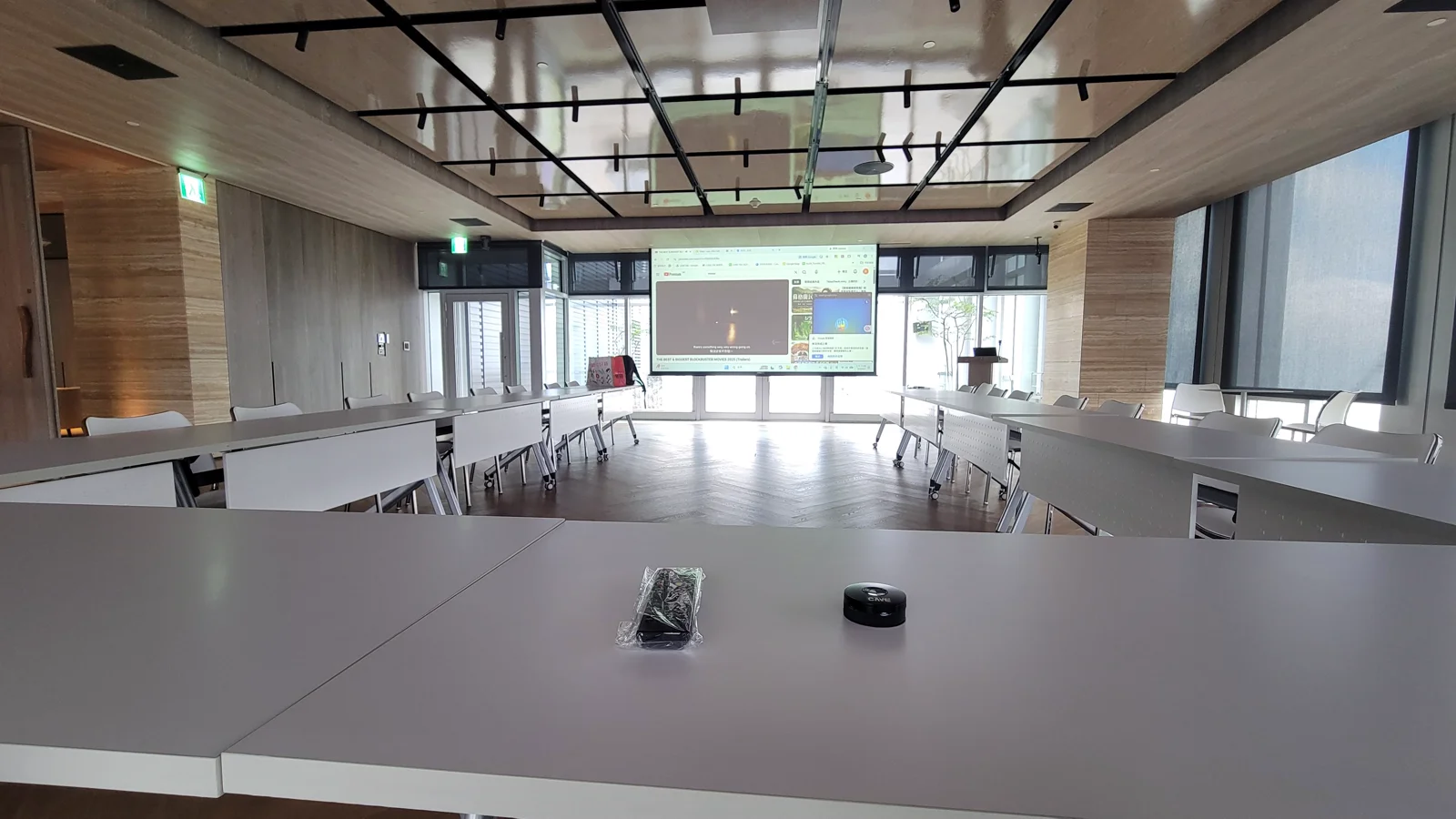
Three traits, three problems
These three traits do not fit ordinary video equipment:
- Picture: one fixed camera cannot cover everything. The speaker walks out of frame, and filming the congregation or the choir means turning the camera.
- Sound: the hall already has loudspeakers. If you add a microphone in the room, it picks up the loudspeakers again and the stream has echo and noise.
- People: every shot needs someone to turn the camera and someone to switch, and one volunteer cannot do both.
Ignoring them costs more than you think
These look like small things, but in a live stream they get magnified:
- Viewers at home who watch the speaker walk out of frame, or hear an echo, soon close the stream, and the point of streaming is lost.
- A volunteer who watches the camera all service cannot take part in the service, and after a while stops signing up.
- Without a backup, a damaged or missed recording cannot be redone.
What a church needs is not a more expensive system but a setup that volunteers find easy: switch the shots with presets, take the sound from the existing mixer, and start recording and streaming with buttons on the unit. The sections below follow that order.
First, decide which shots you need
A church stream usually has three kinds of shot:
- The pulpit: the speaker or the person leading, the main shot.
- The wide shot: shows the whole hall so that people at home feel they are there.
- The congregation: for sharing, testimonies or when the choir sings.
For the pulpit only, one camera is enough; for all three you need two or three cameras and a switcher. Decide the shots first and the number of cameras second, not the other way round.
Sound matters more than picture
A church usually has a mixer and a PA system. The loudspeakers are playing all the time, so a microphone placed in the room picks them up again and the stream has echo and noise. A better way is to connect the mixer output directly to the recorder, so what goes out is the sound the PA system has already processed.
There are three steps:
- On the mixer, find an output that sends sound out (for example the one meant for recording or a second output). The actual connector depends on the mixer; use an adapter cable if needed.
- Connect it to a 3.5 mm audio input on the NSR-400. The NSR-400 has four 3.5 mm audio inputs, and each HDMI input can carry sound too.
- Before the service, ask the person on the mixer to confirm that the stream sounds the same as the room and that the level does not clip.
Cameras: start with the S12+ and the P20i
For most worship halls the S12+ or the P20i is enough. Both are PTZ cameras: you can steer and zoom them remotely, save each position as a preset, and recall it with one button. They differ in zoom and in whether they track automatically:
- S12+: 1080p, 12x optical zoom, horizontal field of view from 72.5° to 6.9°. Wide, it takes in the whole pulpit; zoomed in, it reaches someone speaking at the back. It stores 255 presets, has HDMI output and network streaming (RTSP, RTMP), and connects to a computer over USB. It suits a small or medium hall where the speaker stays at the pulpit and you switch positions with presets.
- P20i: 1080p, 20x optical zoom, horizontal field of view 3.36° at the telephoto end and 60.7° at the wide end, so a camera at the back still catches the speaker’s face. Besides HDMI, USB and network it has 3G-SDI, and it has built-in AI person tracking, so when the speaker walks around the camera follows by itself. The product page positions it as the workhorse for lecture halls and worship halls.
How to choose depends on the speaker: if they stay at the pulpit, the S12+ with presets is enough; if they walk around, or the hall is deep and you want the camera to follow, choose the P20i.
Where you put the camera also affects the picture:
- At the front: it can block the view of the congregation, and a person who stands up may block the camera.
- At the back or on the side: the optical zoom brings the pulpit closer and nothing is blocked.
- Height: too low and the front rows block it, too high and it looks down on people. Adjust to the ceiling and the position of the pulpit.
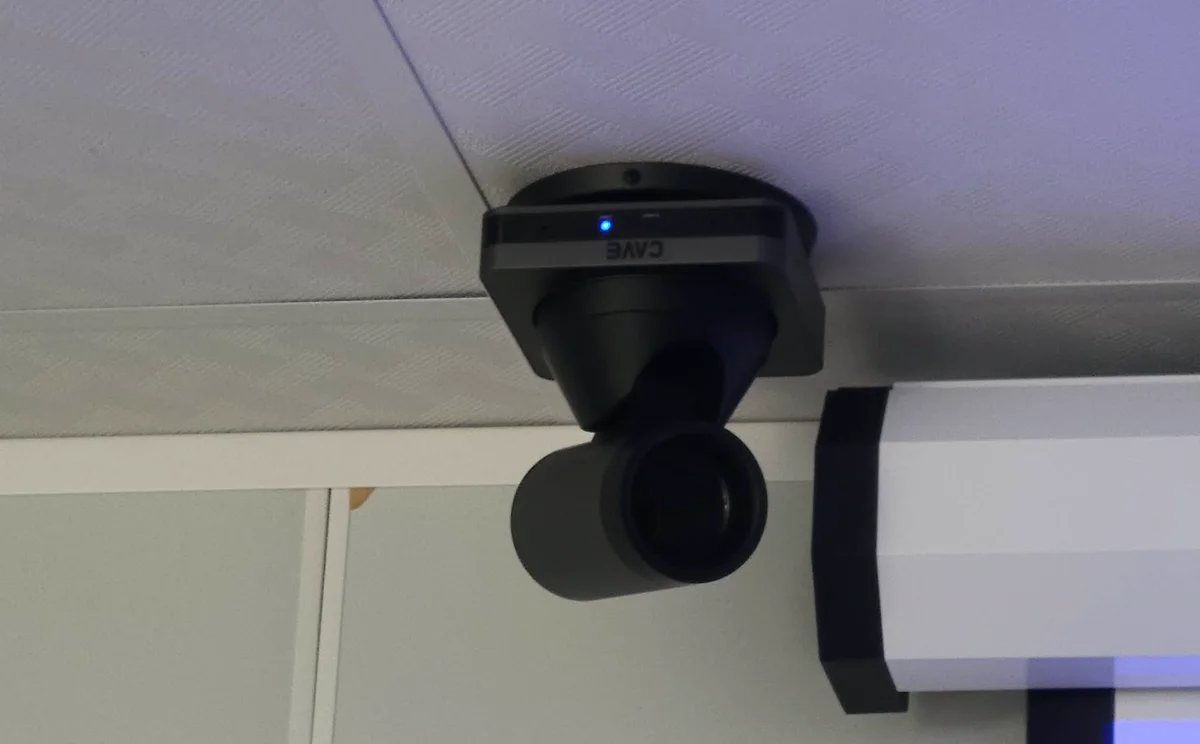
Very large hall, or you want close-ups: then consider the P30i and the TX20i
If the speaker is still too small in the frame with the S12+ or P20i fully zoomed in, look at these two. Not every hall needs them. Measure the distance from the camera to the pulpit first, then decide:
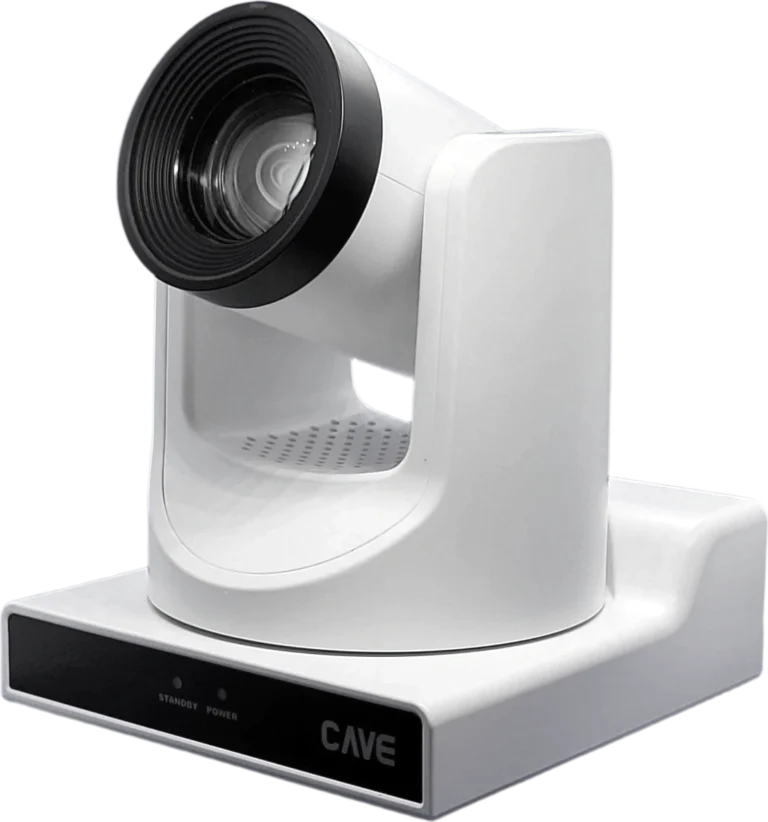
- P30i: 30x optical zoom, horizontal field of view 2.28° at the telephoto end, also 1080p with AI tracking. The product page positions it for gymnasiums, large auditoriums and other places with long distances, where you can still get a close-up of the pulpit from the very back.
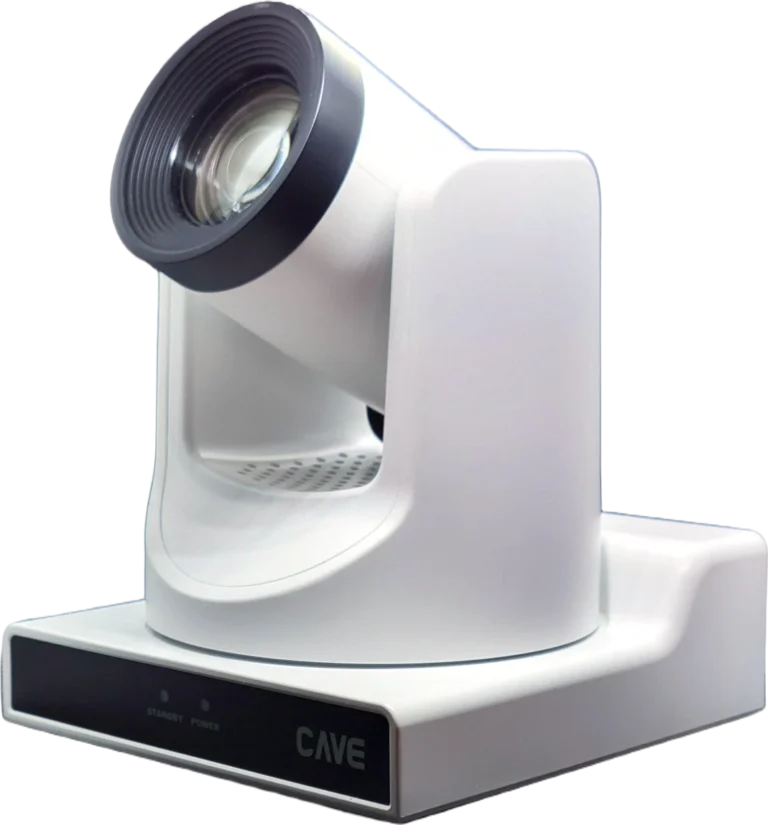
- TX20i: 4K at 60 fps, a 1/1.8-inch sensor, 20x optical zoom and second-generation AI tracking. It can frame a speaker’s face from 10 metres away, and its 0.5 lux low-light performance keeps a dim hall clean. It suits places that want finer picture quality, for example when there is a big screen in the room or the close-up goes out live.
More zoom or more resolution is one more option, not a sign that every hall should upgrade. The S12+ and the P20i handle most situations; consider these two only when the distance is really long or you need 4K.
The recorder: switching, recording and streaming in one unit
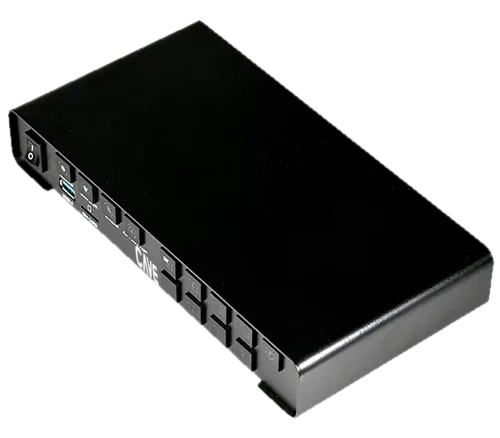
With more than one shot you need to switch between them. The NSR-400 is a recorder and streaming unit with four HDMI inputs. Connect up to four cameras or computers and you can switch, record and stream without a separate computer. The picture can be full screen, four-way split, side by side or picture-in-picture, with text on top such as a verse or a title. Here is how it can be used through a service:
- Sermon: full-screen close-up of the speaker.
- Songs: cut to the choir or the wide shot, with the lyrics on top.
- Testimonies: picture-in-picture, showing the person sharing and the pulpit together.
The unit has dedicated record, stream and layout buttons, so a volunteer presses one button to start and never opens any software. It supports RTMP and can stream straight to YouTube or Facebook.
Controller: presets give volunteers one-button switching
The order of service is fixed: sermon, songs, reading, testimony, choir. The position of each part is fixed too, which is what presets are for: save each position once, and during the service one button turns the camera to it. For example:
- Pulpit close-up: the speaker or the person leading.
- Choir or worship band: for the songs and special music.
- Congregation: for testimonies and sharing.
- Wide shot: for the opening, the end and the gaps in between.
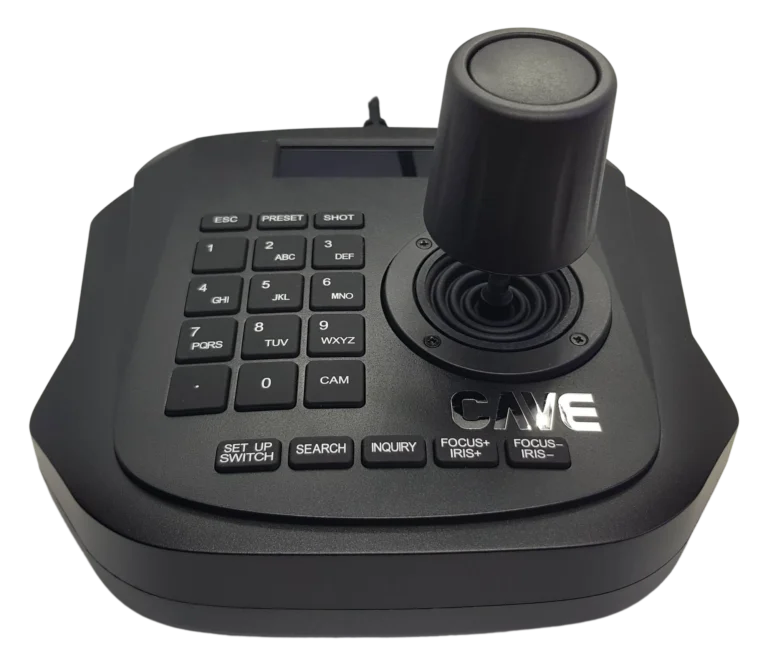
A PTZ controller puts this at your fingertips. The K10 finds the cameras automatically once it is on the network, controls up to 6 cameras, and recalls 10 presets with one button each; its joystick pans, tilts and zooms with one hand. It suits a small or medium hall with two or three cameras.
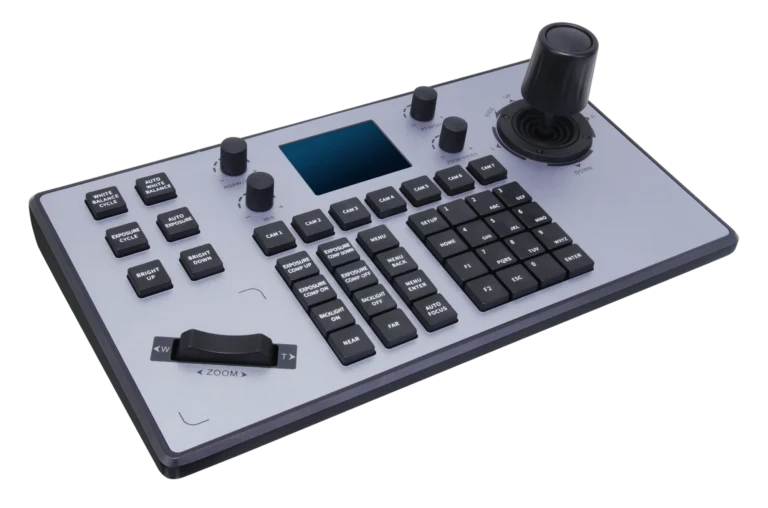
For a larger hall, more cameras, or when you want to adjust exposure, white balance and focus during the stream, choose the K20: 41 buttons and 4 knobs, with dedicated controls for the usual picture settings. Besides the network it connects to cameras over RS-232 and RS-422, controls up to 7 cameras and supports PoE.
In practice the steps are simple:
- Before the service, turn each camera to the pulpit, the choir, the congregation and the wide shot, and save each as a preset.
- At rehearsal, switch from one preset to the next and check that every position is framed and sharp.
- On the day, the volunteer follows the order of service and presses the matching preset button.
The camera itself stores 255 presets and the controller recalls them quickly. With an AI-tracking model (P20i, P30i, TX20i) the camera follows a speaker who walks around, so the volunteer does not have to work the lens. AI tracking is a bonus: for a service where the speaker stays at the pulpit, presets alone work very well.
Keep a backup of every recording
A Sunday service happens once, and a lost file cannot be redone, so back up in layers:
- On site: record to a USB stick or an external drive, up to 2 TB. Long recordings are split into files without interruption, and when the drive is full it can overwrite the oldest files.
- Off site: after recording, the unit uploads automatically to an FTP server, so a second copy is kept elsewhere even if the equipment in the hall fails.
- Two kinds of file: the NSR-400 records 5 files at once, 4 of them the raw picture from each input and 1 the switched programme. Share the programme with people who could not attend and keep the raw files for later editing.
How to choose
| Need | Suggested setup | Notes |
|---|---|---|
| Small or medium hall, speaker stays at the pulpit | S12+ with presets | 12x optical zoom, save the pulpit, choir and wide shot |
| Most halls, speaker walks around | P20i | 20x optical zoom, built-in AI tracking |
| Very large hall, long distance | P30i | 30x optical zoom, close-ups from the back |
| 4K quality and close-ups of faces | TX20i | 4K at 60 fps, faces framed from 10 metres |
| Pulpit, wide shot and congregation | Two or three cameras plus an NSR-400 | Switching, recording and streaming in one unit |
| Two or three cameras, switched by the order of service | Add a K10 controller | Presets for the pulpit, choir and congregation, one button each |
| Many cameras, adjust the picture live | Use a K20 controller instead | Dedicated buttons for exposure, white balance and focus |
These are common setups. You can also use the planning wizard on the products page: answer a few questions and get a planning sheet.
Summary: easy for volunteers, so the stream lasts
A church stream lasts when the volunteers do not get tired. Use the S12+ or the P20i as the main camera, switch positions with presets and a controller, take the sound straight from the mixer, start recording and streaming with the buttons on the unit, and keep a backup. Only a very large hall or a need for close-ups calls for the P30i or the TX20i. Decide the shots first, then choose cameras and a recorder, and one or two people can run the whole setup.
If your hall is unusual, tell us its size and the shots you want, and our team will get in touch to help you plan.
Products in this guide
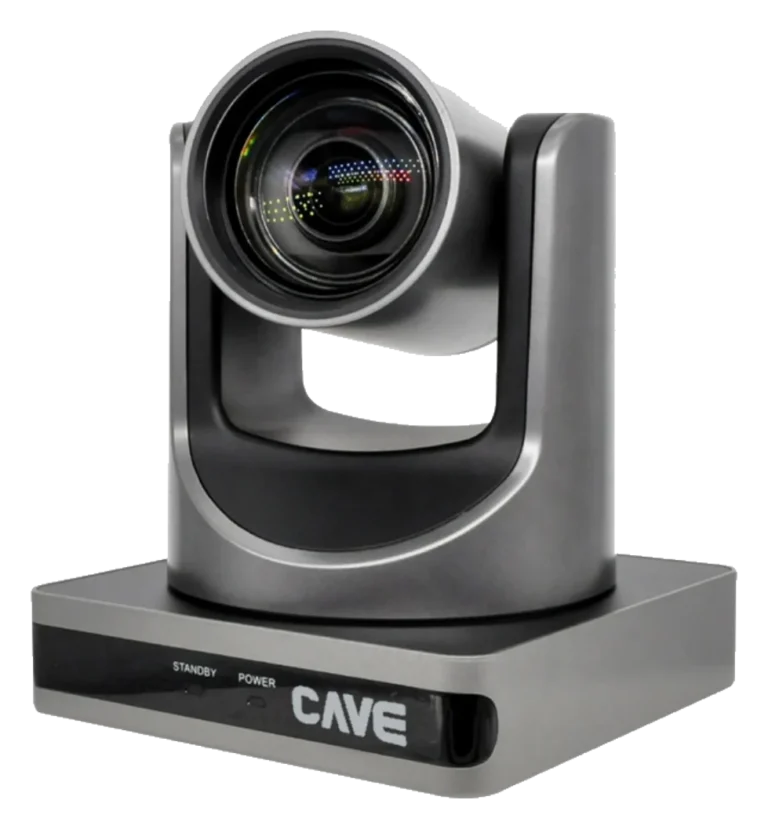
S12+
The meeting-room standard.
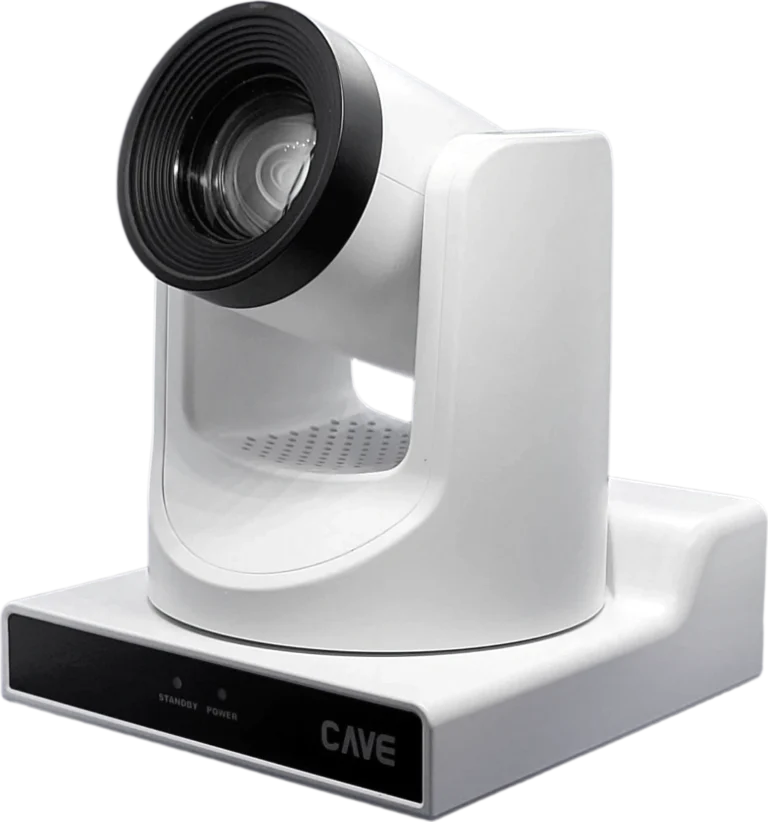
P20i
The workhorse for halls and auditoriums.
P30i
Long reach for large venues.
TX20i
See further. Follow smarter.
NSR-400
Four cameras. One box.
K10
One cable. Six cameras.
K20
Pro control at your fingertips.
FAQ
How many cameras does a church need?
It depends on how many shots you want. One camera is enough for the pulpit only; for the pulpit, a wide shot and the congregation you usually need two or three. The number of cameras follows the shots.
Which camera should a church choose?
Most worship halls are well served by the S12+ (12x optical zoom) or the P20i (20x optical zoom, built-in AI tracking). For a very large hall consider the P30i (30x); for 4K picture quality and close-ups of faces consider the TX20i. Measure the distance from the camera to the pulpit first.
Can one volunteer run several cameras?
Yes. Save the pulpit, choir and congregation as presets and switch with one button on a controller. The recorder also has dedicated record, stream and layout buttons, so one press starts everything and no computer is needed. If the speaker walks around, choose a model with AI tracking and the camera follows by itself.
K10 or K20 controller for a church?
The K10 connects over the network, controls up to 6 cameras and recalls 10 presets, which suits a small or medium hall with two or three cameras. Choose the K20 if you have more cameras or want to adjust exposure and focus during the stream; it controls up to 7 cameras.
How do I connect the sound?
A church usually already has a mixer and a PA system. Connect the mixer output to an audio input on the recorder (the NSR-400 has four 3.5 mm audio inputs) instead of using the camera microphone.
Can I stream to YouTube or Facebook?
Yes. The NSR-400 supports RTMP streaming and can send out two streams while it records.
How should recordings be backed up?
Record to a USB stick or an external drive (up to 2 TB), and let the recorder upload automatically to an FTP server so a second copy is kept elsewhere. Long recordings are split into files automatically without interruption.
The planning advice in this guide is general reference. Actual results vary with the room, the equipment and the network. Product specifications follow the manufacturer's documents; we recommend contacting us for an assessment first.
More guides
How to stream a sports event: from one phone to multi-camera coverage in 9 steps
School teams and community leagues want to stream their games too, and you don't have to buy a pile of equipment to begin. This guide starts with a single phone and works up to professional multi-camera coverage.
10 things to get right when streaming or recording with a PTZ camera
You bought the right camera, and the picture is still too dark, too yellow or soft? The cause is usually where the camera is placed and a few basic settings. Here are the 10 things to check before going live.
How to plan a recording system: cameras, control, audio and the recorder explained
When people want to record a class, a talk or an event, and perhaps stream it too, the first thing they ask is which recorder to buy. That isn't the first question. Answer these 6 questions, then choose the equipment.