How to stream a sports event: from one phone to multi-camera coverage in 9 steps
School teams and community leagues want to stream their games too, and you don't have to buy a pile of equipment to begin. This guide starts with a single phone and works up to professional multi-camera coverage.
Short answer
Sports streaming comes in two levels. Level 1 is a phone or tablet on a tall tripod with a scoring app, run by one person. Level 2 is several cameras: one on the whole field and one on close-ups, plus a switcher, a scoreboard and instant replay. At either level the network is critical, so use a wired connection whenever you can. Set the picture to 60 frames per second so fast action and slow-motion replays stay clear. PTZ cameras can be turned and zoomed remotely and remember positions such as the goal or the free-throw line, which makes them well suited to multi-camera sports coverage.
Key takeaways
- Start with one phone and add equipment as the need appears
- The network is the lifeline: wired is the most stable, and if it is poor, record first and upload later
- Sport needs 60 frames per second for clear fast action and smooth slow-motion replays
- For multi-camera, use PTZ cameras: one person can control several remotely
The way people watch sport has changed completely. Nobody has to sit in front of a television: pick up a phone or tablet and the game is there. This guide goes from a stream on one phone to multi-camera coverage and shows you how to put the whole system together.
There are several guides on PTZ cameras, live streaming and recording, each for one job. Start with “What is a PTZ camera” for the basics, then read on for your situation:
| Guide | What you will learn |
|---|---|
| What is a PTZ camera (start here) › | Pan, tilt and zoom, presets, how to control it, AI tracking, and five questions for choosing |
| Why medium and large rooms use PTZ › | 5 reasons to use a PTZ camera |
| 10 things to watch when streaming or recording with PTZ › | Planning the shot, control, exposure, white balance, focus, depth of field, sound, mounting and power |
| How to adjust colour on a PTZ camera › | Lighting, exposure, white balance and colour, in order |
| How to plan a recording system › | What to record, fixed or PTZ, who operates it, sound, the recorder and common setups |
| Live streaming and recording for churches › | A setup volunteers can run: presets, a keyboard and a streaming recorder |
| How to live stream a sports match (you are reading this one) | Nine steps from one phone to a multi-camera broadcast |
| Planning a hybrid classroom › | Lectures, demonstrations and discussion classes |
| PTZ control and meeting-system integration › | Wiring, testing and speaker tracking (for projects and integrators) |
1. Why are schools and community teams streaming?
A few years ago, streaming sport belonged to broadcasters and professional teams: it took an outside-broadcast truck and a full crew. Not any more. One phone and one app can put a game online, and video now does for schools and community teams what only professional teams could do before. There are three main reasons they have started streaming for themselves:
- Anyone can use it: analysis, scoring and fan interaction now run on a phone, tablet or laptop, within reach of a small team
- A coach’s best tool: reviewing tactics and technique frame by frame beats memory. Clips can be shown to players at half-time and corrected on the spot
- More people see it: highlights condense hours of play into minutes. Schools can show what their students can do, and add sponsor logos for income
2. Level 1: start with one phone
Getting started doesn’t cost much. Level 1 means streaming, recording and scoring from a phone, run by one person.
- A phone and a scoring app: apps such as GameChanger bring the roster, schedule, scoreboard, stream and highlights together. You shoot; the app adds the scoreboard and can cut highlights from the scores you enter
- An all-in-one unit: for something more professional, a small touchscreen switcher such as YoloBox has its own battery and handles video and audio sources, preview, recording, streaming and instant replay, with an interface a beginner can use
- Raise the camera: put it on a tall tripod at 2.5 metres or more so people don’t block the view. Some entry-level AI cameras (VEO and Trace, for example) follow the play automatically with no operator
3. The network: the lifeline of a stream
Whether a stream stutters depends mainly on the network. There are three ways to connect, and they differ a great deal in stability:
| Connection | Character |
|---|---|
| Wi-Fi | The most common, but easily disturbed |
| Mobile data (4G / 5G) | Works anywhere, but less stable |
| Wired network | The most stable, with the least delay and fewest interruptions. A phone can use one too, through a USB-C adaptor |
If the network at the venue really is poor, record first and upload afterwards. The quality will be much better.
Outdoor venues often have only mobile data. A “bonding” service such as Speedify can combine Wi-Fi and mobile connections into one link, which makes the stream much steadier.
What is RTMP?
A stream to YouTube or Facebook is sent using a standard method called RTMP. You get two things from the streaming platform first, the server address and the stream key, and enter them in your streaming software or device.
Why 60 frames per second?
The more frames per second (fps), the smoother the movement. For sport, 60 fps or even 120 is recommended so a fast-moving ball and players stay clear. Viewers are used to 60 fps sports coverage, and it feels closer to being there.
4. Level 2: several cameras for a professional look
When one lens is no longer enough, move up to Level 2: multi-camera.
Level 2 is about several cameras shooting together. There is usually more than one operator, plus instant replay and a separate recording from each camera. Done well, what viewers see comes close to a television broadcast. Switching is commonly done with production software on a computer (vMix or Wirecast, for example) or with an all-in-one unit with a touchscreen.
- Switching shots: cutting from the wide view of the field to a close-up of a player’s face puts the viewer at the touchline
- Video over network cable: multi-camera used to need many capture cards and a mass of cables. With NDI, a camera sends its picture over a single network cable, which makes cabling far easier
- Separate recordings for the coach: recording each camera in full on its own (called ISO recording) gives footage with no cuts and no scoreboard in the way, ready for analysis after the game
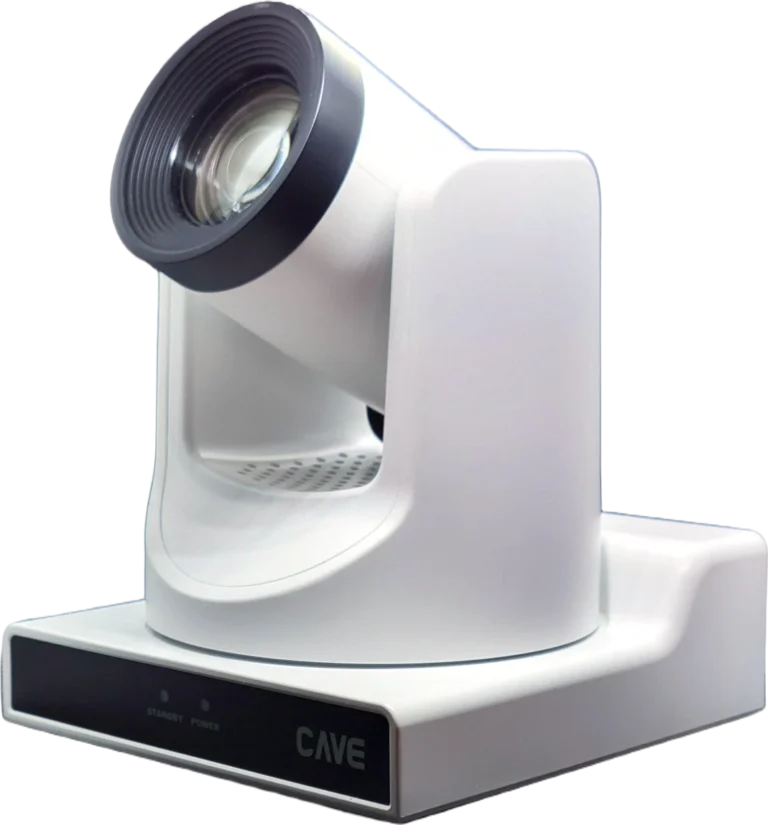
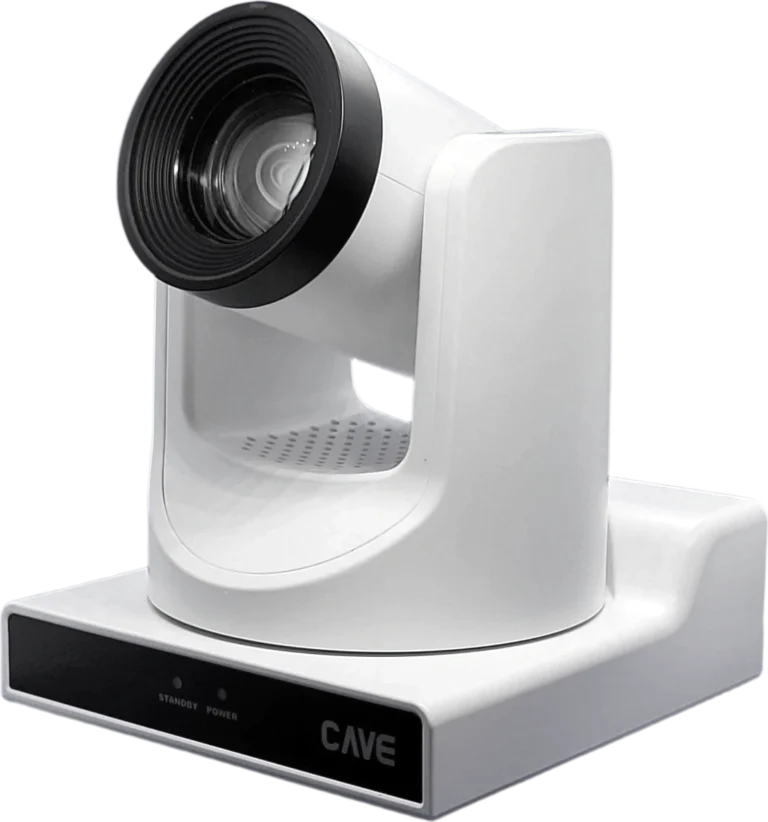
PTZ cameras suit sport
A PTZ camera can be turned left and right, up and down, and zoomed remotely, so the operator doesn’t have to stand beside it. On very large grounds such as football pitches and baseball fields it is especially useful.
- Remote control: it is controlled over the network, so the shot changes the moment the play does
- Presets: save the goal, the free-throw line and the sideline, and cut to each at one press
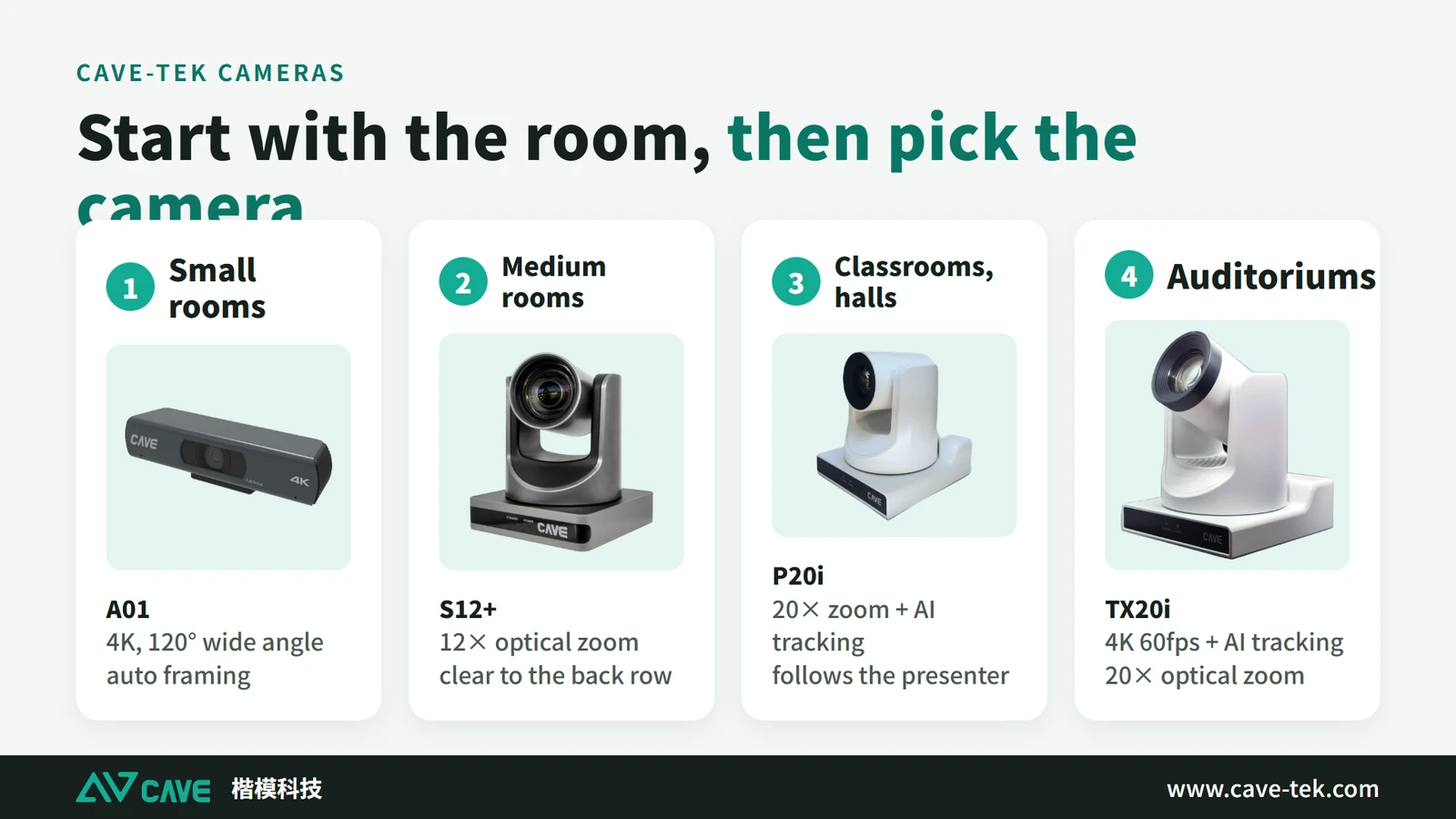
- AI auto tracking: some models (TX20i and PX200i, for example) follow players by themselves, so nobody has to mind the camera all the time
- One cable: HDMI, SDI and network outputs are available, and with a PoE switch one network cable carries both power and video
5. The crew: who does what?
However good the equipment, people have to work together. This is the usual division; in a small crew one person takes several roles.
| Role | Responsibility |
|---|---|
| Coach / organiser | Provides the roster and schedule and coordinates with the production crew |
| Parents / volunteers | Help set up tripods and cameras, or act as scorer or commentator |
| Technical lead | Keeps all the equipment working, manages the network, and often switches shots and runs replays |
| Camera operator | Shoots the game and follows the action |
| Scorer | Records scores and statistics in an app, shown live on the stream |
| Director | Runs the flow and the pictures for the whole broadcast |
| Commentator | Calls the game and adds atmosphere |
| Editor | Produces the highlights |
| Data analyst | Analyses footage and statistics and reports to coaches and players |
6. The scoreboard and on-screen graphics
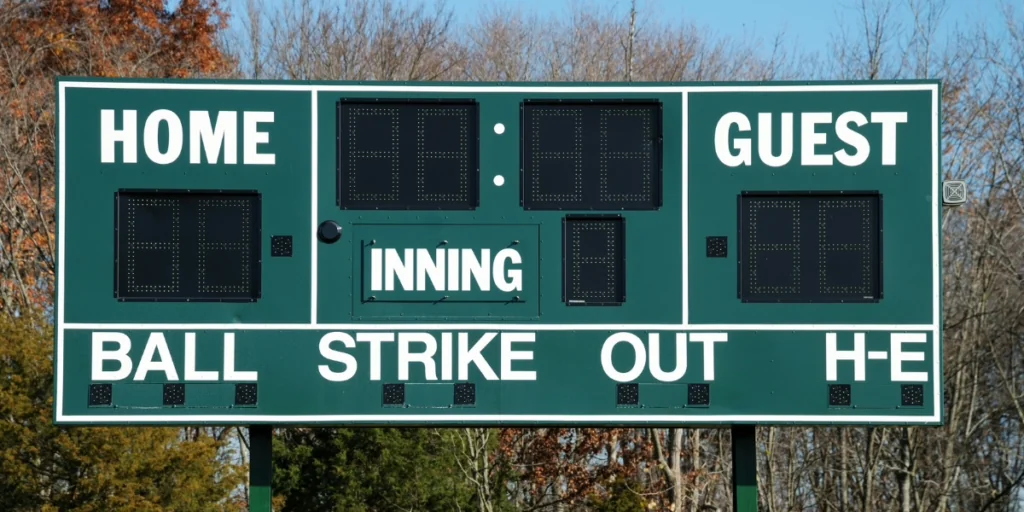
On-screen graphics are what make a stream look professional, and the most important is the scoreboard: score, time and period or inning, visible to viewers at all times.
Where does the score come from?
- Typed in by hand: the simplest; one person updates it live
- From the scoreboard controller: some professional software reads the score straight from the controller of the venue’s scoreboard
- Read by a camera: point a camera at the physical scoreboard and software reads the numbers off it
Other common graphics
- Lower thirds: player statistics, a game summary, or the commentator’s name
- Replay marker: a transition animation that tells viewers they are watching a replay
- Rosters and line-ups: introducing the players before the game
- Viewer comments: picking messages from the chat and putting them on screen, to involve the audience
Most of these graphics can be made in the production software. For viewer comments, a tool such as vMix Social lets you choose messages and put them on screen in real time.
7. Instant replay
Instant replay isn’t only for viewers. For a coach it is a tool for analysing tactics. There are two kinds of replay system with different purposes:
- For viewers: showing a great play again, or a disputed call more clearly. It is usually built into the streaming software or device (the CAVE NSR-200, for example)
- For coaches: the point is to see it at once. On a tablet at the touchline, the coach can look back at the last play immediately
For smooth slow-motion replay the camera must be set to 60 fps or more. With more frames, movement stays continuous when slowed down. Footage at 30 fps looks jerky in slow motion.
One more tip: play replays during natural breaks such as timeouts, fouls and substitutions, so viewers don’t miss what is happening on the field.
8. Which platform?
| Platform | Strengths | Suits |
|---|---|---|
| YouTube Live | Large audience, easy to find by search, with advertising and channel memberships for income | Organisations that want reach and advertising income |
| Facebook Live | Easy to share, good for engaging a local audience | Community and school games |
| Twitch | Highly interactive, low delay, good for a specific audience | Esports, niche sports, or games that need live interaction |
For a steady income, consider opening the stream only to paying viewers. With a subscription, viewers pay regularly for streams and replays. With pay-per-view, they pay once for a single game, such as a final.
You can also stream to several platforms at once. More people see it, and if one platform has a problem the others are still there.
9. Where it is heading
- AI saves effort: AI cameras record and stream by themselves, and tools that cut highlights automatically take a lot of time out of editing
- Remote production: through the cloud, operators control cameras and switch shots without being at the venue, saving travel and staff costs
- Video over network cable is becoming the norm: with technology such as NDI, one network cable carries video, control and power, and methods once limited to professional crews are open to everyone
What these trends share is that a small team can now do what once took a whole crew.
Reference setups: basketball and baseball
Level 1: simple setup (one operator)
| Basketball | Baseball | |
|---|---|---|
| Aim | Cover the whole court from one high angle, with live scoring | Cover the whole field from behind home plate, with automatic highlights |
| Equipment | Phone or tablet, or an AI camera | Phone or tablet, or an AI camera |
| Camera position | On a tripod beside the halfway line, above court level | With one camera, a wide shot from behind home plate; an AI camera on a tall tripod at 2.5 metres or more |
| Connection | Wi-Fi or mobile data; if it is unstable, record first and upload later | Combining Wi-Fi and mobile data makes an outdoor stream steadier |
| Limits | No switching and no close-ups | No close-ups; hand-held following can be shaky |
Level 2: multi-camera setup
| Basketball | Baseball | |
|---|---|---|
| Aim | Switch between wide and close-up, catch fast breaks, dunks and free throws, and provide instant replay | Catch the pitcher-batter duel and key plays at each base, with multi-angle replay |
| Equipment | Several cameras (TX20i plus a wide-angle A01, for example), a switcher and a PTZ keyboard | Several 20× or 30× PTZ cameras, a switcher and a PoE switch |
| Four cameras suggested | ① Main: high at centre court on the whole game ② Close-up: following the ball handler ③④ Baseline: one behind each basket | ① Wide: behind home plate on the whole field ② First base ③ Pitcher-batter close-up ④ Third-base side: runners coming home |
| Advantages | Presets cut quickly to areas such as the free-throw line; video over network cable keeps cabling simple | 30× zoom gets a batting close-up from far away; each camera recorded separately helps the coach’s analysis afterwards |
| Watch out for | Play changes direction fast, so the operator (or auto tracking) has to move the camera smoothly | The ground is large, and distant cameras may need a wireless bridge to save running very long cables |
Summary: start shooting, then upgrade step by step
Streaming sport is not as hard as it looks, as long as you take it in stages. At level 1, one phone, a tall tripod and a scoring app let one person put a game on air. When the audience grows and you want a better-looking picture, move to level 2: several cameras, a scoreboard and instant replay, where PTZ cameras save a good deal of labour. At either level, a stable network and enough frames per second matter more than how expensive the equipment is.
So our advice is this: at the next game, shoot it once with a phone. After one game you will know what you are missing most, and equipment can be added when the need arises. When you plan a multi-camera setup, or cameras installed permanently at a ground or sports hall, contact us and we will advise for the size of the venue and the shooting distance.
Products in this guide
FAQ
What is the minimum equipment for streaming a sports event?
A phone or tablet on a tall tripod (2.5 metres or more) with a scoring app; one person can run it. Add cameras, a switcher and replay equipment later as the need appears.
Why set 60 fps for sports streaming?
More frames per second means smoother movement. The ball and players move fast, and 60 fps keeps them clear; in slow-motion replay, 30 fps footage looks jerky.
Can I still stream if the venue network is poor?
Use a wired connection whenever you can; it is the most stable. If that really isn't possible, record first and upload after the game: the quality will be much better.
The planning advice in this guide is general reference. Actual results vary with the room, the equipment and the network. Product specifications follow the manufacturer's documents; we recommend contacting us for an assessment first.
More guides
10 things to get right when streaming or recording with a PTZ camera
You bought the right camera, and the picture is still too dark, too yellow or soft? The cause is usually where the camera is placed and a few basic settings. Here are the 10 things to check before going live.
How to plan a recording system: cameras, control, audio and the recorder explained
When people want to record a class, a talk or an event, and perhaps stream it too, the first thing they ask is which recorder to buy. That isn't the first question. Answer these 6 questions, then choose the equipment.
How to Plan a Hybrid Classroom: Lectures, Demonstrations and Discussions, With Remote Students Following Along
The teacher teaches in the classroom while some students join online at the same time. This guide uses three kinds of class (lecture, demonstration, discussion) to explain the cameras, microphones and controls for a hybrid classroom, and sorts out the terms.